Brother DCP & MFC Series Inkjet Printer Service Repair Manual – PDF
Original price was: $85.00.$16.95Current price is: $16.95.
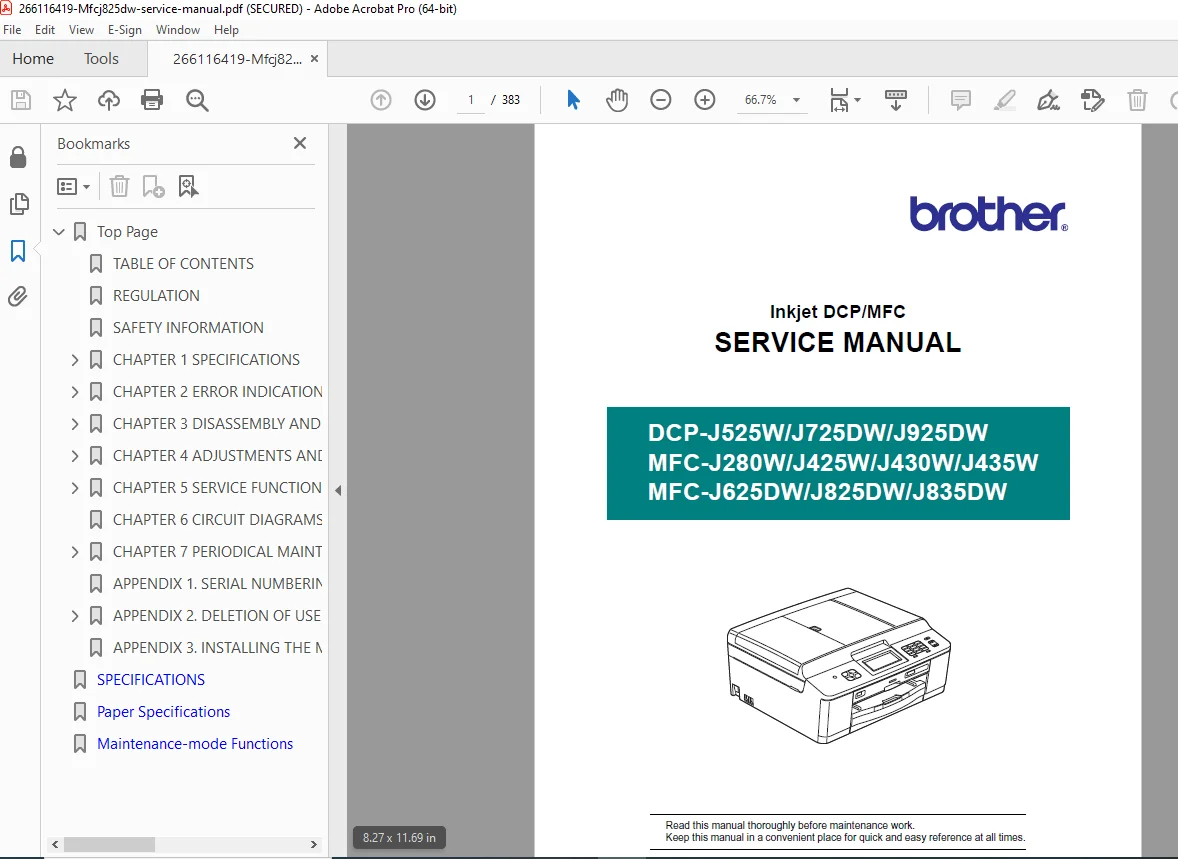
This is the comprehensive Brother Inkjet DCP/MFC Service Manual (April 2011), covering a wide range of models including the DCP-J525W, MFC-J430W, and MFC-J825DW. It is the ultimate resource for technicians, featuring detailed troubleshooting guides for specific error codes (like Error 46 and Error 82), step-by-step disassembly instructions, and exclusive access to maintenance mode function codes for resetting counters and calibrating print heads. Whether fixing paper jams or replacing the main PCB, this manual provides the official factory procedures.
Description
Brother DCP & MFC Series Inkjet Printer Service Repair Manual – PDF DOWNLOAD
Description
This official Brother Service Manual provides in-depth technical details for the maintenance, diagnosis, and repair of Brother’s 2011 line of inkjet Multi-Function Centers (MFC) and Digital Copier Printers (DCP). It is designed to help service personnel efficiently locate and resolve defects using self-diagnostic functions and precise mechanical adjustments.
The manual is structured to guide you through every aspect of the machine’s lifecycle, from installation specifications to component-level repair. It includes extensive sections on troubleshooting image defects, resolving paper feeding problems, and performing critical software updates.
📋 Table of Contents & Key Sections
CHAPTER 1: SPECIFICATIONS
General, Media, and Paper Handling
LCD/Panel, Memory, and Interface Specs
Network (Wired/Wireless), Fax, Printer, and Scanner Specs
Service Information: Monthly volume, Machine life, and MTBF
CHAPTER 2: ERROR INDICATION AND TROUBLESHOOTING
Error Codes: Comprehensive list (e.g., Error 20-2D Ink Cartridge, Error 46 Purge Counter, Error 82 Paper Jam)
Troubleshooting Flowcharts:
Recording Paper or Disc Tray Feeding Problems
Print-Image Problems (Defective images, alignment issues)
Software, Network, and Control Panel Problems
Fax and Other Problems (Power, Memory Card)
CHAPTER 3: DISASSEMBLY AND ASSEMBLY
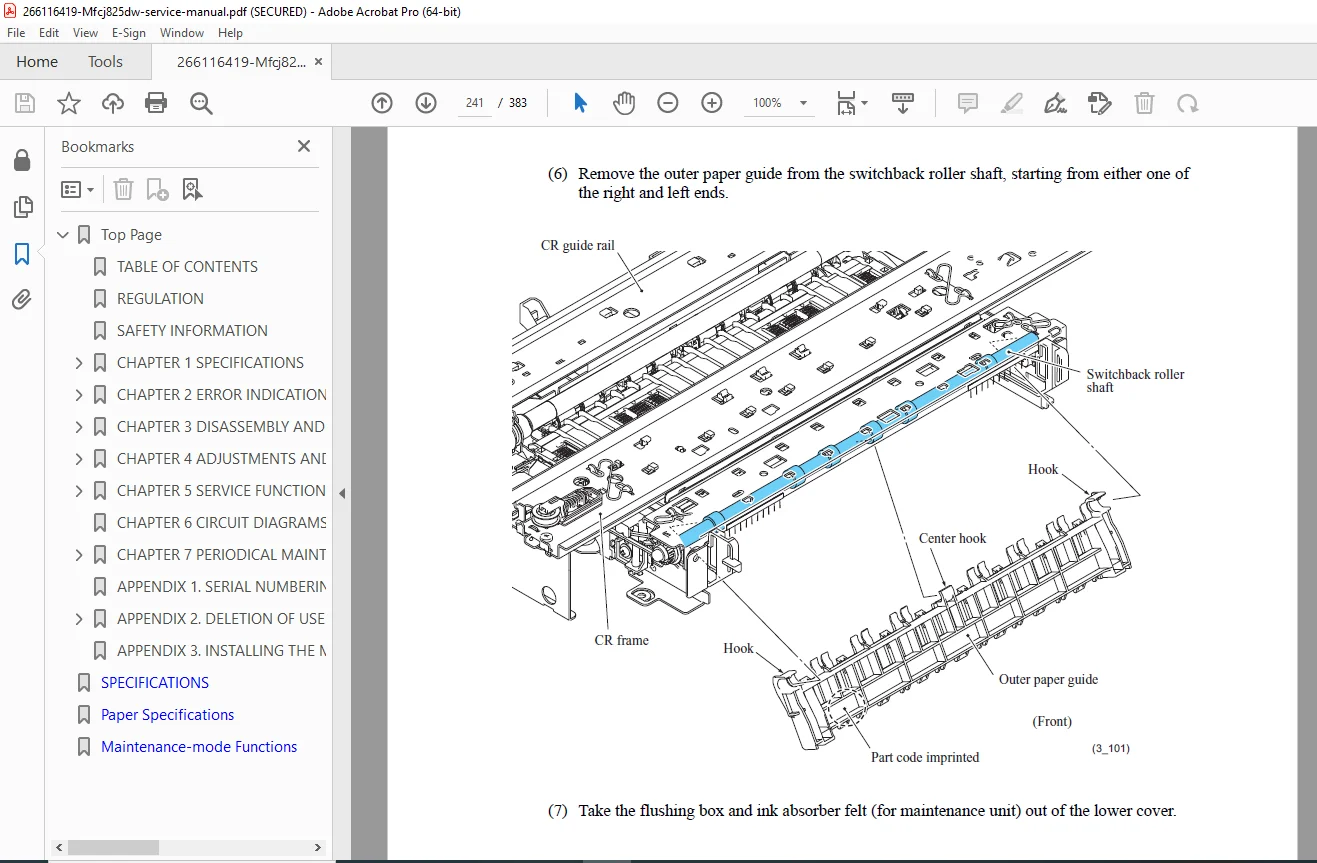
Detailed Procedures: Step-by-step removal of Jam Clear Cover, Head/Carriage Unit, ADF, Control Panel, Main PCB, and Ink Refill Assembly
Routing: Harnesses, Flat Cables, and Ink Supply Tubes
Torque & Lubrication: Screw torque list and lubrication points
CHAPTER 4: ADJUSTMENTS AND UPDATING SETTINGS
Parts Replacement: Updates required after replacing the Head/Carriage, Main PCB, or ADF
Calibration: IF/Head property update, Vertical print line alignment, and Touch panel adjustment
CHAPTER 5: SERVICE FUNCTIONS (MAINTENANCE MODE)
Entry Methods: How to enter maintenance mode for users and service personnel
Function Codes:
01: EEPROM Parameter Initialization09: Printout of Nozzle Test Pattern32: Sensor Operational Check74: EEPROM Customizing76: Purge Operation (Essential for cleaning and resetting)80: Display Equipment’s Log
CHAPTER 6: CIRCUIT DIAGRAMS & WIRING
CHAPTER 7: PERIODICAL MAINTENANCE
APPENDICES: Serial Numbering System, Deleting User Settings, Installing Maintenance Driver
🗃️ File Details
Manual Name: Brother Inkjet DCP/MFC Service Manual (SM-FAX124)
Models Covered:
DCP Series: DCP-J525W, DCP-J725DW, DCP-J925DW
MFC Series: MFC-J280W, MFC-J425W, MFC-J430W, MFC-J435W, MFC-J625DW, MFC-J825DW, MFC-J835DW
Year: April 2011
Manual PDF Quality: High Quality (Text-searchable, clear vector diagrams
- No. of Pages: 383