Canon imagePROGRAF iPF750/iPF755/iPF760/iPF765 Service Manual PDF
Original price was: $95.00.$18.95Current price is: $18.95.
Official Canon imagePROGRAF iPF750/iPF755/iPF760/iPF765 Service Manual (2012) for qualified technicians. Covers product specs, operating menus, mechanical & electrical theory (ink system, purge/maintenance cartridge, paper path, sensors, controller PCBs, power supply), full disassembly/reassembly with adjustments, periodic maintenance, troubleshooting with connector pinouts, service mode, and complete error/warning tabl
Description
Canon imagePROGRAF iPF750/iPF755/iPF760/iPF765 Service Manual PDF DOWNLOAD
📄 File Details
| Item | Details |
|---|---|
| Manual name | Canon imagePROGRAF iPF760/750 Series – Service Manual |
| Models covered | iPF750 / iPF755 / iPF760 / iPF765 |
| Year | 2012 (dated Jul 25, 2012) |
| Manual PDF quality | Clear, printable service manual with diagrams, tables & procedures |
| Pages | 328 pages |
📘 Full Long Description
If you service Canon wide-format printers, this is the bench manual you’ll keep open. The imagePROGRAF iPF750/iPF755/iPF760/iPF765 service manual combines technical theory + teardown procedures + adjustment flows + diagnostics—so you can isolate faults fast and replace parts correctly the first time.
✅ What this manual is perfect for
No power / random shutdown / power supply checks
Paper feed issues, skew, cutter faults, roll holder problems
Ink system faults (ink tank unit, ink tube unit, purge unit, maintenance cartridge)
Carriage movement, encoder, multi-sensor, head management sensor problems
Main controller / carriage PCB diagnosis, connector locations & pin arrangements
Service-mode checks, log viewing, and resolving service call errors
📚 Contents (Neatly Categorized)
Chapter 1 — Product Description
Product overview (A4 to A0 printing, 36-inch max print width)
Features (5-color ink system, printhead/ink tank/cutter/roll holder, HDD on select models)
Product specifications + detailed specs + interface specs
Names and functions of components (front/side/top cover, carriage, ink tank cover, stands)
Basic operation (operation panel, display, menus)
Safety precautions + servicing precautions (static precautions, self-diagnostic feature, lithium battery disposal)
Chapter 2 — Technical Reference
Basic operation outline + print signal sequence + print driving
Firmware sequences (power-on/off, print control, head management, overheating protection, sleep mode, HDD)
Mechanical system:
Ink passage (ink tank unit, carriage unit, printhead, purge unit, maintenance cartridge, airflow)
Paper path (paper feed path, cutter unit)
Electrical system:
Main controller PCB components + HDD expansion PCB
Carriage relay PCB + maintenance cartridge relay PCB
Power supply block diagram
Sensor detection functions (covers, ink system, carriage system, paper path system, others)
Chapter 3 — Installation
Transporting the printer
Reinstalling the printer
Chapter 4 — Disassembly / Reassembly
Service parts overview
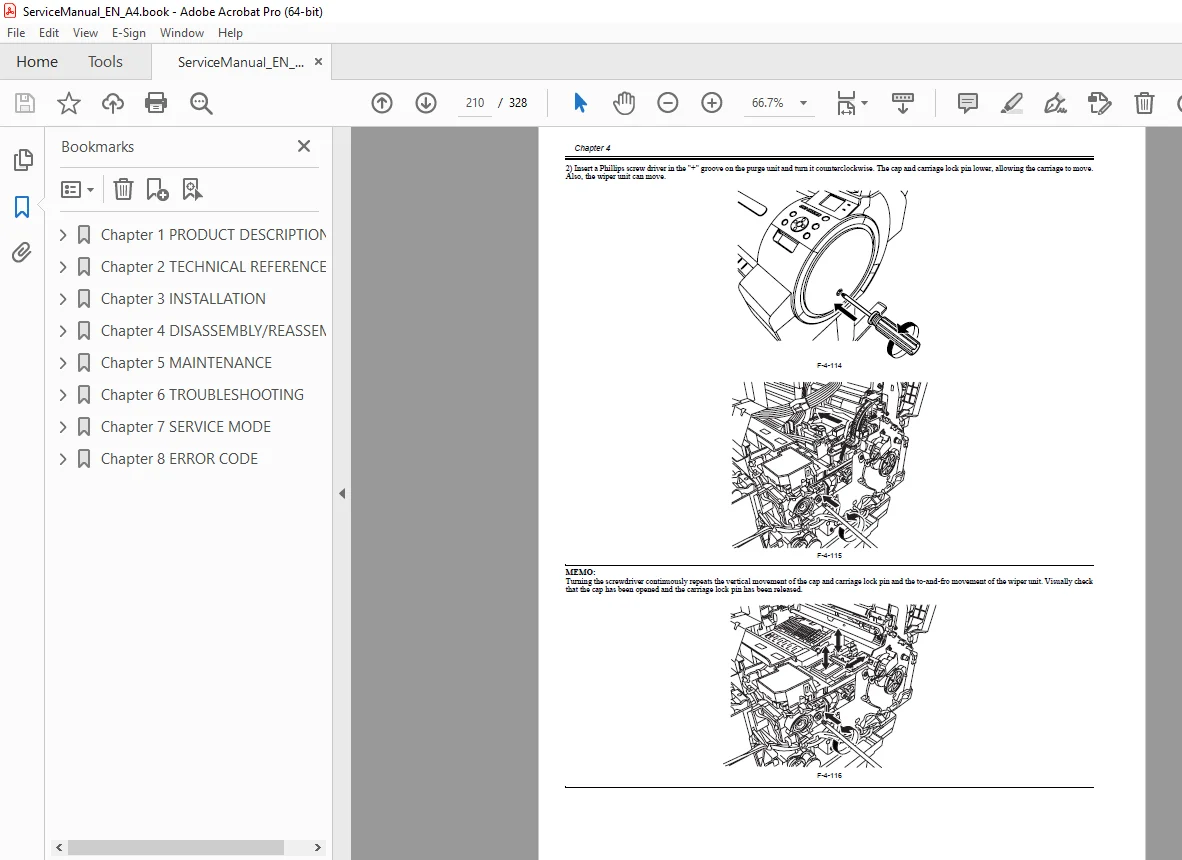
Disassembly/reassembly workflow + key notes (manual carriage move, ink draining items)
Covers, drive unit, cutter, carriage unit, purge unit, ink tank unit, ink tube unit, waste ink collection
Multi sensor, linear encoder, head management sensor
PCB removal steps + grease application
Adjustment & setup items after replacements
Chapter 5 — Maintenance
Periodic replacement parts
Consumable parts
Periodic maintenance tasks
Chapter 6 — Troubleshooting
Troubleshooting outline
Connector locations & pin arrangements (main controller, carriage PCB, power supply)
Firmware update tools + service tool list
Chapter 7 — Service Mode
Service mode operation + service mode map
Service mode details (including printer info viewing)
Special modes for servicing
Chapter 8 — Error Code
Warning table
Error table
Service call error table
💡 Quick Highlights (Why buyers love it)
The disassembly + adjustment chapters are extremely practical for field repairs
Includes connector pinouts and board identification to speed up diagnosis
Service mode + error tables help you fix recurring faults without trial-and-error
(1 small “negative” to stay balanced): This is a technician service manual, so it’s written for repair/maintenance work—not general user operation.
Stop wasting time guessing—use the official iPF750/iPF755/iPF760/iPF765 service manual to troubleshoot accurately and repair confidently. Instant download so you can get the printer back to clean, reliable output today