Canon imagePROGRAF iPF8300 / iPF8300S Service Manual – PDF
Original price was: $65.00.$18.95Current price is: $18.95.
This official Canon imagePROGRAF iPF8300 / iPF8300S Service Manual is the definitive resource for technicians and professional print shops. It covers everything from Canon iPF8300 service mode settings to detailed disassembly instructions. Whether you are troubleshooting imagePROGRAF iPF8300 error codes or performing a maintenance cartridge replacement, this manual provides the schematics, diagrams, and procedures needed to keep your large-format printer running at peak performance.
Description
Canon imagePROGRAF iPF8300 / iPF8300S Service Manual – Repair & Maintenance PDF DOWNLOAD
Description
Product Overview Master the repair and maintenance of your wide-format printers with this comprehensive Canon imagePROGRAF iPF8300 / iPF8300S Service Manual. This technical guide is essential for diagnosing complex hardware issues, calibrating print precision, and performing deep maintenance tasks not covered in the user guide.
Designed for service engineers, this manual details the electromechanical systems of the printer, including the ink passage system, carriage drive, and purge units. It includes extensive troubleshooting guides for common and obscure imagePROGRAF iPF8300 error codes, ensuring you can quickly identify failures in the multi-sensor or ink tank units. From replacing the purge unit on the iPF8300 to navigating the Canon iPF8300 service mode settings, this document is your ultimate toolkit.
Key Features:
Deep Diagnostics: Step-by-step logic for troubleshooting startup failures, ink supply errors, and print quality issues.
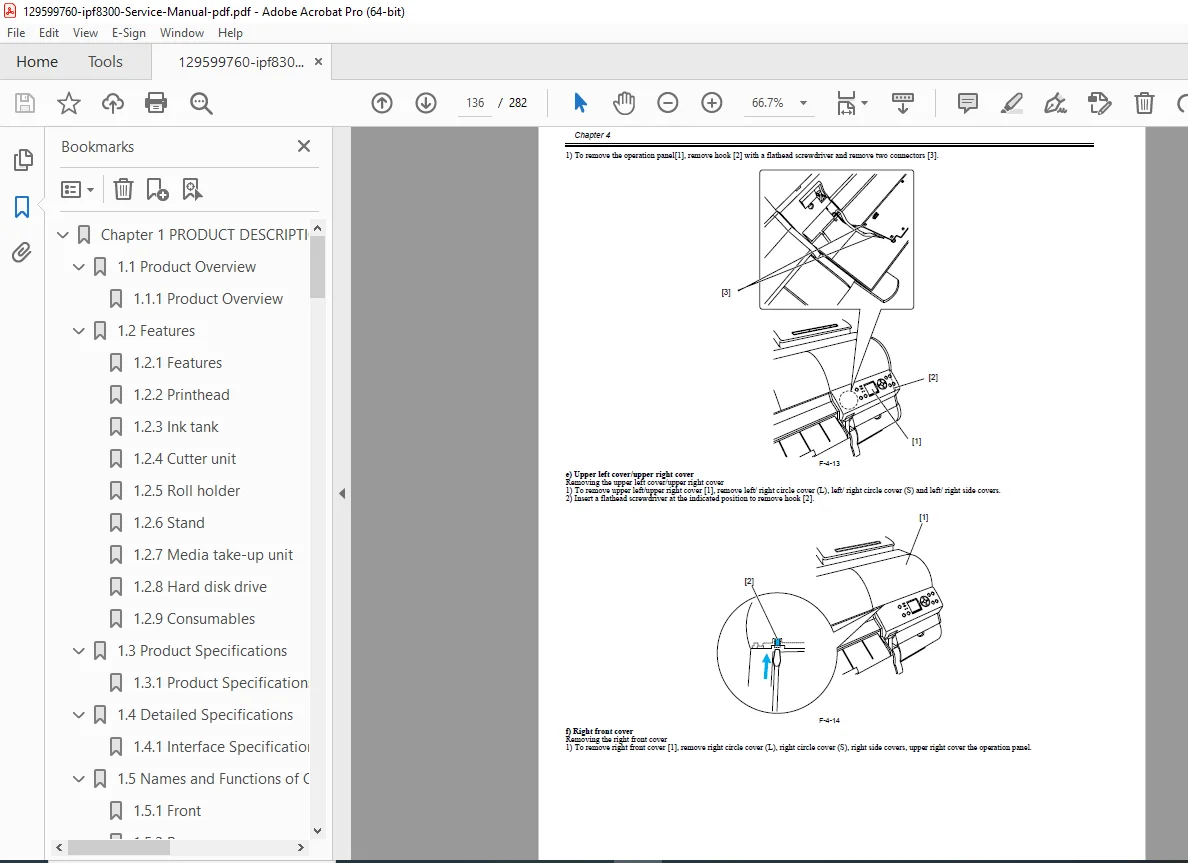
Disassembly & Reassembly: Illustrated guides for safely removing exterior panels, the main controller, printheads, and the cutter unit.
Service Mode: Full documentation on accessing and utilizing the Service Mode for parameter adjustments, sensor checks, and counter resets.
Mechanical Systems: Detailed explanation of the paper feed, carriage drive, and ink supply systems.
Table of Contents & Categorized Index:
1. Product Description & Specifications
Product Overview & Features
Cross Sectional View & System Diagrams
Specifications (Print speed, resolution, ink types)
2. Technical Reference
Basic Operation: Power supply, initialization, and sleep modes.
Ink System: Ink passage, sub-tanks, and maintenance jet tray.
Scanning & Drive: Carriage motor, linear scale, and multi-sensor functions.
Paper Feed: Roll media feed, suction fan, and cutter operations.
3. Installation
Transporting the Printer
Setup & Configuration
iPF8300 firmware update guide
4. Maintenance
Consumables Replacement (Ink tanks, maintenance cartridge, printheads)
Periodic Maintenance & Lubrication
Grease & Oil Application Points
5. Disassembly & Reassembly
External Parts: Covers, Output Stacker, Stand.
Drive Units: Carriage Motor, Feed Roller, Mist Fan.
Ink System: Purge unit replacement, Ink Tube Unit, Valve Unit.
Electrical: Main Controller PCB, Power Supply Unit.
6. Troubleshooting
Error Codes: Full listing of hardware and software errors (e.g., E161-403E, E196-404E) with corrective actions.
Service Call Errors: Diagnosis of critical system failures.
Image Quality: Troubleshooting banding, color misalignment, and nozzle clogging.
Jam Handling: Paper jam detection and removal logic.
7. Service Mode
Entering Service Mode
Canon iPF8300 service mode settings & Menus
Display & LED Check
Gap Calibration & Optical Axis Adjustment
8. Appendices
Wiring Diagrams
PCB Layouts
Block Diagrams
File Details
Manual Name: Canon imagePROGRAF iPF8300 / iPF8300S Service Manual
Models Covered: Canon imagePROGRAF iPF8300, iPF8300S
Year: 2010
Manual PDF Quality: High Quality (Searchable Text, Vector Illustrations)
No. of Pages: 282