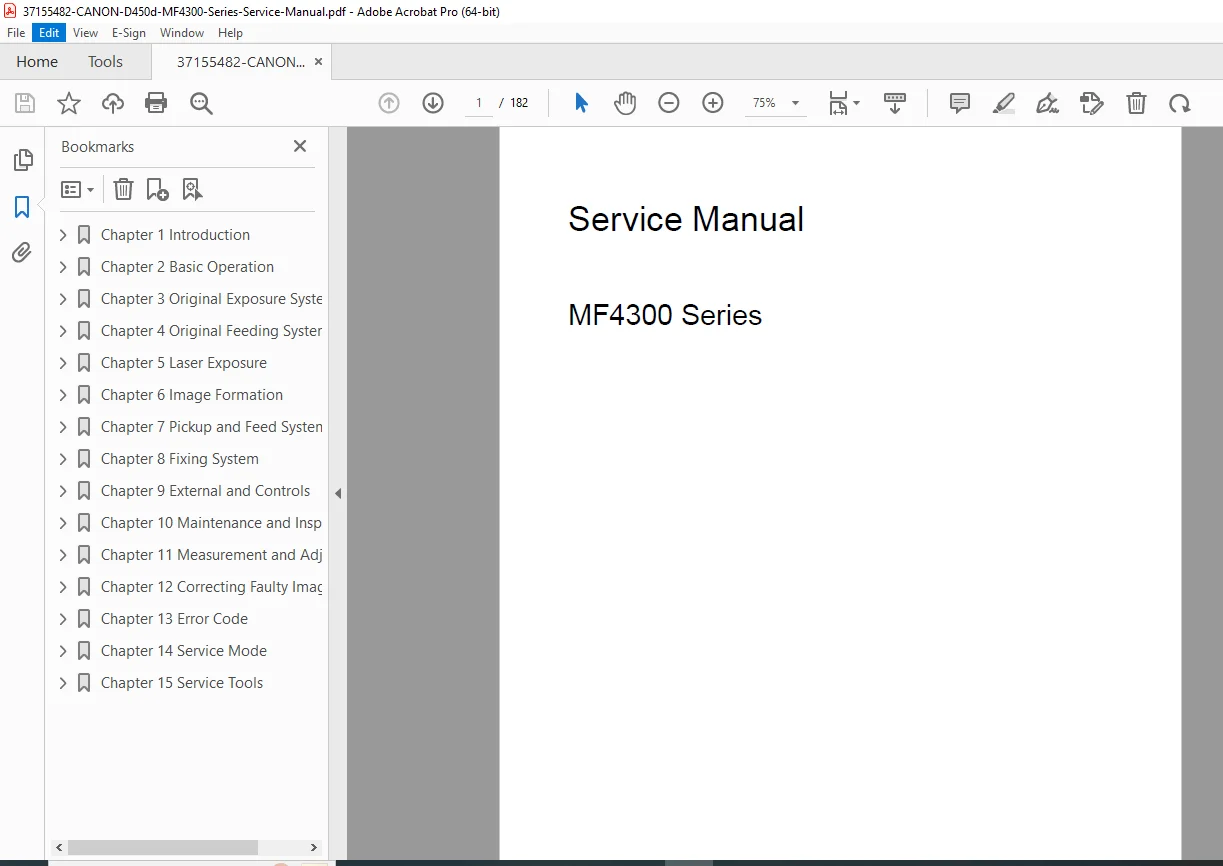
Canon MF4300 Series D450d Service Manual Complete Repair Guide PDF
Original price was: $95.00.$16.95Current price is: $16.95.
Professional service manual for Canon i-SENSYS MF4300 Series multifunction printers including D450d, MF4310, MF4318, MF4320d, MF4330d, MF4340d, MF4350d, MF4370dn, and MF4380dn models. Comprehensive technical documentation with detailed diagrams, troubleshooting procedures, parts replacement guides, error codes, and service mode instructions for qualified technicians performing maintenance and repairs on Canon laser multifunction devices.
Description
Canon MF4300 Series D450d Service Manual Complete Repair Guide PDF DOWNLOAD
DESCRIPTION
Canon i-SENSYS MF4300 Series Service Manual – Professional Technical Documentation
This official Canon service manual provides complete technical information for servicing and repairing the entire MF4300 Series multifunction laser printers. Essential for professional technicians, service centers, and qualified repair personnel.
FILE DETAILS
- Manual Name: Canon MF4300 Series Service Manual
- Models Covered: i-SENSYS MF4300dn, MF4350d, MF4380dn, MF4310, MF4318, MF4320d, MF4330d, MF4340d, D450d, MF4370dn
- Publication Date: August 2008
- PDF Quality: High-quality searchable PDF (Original Acrobat Distiller)
- Total Pages: 182 Pages
COMPLETE CHAPTER BREAKDOWN
Chapter 1: Introduction (Product Specifications)
- Names of Parts – External View, Section Views, Control Panel
- Safety Information – Laser Safety, CDRH Regulations, Toner Handling
- Product Specifications – Host Machine, ADF/DADF, FAX
- Function Lists – Scanning Range, Recording Range, Network Specifications
Chapter 2: Basic Operation
- Function Configuration
- Basic Operation Sequence
Chapter 3: Original Exposure System
- Specifications, Control, Function Lists
- Major Components Identification
- Parts Replacement Procedures:
- Scanner Unit removal procedures
- Reader Motor replacement
- Contact Sensor replacement
Chapter 4: Original Feeding System
- Basic Operation for ADF (Auto Document Feeder)
- Basic Operation for DADF (Duplex Auto Document Feeder)
- Original Detection Methods
- Jam Detection and Troubleshooting
- Parts Replacement:
- Pickup Roller (ADF/DADF)
- ADF/DADF Motor
- Separation Pad
Chapter 5: Laser Exposure
- Overview and Configuration
- Laser Activation Timing Control
- Laser Light Intensity Control (APC)
- Scanner Motor Speed Control
- Laser/Scanner Unit Replacement
Chapter 6: Image Formation
- Print Process Configuration
- High-Voltage System Control
- Transfer Charging Bias Generation
- Toner Cartridge and Level Detection
- Transfer Charging Roller Replacement
Chapter 7: Pickup and Feed System
- System Overview and Configuration
- Jam Detection Outline:
- Delay Jams (Pickup/Delivery)
- Stationary Jams
- Door Open Jams
- Wrapping Jams
- Duplex Unit Operation
- Parts Replacement:
- Main Motor
- Separation Pad
- Pickup Roller
Chapter 8: Fixing System
- Specifications and Control Functions
- Temperature Control Mechanisms
- Protection Functions
- Fixing Assembly Replacement
- Fixing Film Unit Replacement
Chapter 9: External and Controls
- Control Panel Outline
- Power Supply Routes and Protection
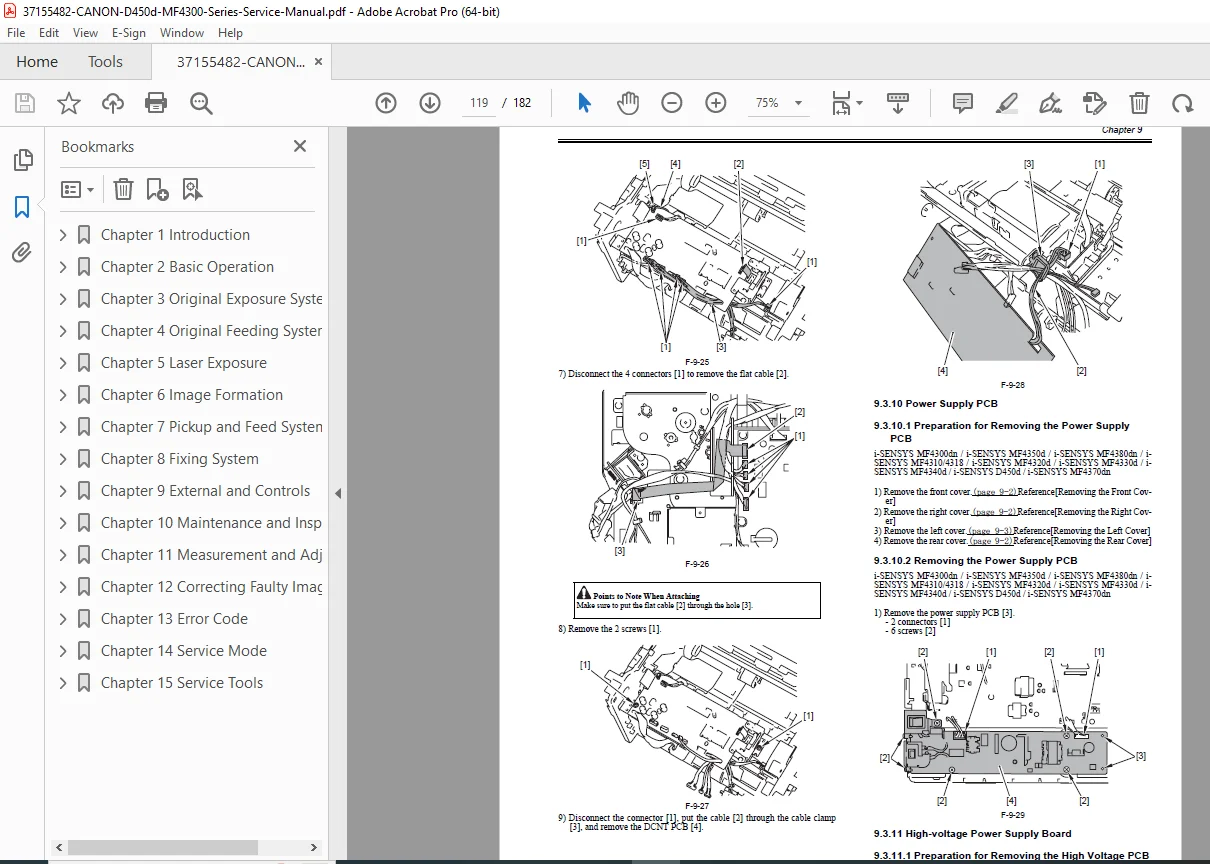
- Complete Cover Removal Procedures:
- Front Cover, Rear Cover
- Right Cover, Left Cover
- Upper Cover, Cartridge Cover
- PCB Replacement Procedures:
- Operation Panel Unit
- SCNT Board
- DCNT Board
- Power Supply PCB
- High-Voltage Power Supply Board
Chapter 10: Maintenance and Inspection
- Periodically Replaced Parts List
- Scheduled Service Items
- Cleaning Procedures:
- External Covers
- Reader Unit
- Pressure Roller
Chapter 11: Measurement and Adjustments
- Paper Margin Adjustment
- Reading Adjustment
- Print Adjustment
Chapter 12: Correcting Faulty Images
- Complete Electrical Components Outline
- Comprehensive Lists:
- Clutch/Solenoid/Motor/Fan Components
- Sensor Locations and Functions
- PCB (Printed Circuit Board) Identification
Chapter 13: Error Code
- Complete Error Code Reference
- Error Code Troubleshooting Guide
Chapter 14: Service Mode
- Service Data Menu Navigation
- Service Soft Switch Settings (SSSW):
- SW02, SW04, SW10, SW16, SW20, SW21
- SW23, SW30, SW37, SW39, SW51, SW54
- Test Mode Operations:
- Print Test Patterns
- Sensor Testing
- Key Testing
Chapter 15: Service Tools
- Recommended Solvents and Lubricants Table
KEY FEATURES OF THIS SERVICE MANUAL
✓ Detailed Exploded Diagrams – Comprehensive visual guides for disassembly
✓ Step-by-Step Procedures – Clear instructions for parts replacement
✓ Complete Error Code Database – Quick fault diagnosis reference
✓ Service Mode Access – Advanced troubleshooting and adjustment procedures
✓ Safety Guidelines – Laser safety, toner handling, and electrical precautions
✓ Wiring Diagrams – Complete electrical schematics
✓ Adjustment Procedures – Precise calibration instructions
✓ Maintenance Schedules – Preventive maintenance guidelines
IDEAL FOR:
- Professional printer service technicians
- Authorized Canon service centers
- IT departments managing fleet maintenance
- Electronic repair specialists
- Technical schools and training programs
Get your Canon MF4300 Series service manual today and perform professional-grade repairs with confidence! Instant PDF download means you can start troubleshooting immediately. No more guesswork – follow factory-authorized repair procedures for reliable, lasting repairs.