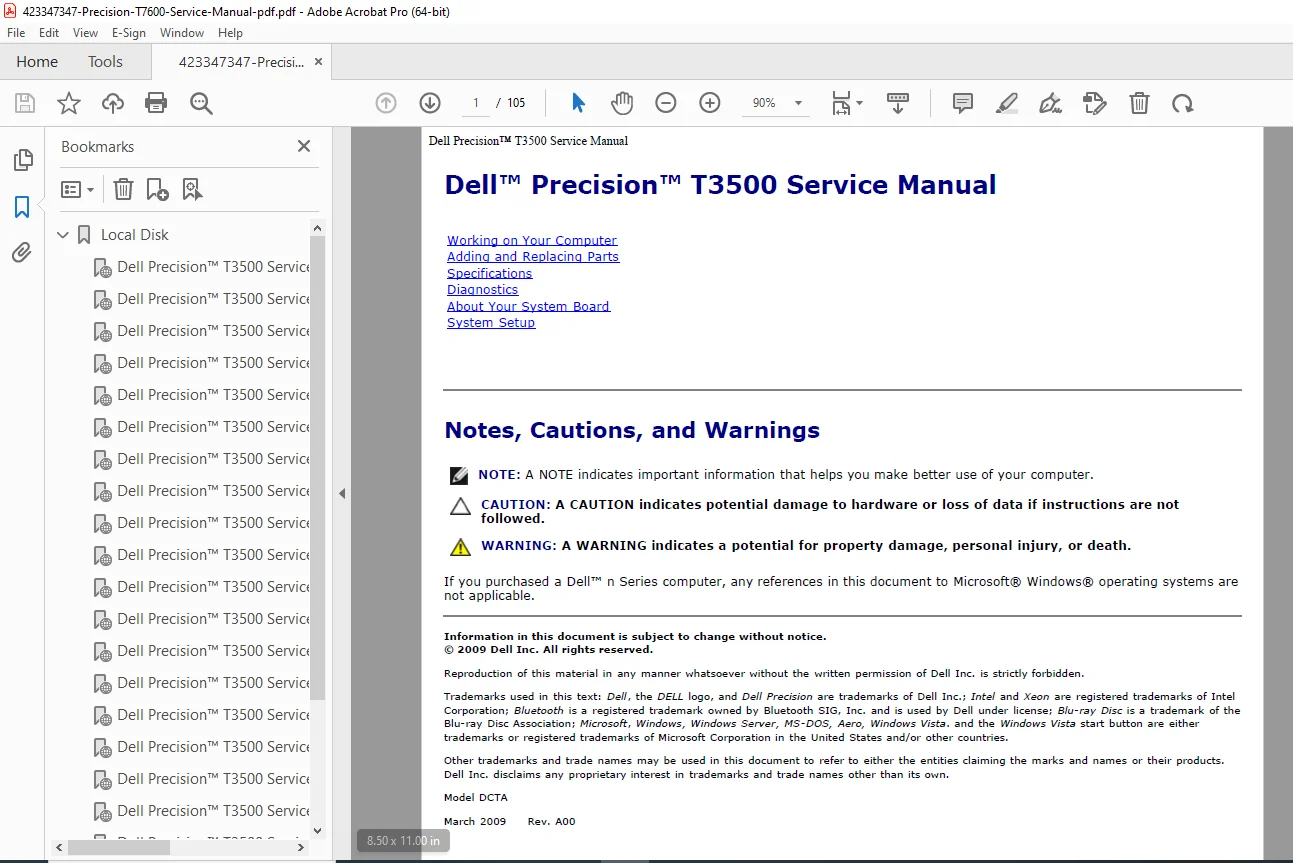
Dell Precision T7600 Workstation Service Manual – PDF Download
Original price was: $75.00.$26.95Current price is: $26.95.
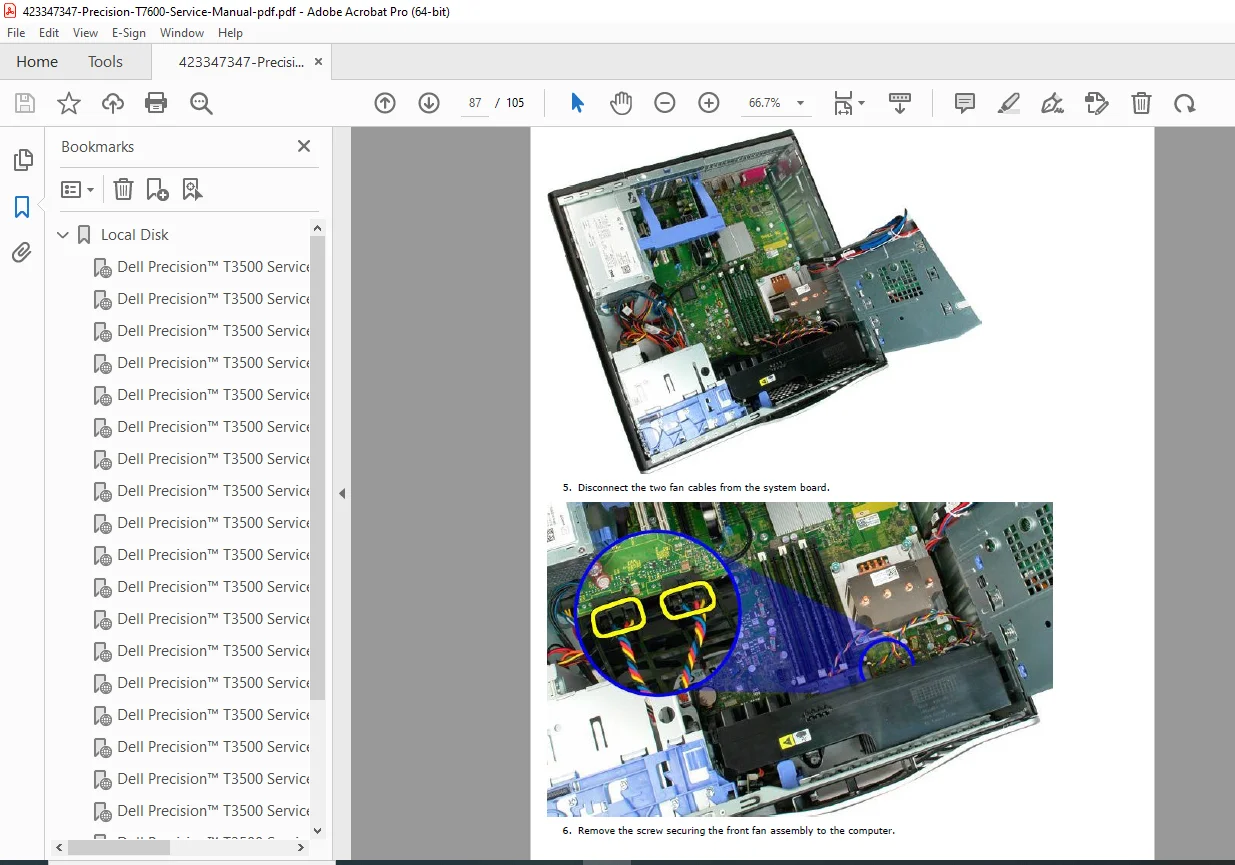
Official Dell Precision T7600 Workstation Service Manual, covering complete disassembly, reassembly, diagnostics, BIOS setup, power supply replacement, front-panel I/O, memory and CPU installation, and system board layout. Includes illustrated removal steps, jumper settings, connector locations, and system specifications. Ideal for technicians and IT professionals maintaining the T7600 tower.
Description
Dell Precision T7600 Workstation Service Manual – PDF Download
Description
🔧 Overview
The Dell Precision T7600 Service Manual provides complete, illustrated maintenance and upgrade guidance for the professional-grade T7600 tower workstation. It details the chassis layout, diagnostic indicators, replacement part procedures, and system configuration steps required for field or in-house servicing.
📘 Table of Contents Highlights
About this Manual — safety symbols, electrostatic discharge (ESD) precautions, and Dell’s recommended service workflow.
System Specifications — processor options (Intel Xeon E5-2600 series, up to dual 12-core CPUs), memory (ECC DDR3 up to 256 GB), PCIe 3.0 slots, and power supply ratings (635 W/825 W/1300 W).
Chassis and Front Panel — illustrated identification of ports, LEDs, and diagnostic indicators.
Inside the Chassis — system-board diagram with component callouts (DIMMs A1–D2, SATA/SAS connectors, fan headers, jumpers PSWD/RTC).
Component Removal and Replacement
Covers front bezel, cover release, hard drive carriers, optical drive, memory modules, graphics cards, power supply, cooling fans, processor heatsinks, system board, and I/O panel.
Each step includes screw-type references and removal order diagrams.
Jumper Settings and Connectors — clear pinouts for CMOS reset, password reset, front-panel, and diagnostic ports.
Diagnostics and Error Codes — system beep codes, diagnostic LED patterns, and BIOS POST messages.
BIOS and Setup — how to update firmware, enable virtualization, change boot order, and manage RAID via Intel RSTe.
Troubleshooting — power-on failures, thermal alerts, PSU self-test, memory error lights, and GPU compatibility issues.
System Board Removal Sequence — detailed fastener map and cable routing guide.
Regulatory Information and Part Numbers — FRU list and supported Dell options.
⚙️ Technical Highlights
Chipset – Intel C602 (Patsburg)
Processors – Dual Socket LGA2011, Xeon E5-2600 Family
Memory – Up to 256 GB DDR3 ECC Registered (8 DIMMs)
Storage Options – SATA 6 Gb/s, SAS RAID 0/1/5/10 via PERC H310/H710 controllers
Graphics – Up to NVIDIA Quadro 6000 / AMD FirePro cards
Expansion Slots – (4) PCIe x16, (1) PCIe x8, (1) PCIe x4, (1) PCI
Power Supply – Modular redundant 635 W / 825 W / 1300 W options
Cooling System – Dynamic thermal control with dual CPU fans and VR heat pipes
Operating Systems Supported – Windows 7 / 8 / 10 Pro 64-bit, Red Hat Enterprise Linux, Ubuntu Workstation
🧰 Maintenance Features
Tool-less access for most components.
Color-coded release tabs and screw locations.
Full exploded view diagrams of major assemblies.
Diagnostic button and LED codes for quick fault isolation.
CMOS and password reset procedures.
📄 File Details
| Field | Details |
|---|---|
| Manual Name | Dell Precision T7600 Workstation Service Manual |
| Models Covered | T7600 |
| Revision / Year | 2012 Edition |
| Language | English |
| Pages | ≈ 130 pages |
| Format | Searchable PDF with illustrations |
| Quality | High-resolution OEM manual |
💡 Why This Manual Is Valuable
OEM-verified procedures ensure accurate repairs and upgrades.
Saves time and reduces error during component replacement.
Perfect for IT departments, refurbishers, and repair shops maintaining Precision series workstations.