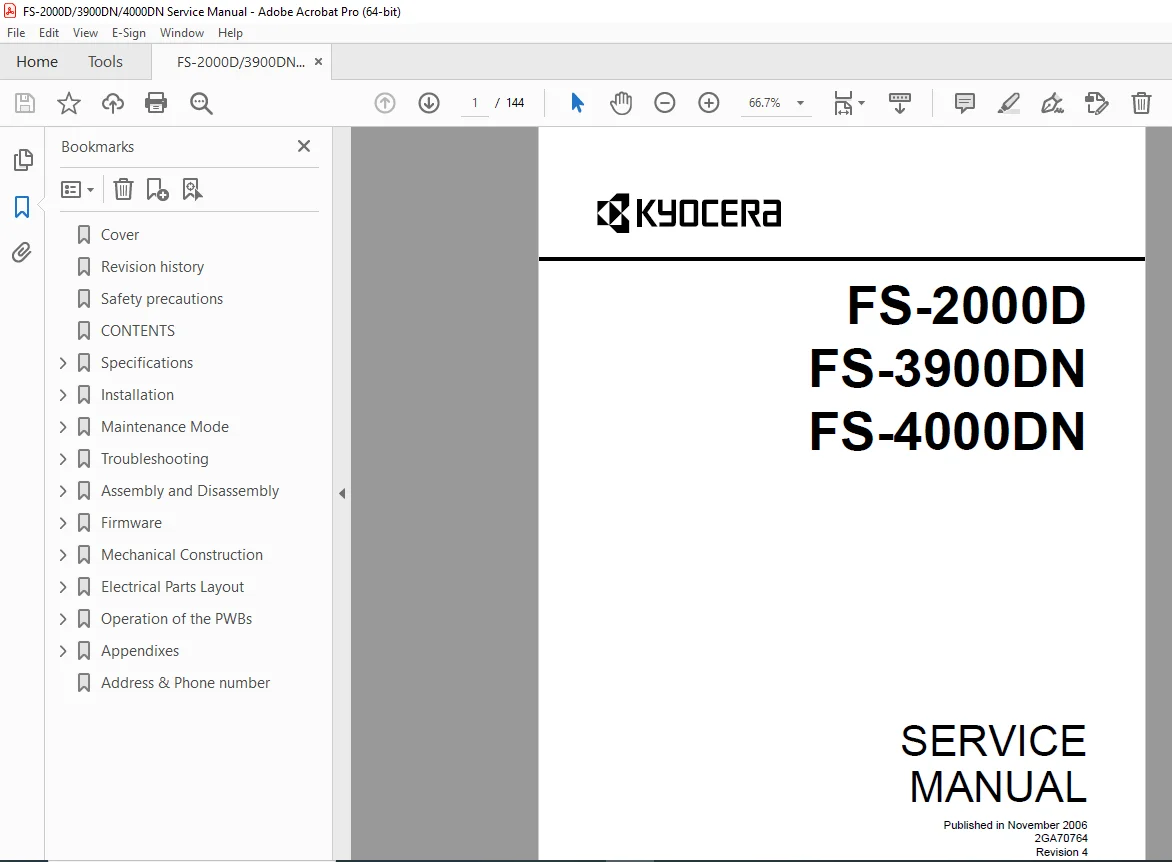
Kyocera FS-2000D / 3900DN / 4000DN Laser Printer Service Manual PDF
Original price was: $85.00.$15.95Current price is: $15.95.
This is the official factory service manual for the Kyocera FS-2000D, FS-3900DN and FS-4000DN laser printers. It covers specifications, installation, maintenance mode, detailed troubleshooting, and full assembly/disassembly. Includes image-quality diagnostics, self-diagnostic service codes, and complete mechanical, electrical, PCB, and wiring diagrams for professional printer repair.
Description
Kyocera FS-2000D / 3900DN / 4000DN Laser Printer Service Manual PDF Download
Description
This comprehensive Kyocera FS-2000D / FS-3900DN / FS-4000DN service manual PDF is the same factory documentation used by Kyocera technicians. It provides complete coverage of installation, diagnostics, FS-4000DN maintenance mode and service codes, image-quality troubleshooting, and full disassembly and reassembly of all major assemblies.
Whether you are solving stubborn paper jams, replacing a fuser or drum, or tracing an electrical fault, this FS-4000DN printer repair guide has every procedure clearly illustrated and indexed.
🔧 Main Sections & Technical Coverage
1. Specifications & General Information
Printer specifications and performance data
Parts names and overall machine cross-section
Operation panel layout
2. Installation
Installation environment and site requirements
Unpacking and installation procedure
Installing optional expanding memory
Installing memory card or hard disk (optional)
Installing network interface cards, including special notes for 30/31 ppm EUR/USA models
3. Maintenance Mode
Accessing maintenance mode
How to execute each maintenance item
Service counters and key maintenance functions
4. Troubleshooting & Diagnostics
Paper misfeed indication and paper misfeed detection logic
Self-diagnostic function and self-diagnostic service codes
Detailed image formation troubleshooting, including:
Completely blank printout
All-black printout
Dropouts & black dots
Horizontal / vertical streaks
Unsharp image, gray background
Dirt on leading edge or back of paper
Undulated printing at the left edge (scan-start position)
Separate sections for electric problems and mechanical problems
5. Assembly and Disassembly (Field Replaceable Units)
Precautions and handling notes (drum, toner container, ESD)
Outer covers: top, right, and left covers
Paper feed section:
Paper feed assembly, pickup rollers
Retard roller
Registration upper and lower rollers
MP tray feed roller
Developer section: developer unit removal & refitting
Drum section: drum unit, main charger unit
Transfer/separation section: transfer roller, separation charger brush
Fuser section:
FS-4000DN fuser and drum replacement procedures
Fuser unit, heater lamp, heat roller, press roller
Fuser thermistors and thermal cut-out
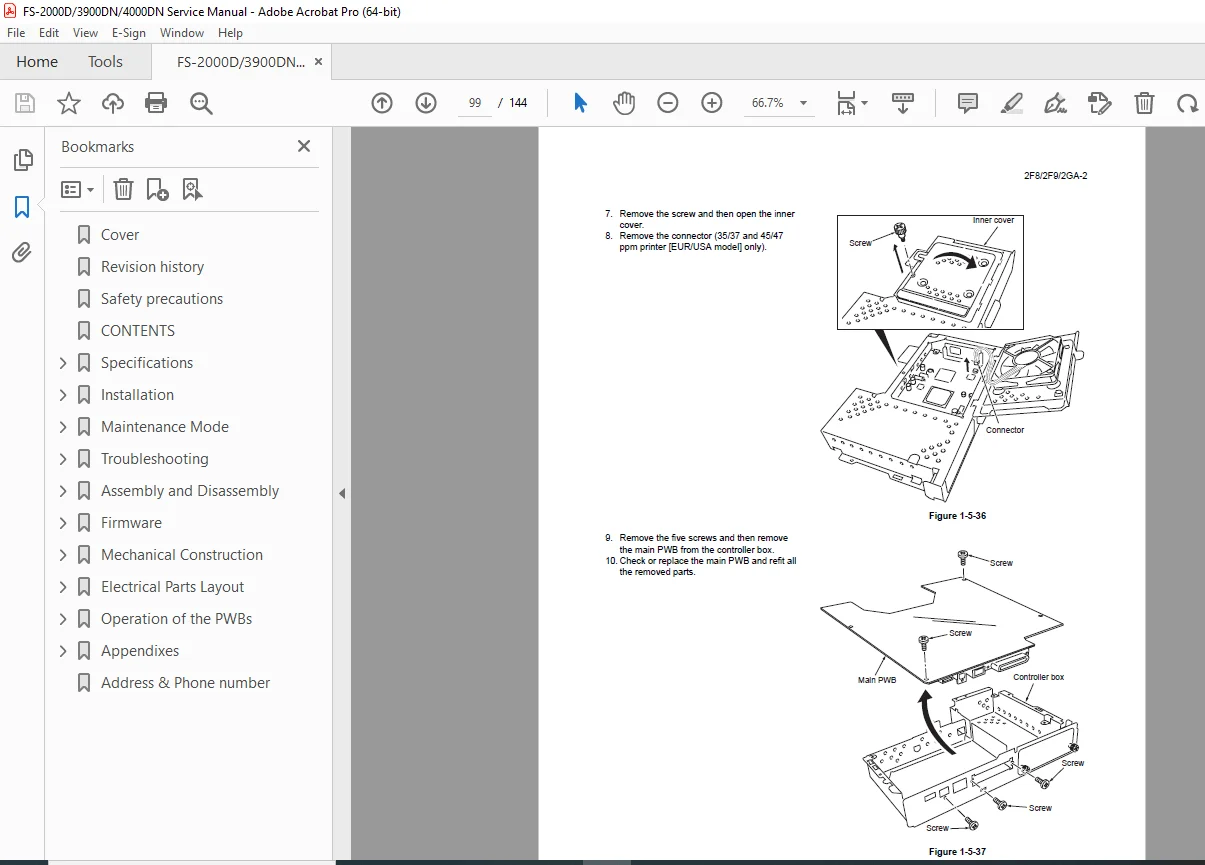
PWBs & drives: engine PWB, main PWB, power supply, feed drive unit, main drive unit, laser scanner unit
6. Mechanical & Electrical Construction
Mechanical construction diagrams of paper path, drive train and frame
Electrical parts layout showing locations of sensors, switches and connectors
7. PCB Block Diagrams & Terminal Connections
Engine and main board block diagrams
Detailed terminal connection charts for troubleshooting power and signal lines
8. Timing Charts & Wiring Diagrams
Timing charts for motors, solenoids and sensors
Full FS-4000DN wiring diagrams and PCB layout for deep electrical diagnostics
This single PDF brings together everything you need for Kyocera FS-2000D 3900DN printer repair, from simple jam fixes to advanced board-level faultfinding.
File Details
| Field | Details |
|---|---|
| Manual Name | FS-2000D / 3900DN / 4000DN Service Manual |
| Models Covered | Kyocera FS-2000D, FS-3900DN, FS-4000DN |
| Year | Published November 2006, Revision 4 (Doc No. 2GA70764) |
| Manual PDF Quality | High-quality, searchable scan/digital PDF. All text, tables and diagrams are clear and legible. |
| No. of Pages | 144 |