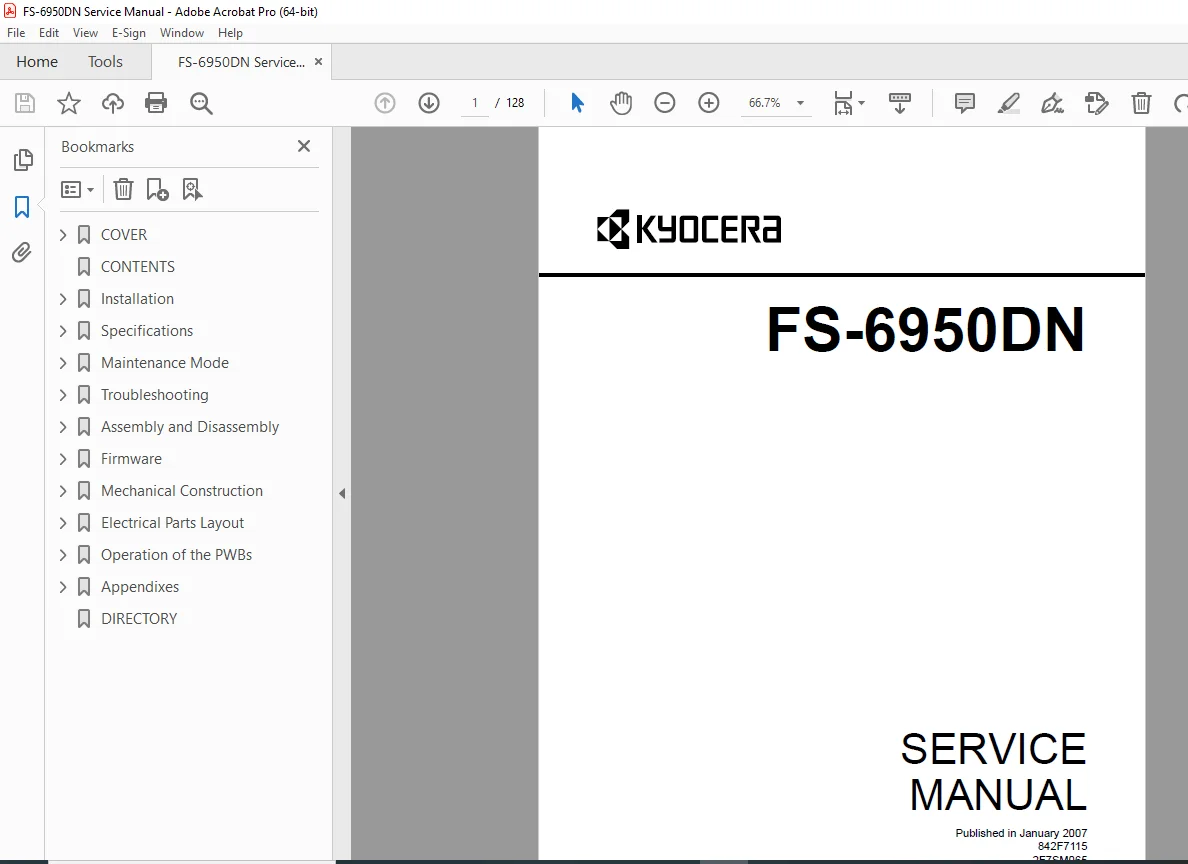
Kyocera FS-6950DN Service Manual PDF DOWNLOAD
Original price was: $95.00.$18.95Current price is: $18.95.
Restore your printer to factory standards with the official Kyocera FS-6950DN Service Manual. This comprehensive 200+ page guide covers every aspect of repair, from diagnosing Kyocera error codes (like C6000 fuser errors) to performing a maintenance kit reset. It includes detailed disassembly instructions for the drum, developer, and fuser units, along with complete wiring diagrams and firmware update procedures. Instant PDF download.
Description
Kyocera FS-6950DN Service Manual Repair, Error Codes & Parts PDF DOWNLOAD
Description:
Eliminate downtime and reduce service costs with the Kyocera FS-6950DN Service Manual. Designed for certified service engineers and IT professionals, this manual (Rev. 5) provides the deep technical data needed to maintain and repair the FS-6950DN laser printer.
Whether you are troubleshooting a repetitive image defect, replacing a worn fuser heater lamp, or resolving complex communication faults, this manual offers step-by-step clarity. It features extensive Kyocera FS-6950DN troubleshooting charts that correlate specific error codes with hardware failures, ensuring you replace the right part the first time.
The guide is indispensable for resetting life counters after installing a maintenance kit (MK-430) and accessing the hidden Maintenance Mode to fine-tune printer performance.
Manual Features & Key Topics:
1. Maintenance Mode & Calibration
Service Status Page: How to print and interpret detailed service logs.
Maintenance Kit Reset: Procedure to reset the counter after replacing the Drum, Developer, and Fuser (Item
>>Maintenance).Drum Refresh: Automatic and manual drum surface refreshing (
>>DRUM-CTRL).Developer Initialization: Steps for the “Toner Install Mode” (
>>Developer) after replacing the unit.
2. Troubleshooting & Error Codes
Self-Diagnostic Codes: Comprehensive lookup tables for errors such as:
C6000 / C6020: Fuser Heater Lamp & Thermistor errors.
F000 / F040: Main PWB communication and checksum errors.
C7000: Toner motor lock errors.
Image Quality Issues: Solutions for blank pages, all-black printouts, dropouts, and vertical streaks.
Paper Jams: Sensor locations and logic for jamming in the Cassette, MP Tray, and Duplex sections.
3. Assembly & Disassembly (Step-by-Step)
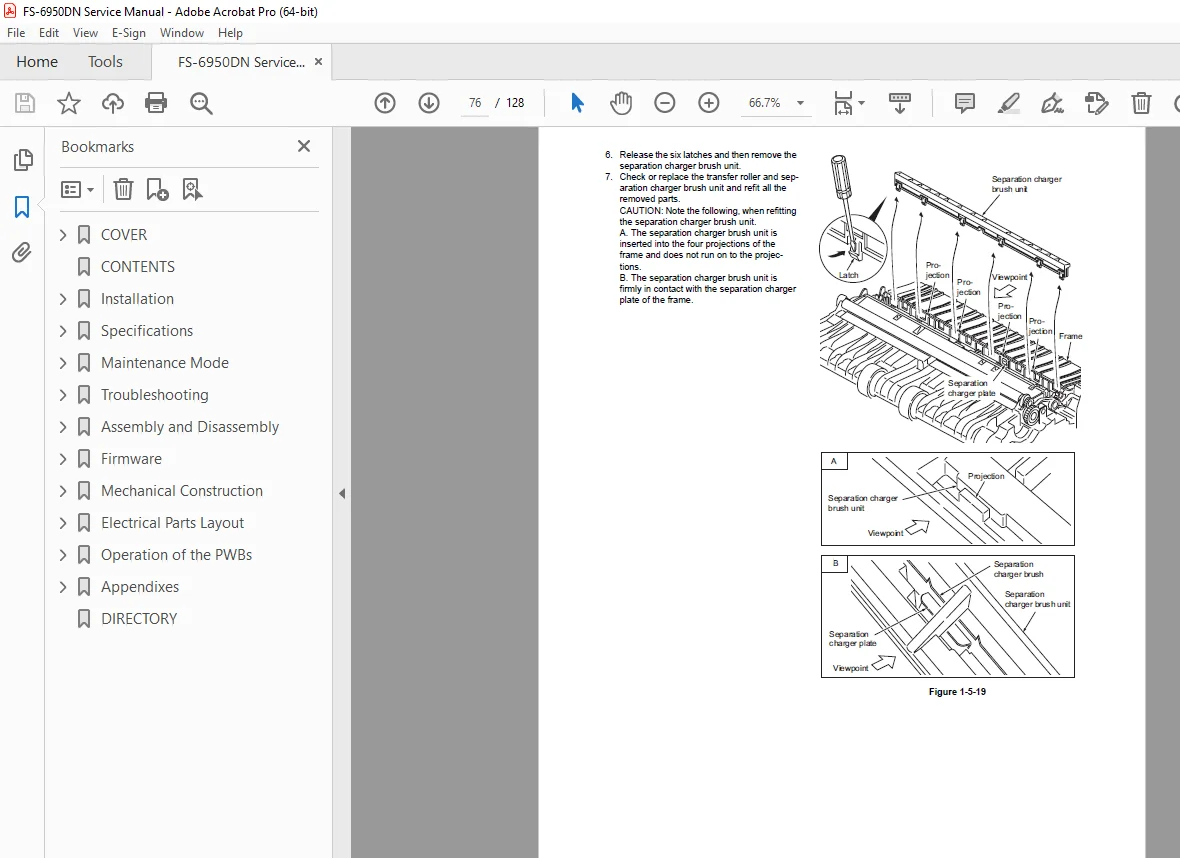
Fuser Section: Detaching the fuser unit, replacing heater lamps (M and S), heat rollers, and thermal cutouts.
Drum & Developer: Safe removal and installation of the Drum Unit and Developer Unit.
PWBs: Removing and refitting the Engine PWB, Main PWB, and Power Source Unit.
Drive Units: Servicing the Main Drive Unit and Laser Scanner Unit.
4. Mechanical & Electrical Specifications
Wiring Diagrams: Full schematics for the Main PWB, Engine PWB, and Power Source.
Parts Layout: Location of all sensors (Paper Gauge, Waste Toner, Registration), motors, and clutches.
Repetitive Defects Gauge: A ruler guide to identify defective rollers based on the interval of image defects (e.g., 94mm for Drum, 82mm for Press Roller).
5. Firmware & Configuration
Firmware Updates: Procedures for downloading system firmware via Parallel Interface or Memory Card.
System Settings: Formatting memory cards and managing system variables.
File Details:
Manual Name: Kyocera FS-6950DN Service Manual
Models Covered: Kyocera FS-6950DN (Ecosys Laser Printer)
Year: 2007 (Revision 5)
Manual Quality: High-Quality Digital PDF (Searchable Text, Vector Diagrams, Schematics)
No. of Pages: ~128 Pages (Includes Appendixes and Wiring Diagrams)
Fix it fast, fix it right. Don’t guess which sensor is failing. Download the Kyocera FS-6950DN Service Manual today and get immediate access to the factory diagnostic codes and repair procedures you need to get your printer back online. Purchase now and start repairing in minutes!