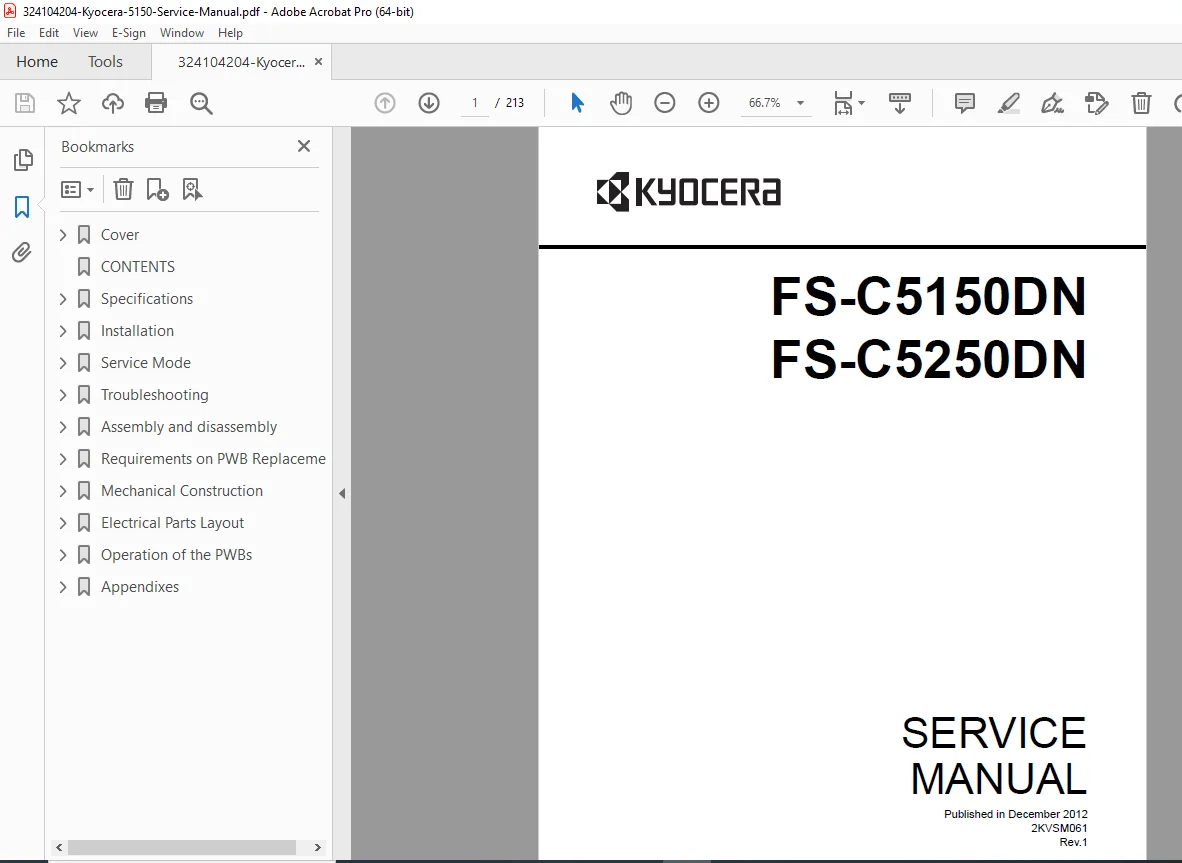
Kyocera FS-C5150DN / FS-C5250DN Color Laser Printer Service Manual PDF
$25.95
Official Kyocera Service Manual for FS-C5150DN and FS-C5250DN printers (2KVSM061 Rev. 1).
Includes disassembly procedures, error codes, service mode, firmware upgrade, and full wiring diagrams.
Essential for professional technicians maintaining Kyocera’s color laser models.
Description
Kyocera FS-C5150DN / FS-C5250DN Color Laser Printer Service Manual (2KVSM061 Rev.1 – 2012) – Troubleshooting, Assembly, Wiring Diagrams – PDF Download
Long Description
⚙️ Overview
The Kyocera FS-C5150DN / FS-C5250DN Service Manual (Publication No. 2KVSM061 Rev. 1, Dec 2012) provides full factory maintenance data for Kyocera’s A4-class color laser printers.
Covering both 21/23 ppm and 26/28 ppm variants, this manual enables certified service engineers to diagnose, calibrate, and repair every subsystem of the printer — from optics to PWBs and mechanical assemblies
324104204-Kyocera-5150-Service-…
IMAGES:
🧩 Main Sections
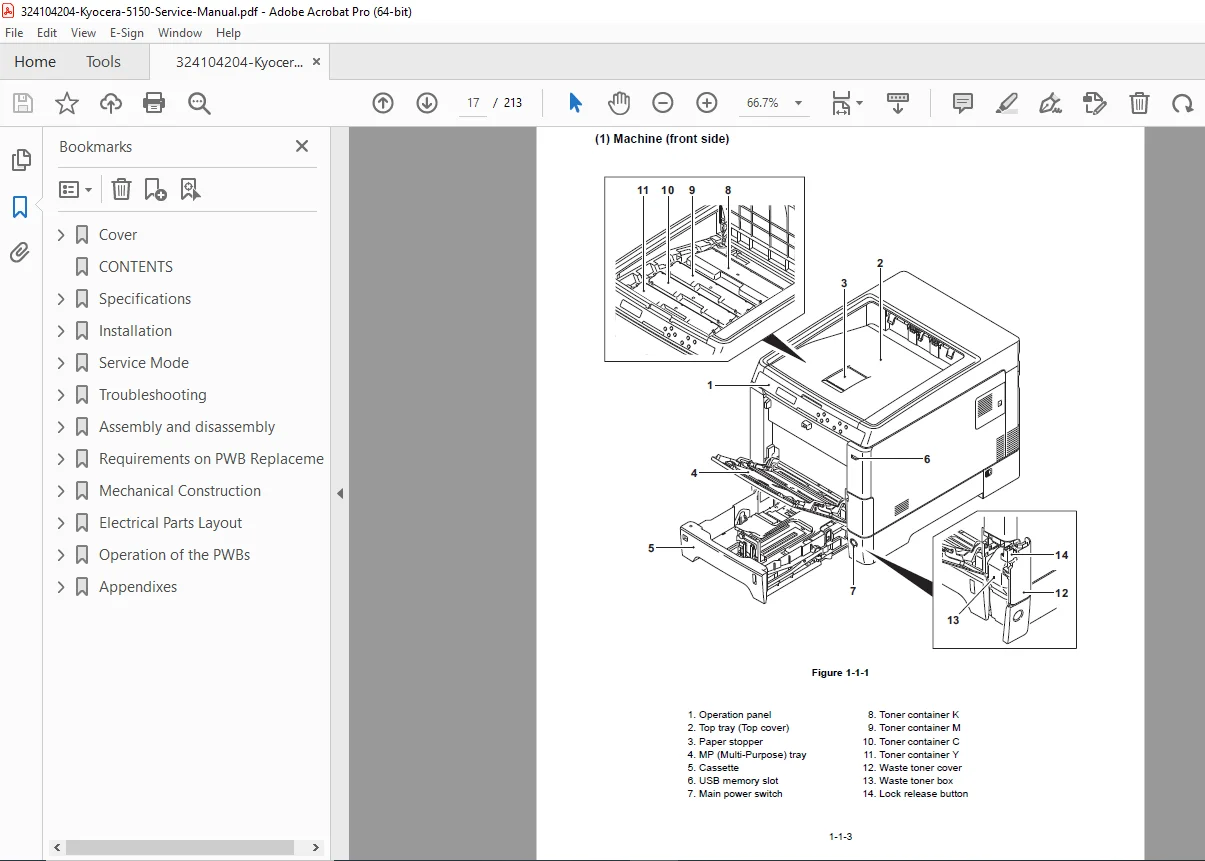
1 – Specifications & Parts Identification – Engine architecture, toner system, fuser type, and control board layout.
2 – Installation & Setup – Unpacking diagrams, expansion memory installation, optional HDD and NIC installation, interface connections.
3 – Service Mode Functions – Status page printing, event-log commands (
!R!KCFG"ELOG";EXIT;), developer refresh, LSU cleaning, drum refresh, altitude & charger adjustments324104204-Kyocera-5150-Service-…
4 – Troubleshooting – Paper misfeed detection codes, self-diagnostic tables, image formation defects, and electric/mechanical fault isolation.
5 – Assembly / Disassembly – Step-by-step removal of covers, feed units, fuser, transfer units, PWBs, and laser scanner.
6 – PWB Replacement – Firmware upgrade procedures, precautions, and board calibration.
7 – Mechanical & Electrical Construction – Paper path diagrams, motor layouts, switch locations, and connector references.
8 – Appendixes – Maintenance-kit parts (MK-590/MK-592), repetitive defect gauges, firmware environment commands, and full-page wiring diagrams.
🔧 Technical Highlights
| Feature | Specification |
|---|---|
| Models Covered | FS-C5150DN (21/23 ppm), FS-C5250DN (26/28 ppm) |
| Printing Method | Electrophotography / Semiconductor laser / Tandem 4-drum |
| Resolution | 600 dpi |
| CPU | PowerPC 464 @ 667 MHz |
| Memory | 256 MB Std / 1280 MB Max |
| Interfaces | USB 2.0, Network (10/100 Base-TX), USB Host x 2 |
| Operating Systems | Windows 2000 → 7 / Server 2003–2008 / macOS 10.x |
| Power | 120 V @ 8.5 A / 230 V @ 4.5 A |
| Maintenance Kit | MK-590 (230 V) / MK-592 (120 V) |
| Included Procedures | Service Mode, Calibration, Developer Setting, LSU Cleaning, Drum Refresh, Event Log Printing |
| Language | English |
📄 File Details
| Parameter | Details |
|---|---|
| File Name | 324104204-Kyocera-5150-Service-Manual.pdf |
| Manual Title | FS-C5150DN / FS-C5250DN Service Manual |
| Publication No. | 2KVSM061 Rev. 1 |
| Publisher | Kyocera Mita Corporation |
| Year Issued | December 2012 |
| Pages | ~213 |
| File Type | PDF (Digital Download) |
| Searchable Text | Yes (OCR Enabled) |
| File Size | 6.74 MB |
| Compatibility | Windows / macOS / Linux / Android / iOS |
| Delivery | Instant Digital Download |