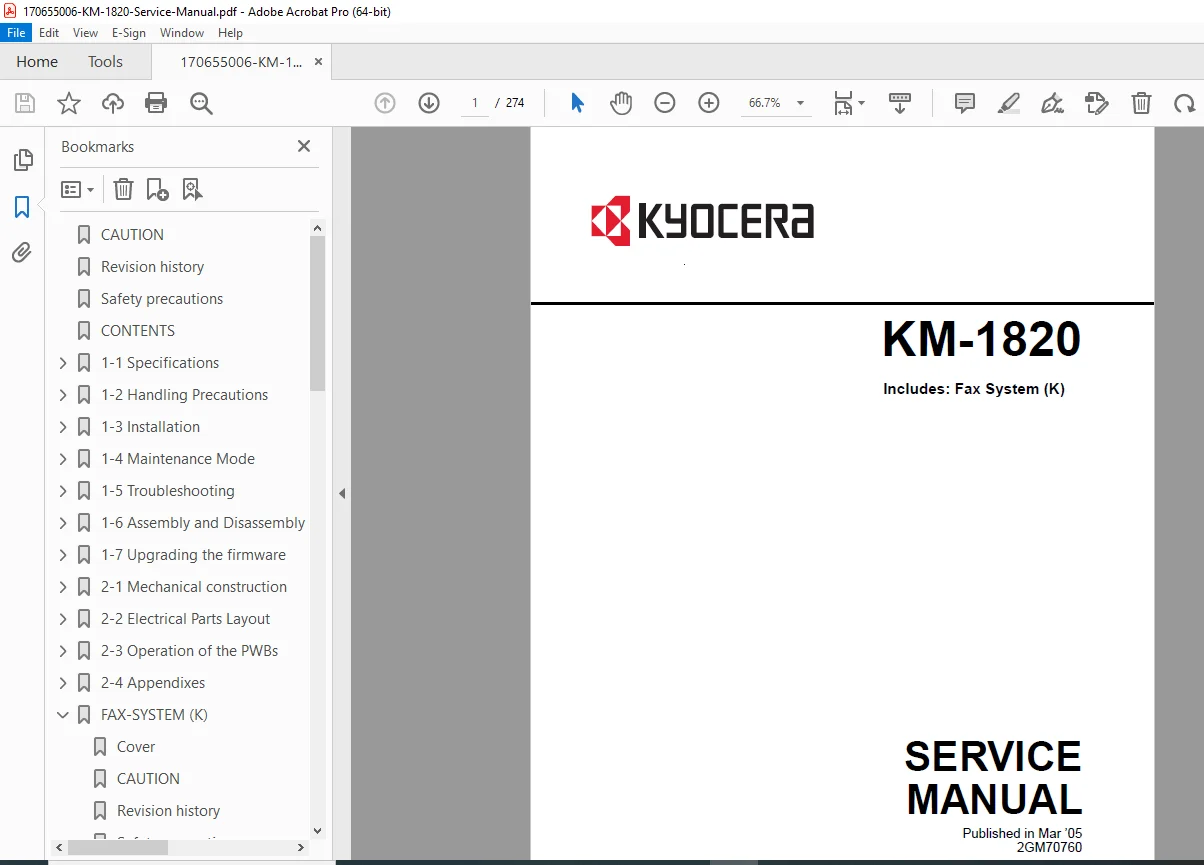
Kyocera KM-1820 Service Manual PDF DOWNLOAD
Original price was: $95.00.$19.95Current price is: $19.95.
Restore your multifunction copier to peak performance with the official Kyocera KM-1820 Service Manual. This 270+ page PDF is the ultimate guide for Kyocera KM-1820 troubleshooting, featuring essential maintenance mode codes (like U163 to reset fuser errors), paper jam solutions, and complete disassembly instructions. Includes coverage for the Fax System (K). Instant download for technicians and business owners.
Description
Kyocera KM-1820 Service Manual Repair Error Codes & Parts PDF DOWNLOAD
Description:
Minimize downtime and extend the life of your machine with the Kyocera KM-1820 Service Manual. Whether you are dealing with a persistent “Call for Service” C6000 error or need to replace worn feed rollers, this high-quality, searchable PDF provides the factory-approved procedures used by field technicians.
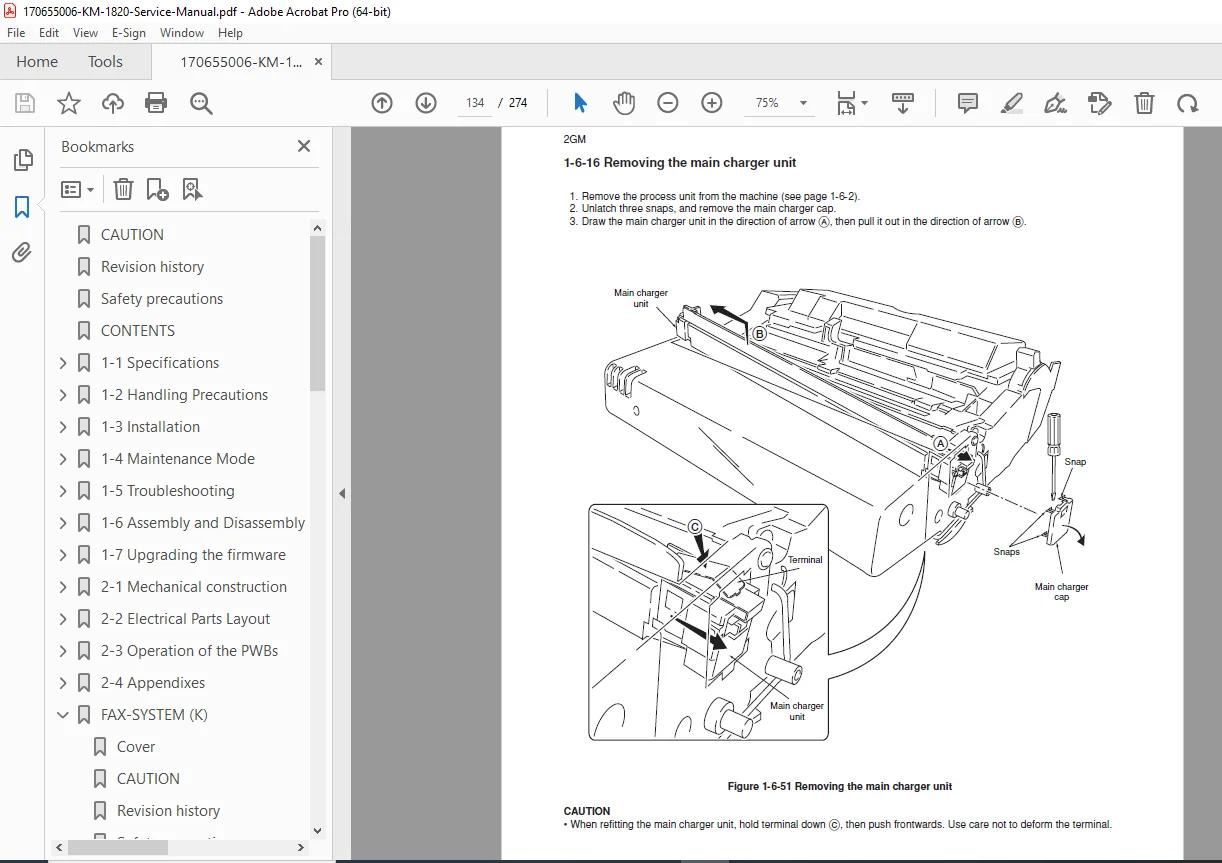
This manual goes beyond basic setup, offering deep access into the machine’s “Maintenance Mode” (Service Mode) to calibrate sensors, reset counters, and diagnose board-level faults. It includes detailed exploded views and wiring diagrams, making it easy to identify and replace parts like the fuser unit, transfer roller, and main PWB.
Key Service Topics & Maintenance Modes:
1. Maintenance Mode (Service Codes) Unlock the machine’s internal software to perform critical resets and adjustments:
U000: Output own-status report.
U020: Initialize all data (Factory Reset).
U130: Developer Initialization (Essential when replacing the process unit).
U163: Reset Fusing Problem Data (Clears C6000, C6020, C6050 errors).
U260: Change copy count timing.
U901/U911: Check/clear print counts by paper feed location and size.
2. Troubleshooting & Error Codes Instantly diagnose system failures with comprehensive lookup tables:
Self-Diagnostic Codes: Full logic for C6000 (Fuser Heater Error), C2000 (Main Motor), C3100 (Scanner Carriage), and C7980 (Waste Toner Full).
Jam Codes: Locations and sensor logic for Jams 10, 11, 20 (Paper Feed) and Jam 40 (Fuser).
Image Quality: Solutions for entirely black/white pages, vertical streaks, and blurred images.
3. Disassembly & Replacement Procedures Step-by-step instructions with diagrams for removing and repairing:
Process Unit: Drum and developer handling.
Fuser Unit: Replacing the Heater Lamp, Heat Roller, Thermistor, and Thermal Cutout.
Paper Feed: Feed rollers, MP tray, and registration clutch.
Electronics: Main PWB, Engine PWB, High Voltage PWB, and Power Supply removal.
4. Fax System (K) Service Dedicated section for the optional fax kit:
U600: Initialize Fax Data.
U660: NCU Settings (PBX/PSTN connection).
Fax Error Codes: U004XX (Interrupted Phase B), U006XX (Unit Problems).
5. Diagrams & Parts Layouts
Wiring Diagrams: Complete schematics for tracing electrical faults.
Timing Charts: Visualizing the paper path and sensor timing.
Board Layouts: Connector pinouts for Main, Engine, and Power Supply PWBs.
File Details:
Manual Name: Kyocera KM-1820 Service Manual (Includes Fax System K)
Models Covered: Kyocera KM-1820 Desktop Copier / Laser Printer
Year: 2005
Manual Quality: High-Quality Digital PDF (Searchable Text, Vector Diagrams, Schematics)
No. of Pages: ~274 Pages
Stop paying for service calls you don’t need. Most “fatal” errors like C6000 are a simple reset away. Download the Kyocera KM-1820 Service Manual now, enter Maintenance Mode, and get your copier back to work in minutes. Purchase today for instant access!