Kyocera KM-C2630 & KM-C2630D Service Manual – Expert Repair Guide PDF
Original price was: $95.00.$19.95Current price is: $19.95.
This professional Kyocera KM-C2630 Service Manual is the definitive technical resource for the maintenance, installation, and repair of the KM-C2630 series. Whether you are performing a Kyocera KM-C2630 electrical parts replacement or navigating a complex KM-C2630 self-diagnostic code fix, this manual provides factory-spec procedures and Kyocera color copier troubleshooting to ensure peak machine performance.
Description
Kyocera KM-C2630 & KM-C2630D Service Manual – Expert Repair Guide PDF DOWNLOAD
Description
The Kyocera KM-C2630 Service Manual is an exhaustive technical guide specifically authored for service personnel and technicians. It is meticulously designed to assist in diagnosing copier hardware problems and performing precise KM-C2630 assembly and disassembly on all Field Replaceable Units (FRUs).
The manual details critical procedures such as Kyocera KM-C2630 electrical parts replacement, fuser unit servicing, and laser/optical section adjustments. It covers the full spectrum of hardware maintenance, including advanced Kyocera color copier troubleshooting and maintenance mode executions to ensure your office equipment remains operational with minimal downtime.
Categorized Table of Contents & Service Procedures
The manual is logically structured into specialized chapters for rapid navigation:
| Category | Key Service Tasks Included |
| Specifications & Installation | Machine specs, cross-section views, and full installation procedures for optional feeders and finishers. |
| Maintenance Mode | Using copier management, executing maintenance items (U000-U925), and checking total counters. |
| Troubleshooting | KM-C2630 self-diagnostic code fix, paper misfeed detection, image formation problems, and electrical issues. |
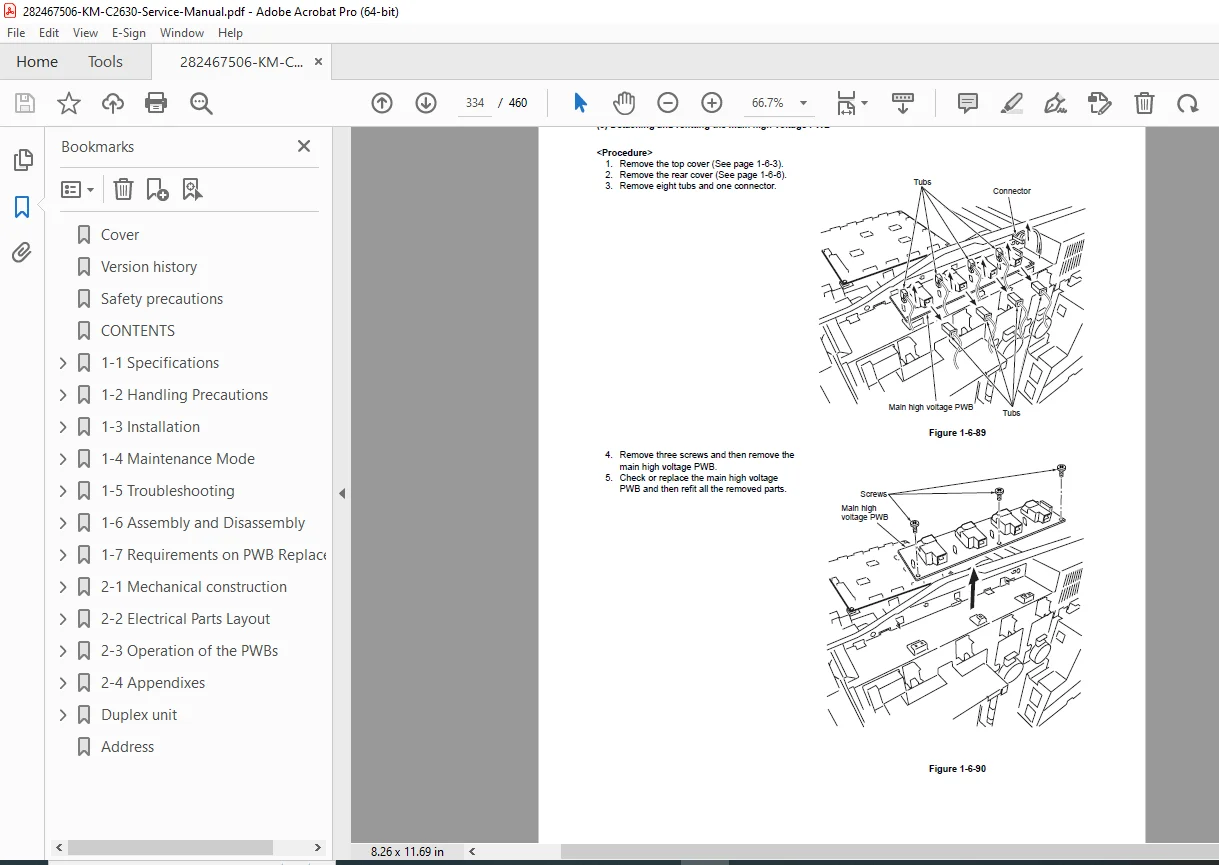
| Assembly & Disassembly | Detailed guides for KM-C2630 assembly and disassembly of the optical section, transfer unit, fuser, and PWBs. |
| Mechanical & Electrical | Kyocera KM-C2630 electrical parts replacement layouts, PWB operations, and mechanical construction. |
| Appendix | Timing charts, image quality adjustment procedures, and maintenance parts lists. |
Highlighted Technical Features
Comprehensive Diagnostics: Includes a complete list of self-diagnostic codes (C0030 to C5301) with detailed causes and corrective measures.
Maintenance Item List: Covers all maintenance modes from U000 (status reports) to U925 (system clear).
Electrical Parts Layout: Visual maps and signal descriptions for the engine controller, scanner main, and duplex PWBs.
Image Adjustment: Detailed charts for adjusting color balance, registration, and halftone density.
Short File Details
Manual Name: Kyocera KM-C2630 / KM-C2630D Service Manual
Models Covered: KM-C2630, KM-C2630D
Year: 2005 (Version 3.0)
Manual PDF Quality: High-Quality Digital OEM Text (Searchable)
No. of Pages: 460 pages
Stop losing productivity to technical errors and mechanical failures. Purchase this professional service manual now for instant access to the factory-spec data required to get your Kyocera KM-C2630 running like new immediately!