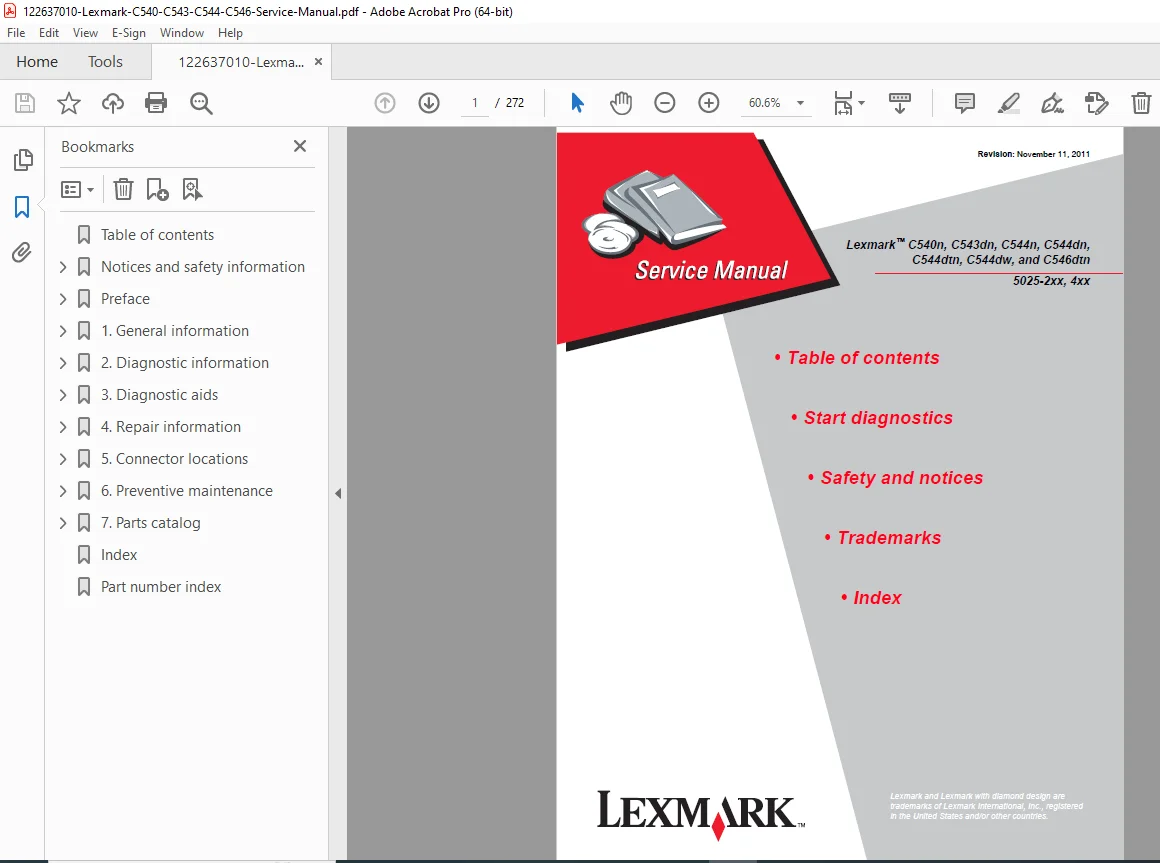
Lexmark C540 C543 C544 C546 Color Laser Printer Service Manual PDF
Original price was: $95.00.$15.95Current price is: $15.95.
Official Lexmark service manual for C540n, C543dn, C544n, C544dn, C544dtn, C544dw, and C546dtn colour laser printers. This Lexmark C540 C544 repair manual covers full diagnostics, error codes, print quality troubleshooting, part removal, fuser/ITU/HVPS replacement, EP process theory, and firmware updates. Includes jam codes, symptom tables, and wiring data. 272 pages, instant PDF download. P/N 12G9819.
Description
Lexmark C540 C543 C544 C546 Color Laser Printer Service Manual PDF DOWNLOAD
DESCRIPTION
Lexmark C540 / C543 / C544 / C546 Series Official Service Manual (PDF)
This is the official Lexmark factory service manual for the Lexmark C540n, C543dn, C544n, C544dn, C544dtn, C544dw, and C546dtn colour laser printers (machine type 5025-2xx, -4xx), published by Lexmark International, Inc. This is the same document used by certified Lexmark service technicians for all diagnostic, repair, calibration, and parts replacement work on the entire C540/C544/C546 colour laser family.
Whether you’re a technician diagnosing a Lexmark C544 fuser error, a workshop troubleshooting Lexmark C540 print quality defects, or a service engineer replacing an ITU or HVPS assembly, this Lexmark C540 C544 service manual PDF gives you the exact factory-authorised procedures and specifications — available instantly upon purchase.
📋 File Details
| Detail | Info |
|---|---|
| Manual Name | Lexmark C540n / C543dn / C544n / C544dn / C544dtn / C544dw / C546dtn Service Manual |
| Part Number | P/N 12G9819, Rev 01 |
| Machine Type | 5025-2xx, 5025-4xx |
| Models Covered | C540n, C543dn, C544n, C544dn, C544dtn, C544dw, C546dtn |
| Year | 2011 (Revised November 11, 2011) |
| Author | Lexmark International, Inc. |
| Language | English |
| Pages | 272 Pages |
| PDF Quality | Original factory digital file — clean, US Letter format, fully readable |
| File Size | ~10.9 MB |
📚 Full Table of Contents
Notices & Safety Information
- Laser safety notice
- Electrical and general safety information
- Conventions used throughout the manual
Chapter 1 — General Information
- Models & Configurations — All C540/C543/C544/C546 variants and model code matrix
- Options & Features — Standard vs. optional capabilities by model
- Printer Specifications:
- Memory (128MB standard, up to 640MB max; DIMM options)
- Print Quality — 4800CQ (default full speed); 1200 dpi (PCL/PS, reduced speed)
- Connectivity — Ethernet 10/100 Base-T, USB 2.0, USB-A host, 802.11b/g/n wireless (C544dw)
- Operating Modes — Normal, Quiet, Eco-Mode (Energy / Paper / Energy+Paper)
- Data Streams — PCL 6, PostScript Level 3, PDF 1.6, PPDS, PictBridge, DirectImage, GDI
- Dimensions & Clearances
- Power & Electrical Specifications
- Acoustics
- Environmental Specifications
- Media Handling:
- Input/output capacities by tray and model
- Duplex capability
- Media output size/type
- Media input size & type specifications
- Paper characteristics, unacceptable paper, paper selection & storage guidelines
- Tools Required for Service
- Acronyms Reference List
Chapter 2 — Diagnostic Information
- Start diagnostics and POR (Power-On Reset) sequence
- Symptom Tables:
- Printer symptom table
- Print quality symptom table
- Error Codes & Messages:
- User status & customer attendance messages
- Paper jam messages
- Service error messages (full list)
- Service Checks:
- 900.xx — System software error
- 90x.xx — 902.xx through 907.xx errors
- 925.01 — Fan error
- 950.xx — NVRAM failure
- Bin-full / narrow media sensor
- Dead printer
- Duplex / manual feed sensor (S1)
- Front door sensor & switches
- Fuser exit sensor
- Fuser service check
- Input sensor (S2)
- Main drive gear assembly (EP drive)
- Networking
- Operator panel (blank display, five beeps, all diamonds, dim display, USB cable)
- Paper pick motor drive assembly
- Print quality — background, blank page, blurred/fuzzy, half-color, horizontal banding, horizontal line, insufficient fusing, missing image, mottle, narrow vertical line, random marks, residual image, solid color, vertical banding
- Printhead
- Toner meter cycle (TMC) card
- Toner meter sensors (Y, C, M, K)
- Transfer roll
- Tray sensor checks
- Trays 2 & 3 (optional)
- USB
- User Operator Panel & Admin Menus — Panel layout, button functions, menu map
Chapter 3 — Diagnostic Aids
- Accessing service menus
- Diagnostics Menu (Diag Menu):
- Registration (Skew, Quick Test)
- Alignment
- Print Tests (input source, print quality pages)
- Hardware Tests — Panel test, button test, DRAM test
- Duplex Tests — Quick test, top margin, left margin
- Input Tray Tests — Feed tests, sensor tests, base sensor test
- Miscellaneous Tests — Motor detect
- Device Tests — Flash test
- Printer Setup — Defaults, page counts, serial number, engine settings, model name, config ID, ITU barcode, reset fuser count
- EP Setup — EP defaults, fuser temperature, DC charge adjust, developer bias, transfer adjust
- TPS Setup — Calibration reference, reset color calibration
- Reports — Menu settings page
- Event Log — Display log, print log, clear log
- Configuration Menu (Config Menu):
- Print quality pages, colour trapping, reports, panel menus, PPDS emulation, demo mode, factory defaults, energy conserve, auto colour adjust, font sharpening
- Firmware Updates:
- From USB flash drive
- Over network via FTP or web server
- Over USB from host computer
- Paper Jams:
- Avoiding jams
- Jam number locations
- 200, 201, 202, 230, 235, 241, 242 (650-sheet Duo Drawer), 243 (550-sheet drawer), 250
- Theory of Operation:
- EP (Electrophotographic) process — Charge, Expose, Develop, First Transfer, Second Transfer, Fuse, Clean/Erase
- Paper path & transport components
- Duplex process
- Colour theory
Chapter 4 — Repair Information
- Handling ESD-sensitive parts
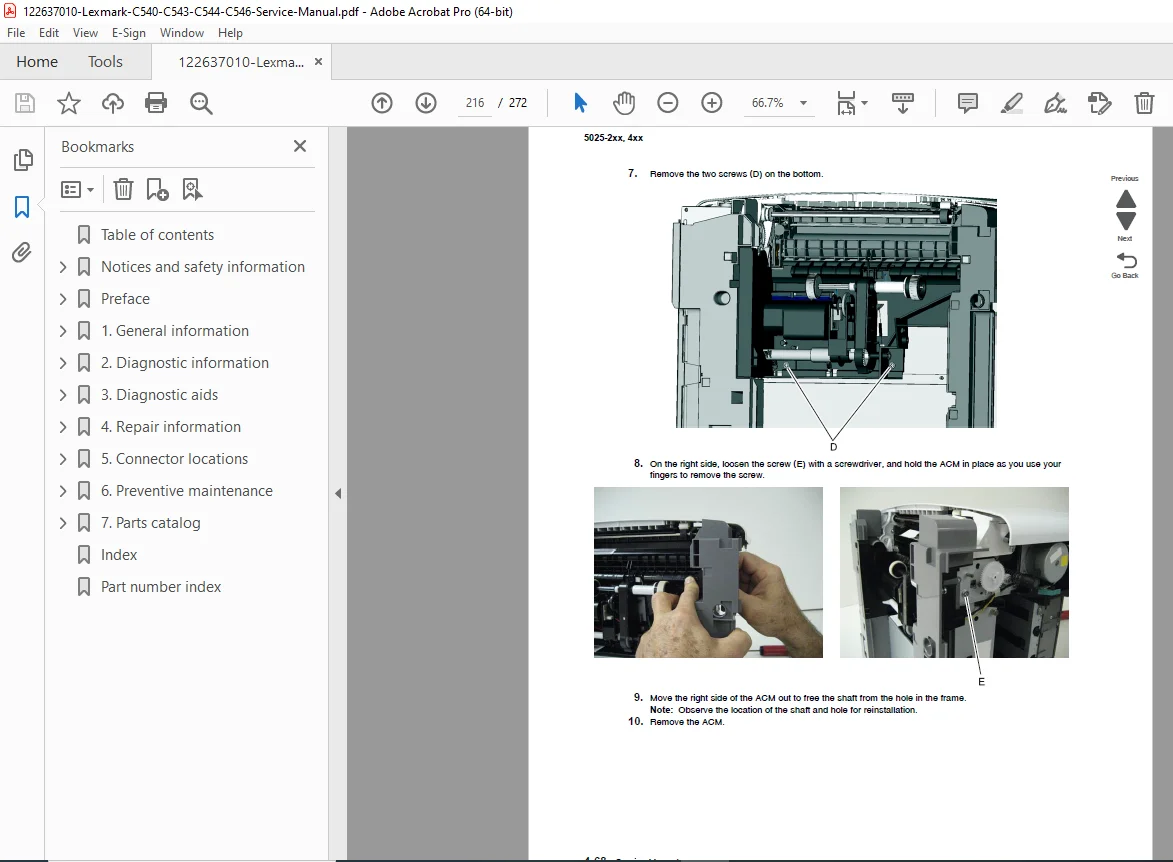
- Removal Procedures (step-by-step with illustrations):
- Front, left, right, top, rear cover assemblies
- Operator panel (bezel, name plate, logo plate, panel)
- Controller board
- Developer unit
- Duplex reference edge & duplex sensor
- Exit deflector & bin-full / narrow media sensor
- Fuser assembly & fuser drive motor
- Fuser exit sensor
- High-Voltage Power Supply (HVPS) — with and without spring variants
- Image Transfer Unit (ITU)
- Imaging Unit (IU)
- Low-Voltage Power Supply (LVPS)
- Lower frame (left & right)
- Main drive gear assembly
- Paper pick motor drive assembly
- Pick tires
- Printhead
- Toner cartridge contacts
- Toner density sensor (TDS) — left and right
- Toner meter cycle (TMC) card
- Tray present sensor
- USB port connector
- Waste toner bottle & contact block
- Wireless network antenna & card
Chapter 5 — Connector Locations
- Controller board connector locations and wiring reference diagrams
Chapter 6 — Parts Catalogue
- Illustrated parts breakdown with part numbers
Index — Comprehensive alphabetical index for fast reference
⚙️ Key Technical Specs at a Glance
| Spec | C540n / C543dn | C544n / C544dn / C544dw | C546dtn |
|---|---|---|---|
| Standard RAM | 128MB | 128MB | 256MB |
| Max RAM | 256MB | 512MB | 640MB |
| Print Resolution | 4800CQ / 1200dpi | 4800CQ / 1200dpi | 4800CQ / 1200dpi |
| Ethernet | ✔ | ✔ | ✔ |
| USB 2.0 | ✔ | ✔ | ✔ |
| USB-A Direct Print | ✘ | ✔ | ✔ |
| Wireless 802.11b/g/n | ✘ | ✔ (C544dw only) | ✘ |
| Duplex | C543dn ✔ | ✔ | ✔ |
| Width | 424 mm | 424 mm | 424 mm |
| Weight | 21 kg | 21 kg | 25 kg |
| PDF / PostScript | C543dn ✔ | ✔ | ✔ |
🔧 Who Needs This Manual?
- ✅ Technicians diagnosing Lexmark C540 / C544 fuser, ITU, or HVPS errors
- ✅ Engineers troubleshooting Lexmark C544 print quality defects (banding, streaks, residual image)
- ✅ Service centres performing Lexmark C546 EP process calibration or alignment
- ✅ Anyone replacing imaging units, developer units, or transfer belts on any C540/C544/C546 model
- ✅ IT technicians needing a Lexmark C544 firmware update procedure or connectivity service check
Fuser errors, banding, dead printers — this manual has the exact step-by-step fix for every fault across all seven C540/C544/C546 models. Download it instantly and have the right service check, torque spec, or removal diagram in front of you in seconds — no back-orders, no waiting, just the factory data you need to get the job done right.