OKI C5500/C5800/C6100 Printer Maintenance Service Manual (2006) PDF
Original price was: $120.00.$19.95Current price is: $19.95.
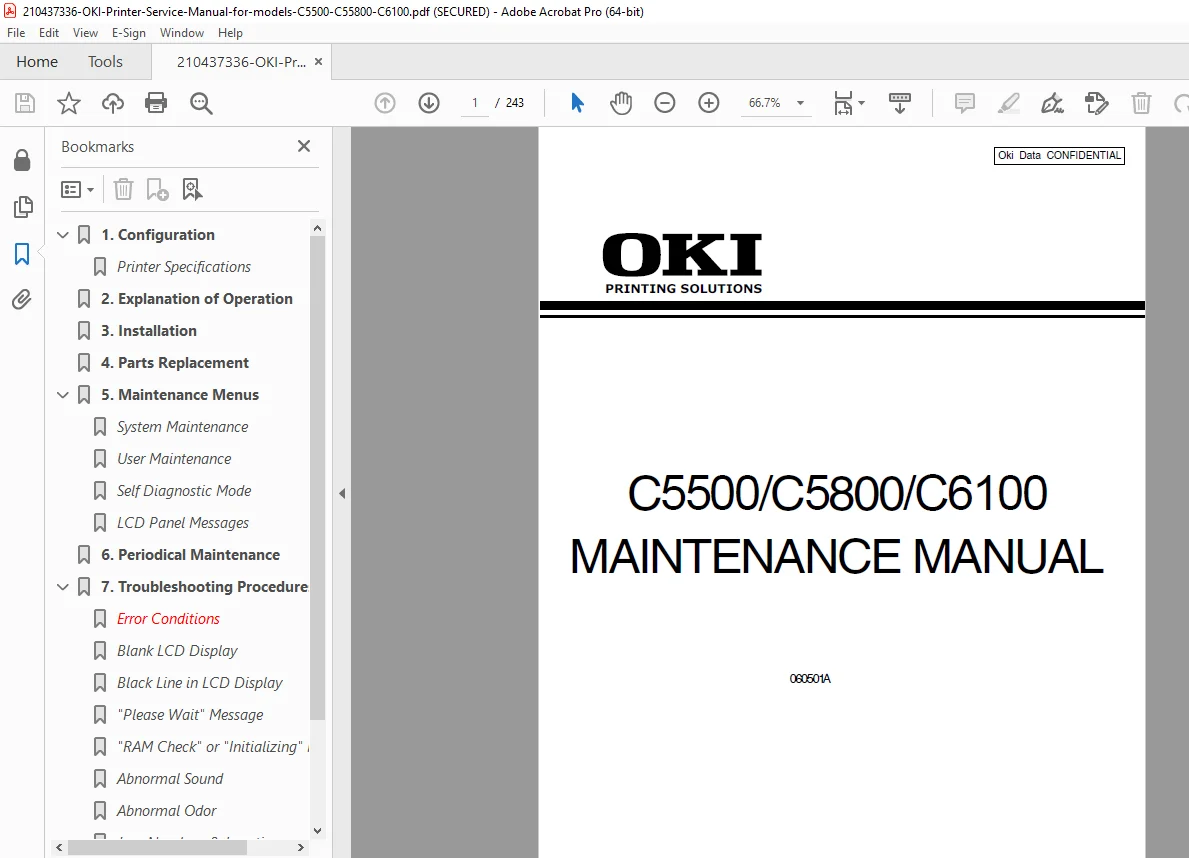
Official OKI Data C5500/C5800/C6100 Maintenance Manual (Rev.1 / 2006) PDF for technicians. Covers printer configuration, electrophotographic & printing process, full installation, detailed part replacement procedures, maintenance menus & self-diagnostics, periodic maintenance/cleaning, advanced troubleshooting (LCD errors, jams, fuser, motors, toner/LED head issues), plus connection diagrams & layouts. Instant download.
Description
OKI C5500/C5800/C6100 Printer Maintenance Service Manual (2006) PDF DOWNLOAD
OKI C5500 / C5800 / C6100 Maintenance & Service Manual (PDF)
If you repair or maintain OKI color LED printers, this is the technician-grade manual you want on hand. It explains how the printer works, how to safely install and service it, and gives step-by-step teardown/replacement procedures plus diagnostics and troubleshooting routines.
✅ Models Covered
OKI C5500
OKI C5800
OKI C6100
📑 Table of Contents
1) Configuration
System configuration (C6100 / C5800-C5500)
Printer configuration overview (engine, paper paths, control, power sections)
Optional items (2nd tray, duplex, memory, HDD depending on model)
Specifications + interface specs (USB / Network)
2) Explanation of Operation
Electrophotographic processing mechanism (charging, exposure, development, transfer, cleaning, fusing)
Printing process (Tray/MPT feed paths + duplex operation)
3) Installation
Safety cautions & environment requirements
Unpacking / installation steps
Accessories list
Initial assembly (protective materials, drum/toner handling, paper loading, setup)
4) Replacement of Parts
Precautions before replacing parts
Detailed removal/installation procedures (covers, LED assy, control PCBs, motors, power supplies, sensors, fuser, belt unit, rollers, etc.)
Lubrication points
5) Maintenance Menus & Diagnostics
System maintenance menu (tech-only)
Maintenance utility + user maintenance menu functions
Self-diagnostic mode (tests: switch scan, motor/clutch, test print, color registration, density adjustment, counters, etc.)
Setup after parts replacement (EEPROM/serial/destination settings)
6) Periodical Maintenance
Recommended replacement parts
Cleaning procedures (LED lens array, pickup rollers, internal cleaning)
7) Troubleshooting Procedures
Precautions before repair
LCD message list
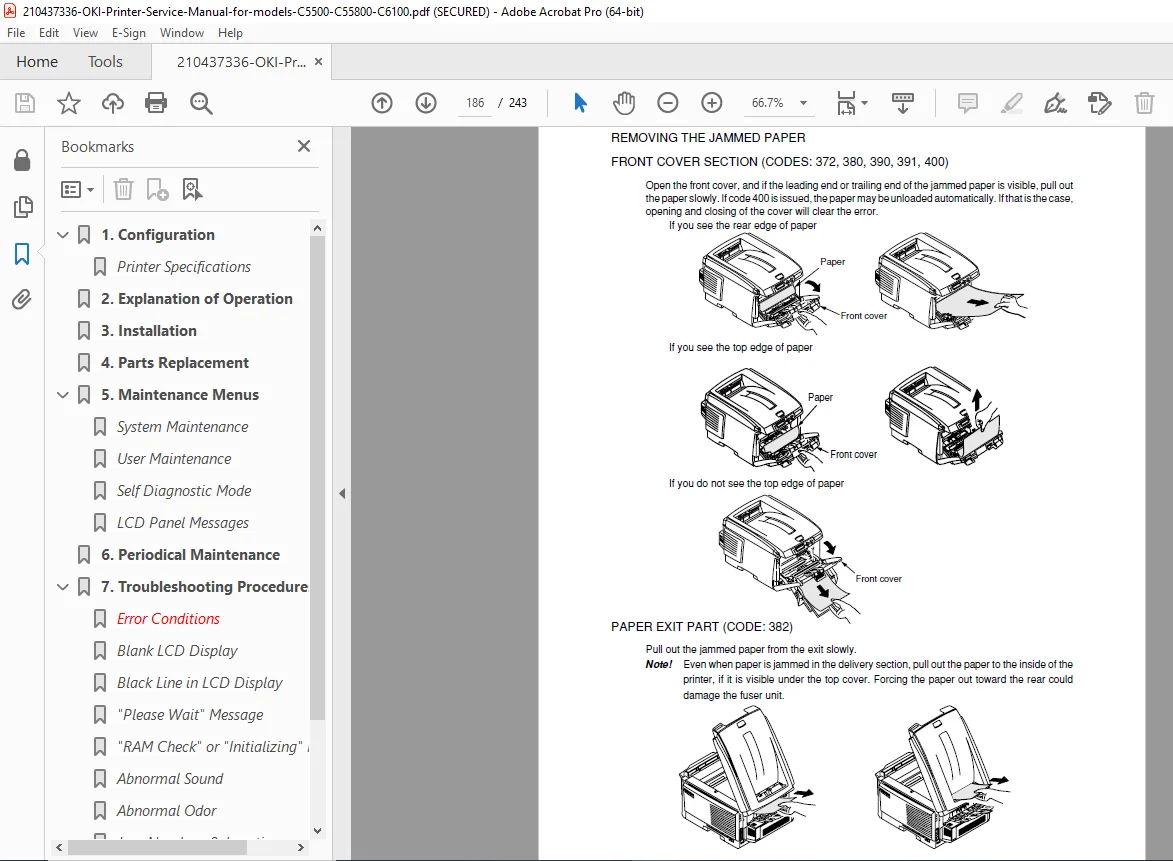
Guided troubleshooting: display malfunction, abnormal startup, jams (tray/MPT/path/exit/duplex), paper size errors, ID unit up/down errors, fuser errors, motor/fan errors, slow printing, option recognition, LED head errors, toner cartridge errors, fuse cutout, dew condensation
Image-quality troubleshooting (pale prints, dirty background, blank print, vertical lines, cyclic defects, color registration issues, solid black, etc.)
Network troubleshooting
8) Connection Diagrams
Resistance checks
Component layout diagrams
⭐ Why this manual is super useful (real-world fixes)
Fix paper jams correctly (tray/MPT/duplex/path/exit) with guided checks and error mapping
Diagnose fuser & temperature faults, motor/fan issues, and sensor-related errors
Run self-diagnostic tests for motors, clutches, color registration, and density adjustments
Perform correct belt/fuser/roller replacements and post-repair setup procedures
📌 File Details
| Item | Details |
|---|---|
| Manual Name | OKI Data C5500/C5800/C6100 Maintenance Manual |
| Models Covered | C5500, C5800, C6100 |
| Year | 2006 (Rev.1) |
| Manual PDF Quality | Clear service manual scan with diagrams, tables & procedures |
| Pages | 243 pages |
Stop guessing and start repairing like a pro—this OEM maintenance manual gives you the exact diagnostics, teardown steps, and troubleshooting workflows techs use. Buy now and download instantly to fix your OKI printer today.