OKI C7000 Series (C7200/C7400) Color LED Printer Service Manual PDF
Original price was: $95.00.$18.95Current price is: $18.95.
Get the complete OKI C7000 Series factory Service Manual for C7000/C7200/C7400 color LED page printers. Covers specifications, operation theory, disassembly & part replacement, maintenance modes, adjustments, troubleshooting (jams & print quality), wiring checks, and detailed parts lists—perfect for technicians and repair shops.
Description
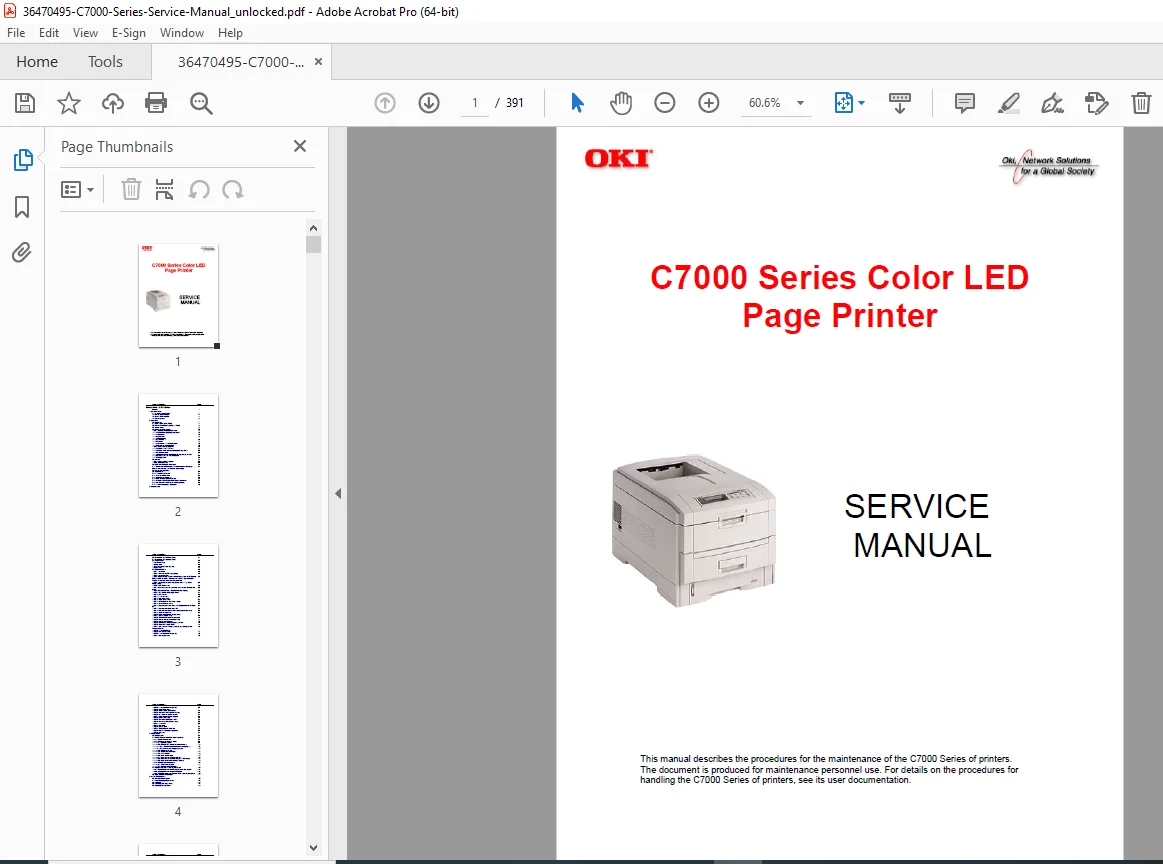
OKI C7000 Series (C7200/C7400) Color LED Printer Service Manual PDF DOWNLOAD
Description
This OKI C7000 Series Color LED Printer Service Manual is the official factory-level guide designed for trained technicians and service professionals. It provides in-depth technical information, precise repair procedures, diagnostic functions, and complete parts identification to help you maintain, troubleshoot, and repair your printer efficiently and accurately.
Whether you are dealing with paper feed issues, color alignment problems, image defects, or component replacement, this manual gives you the same information used by authorized service centers.
✅ Models Covered
OKI C7000 Series Color LED Page Printers
Includes technical coverage applicable to C7200 and C7400 models
📌 File Details
| Item | Details |
|---|---|
| Manual Name | C7000 Series Color LED Page Printer – Service Manual |
| Models Covered | OKI C7000 Series (C7200 / C7400) |
| Year | 1999 |
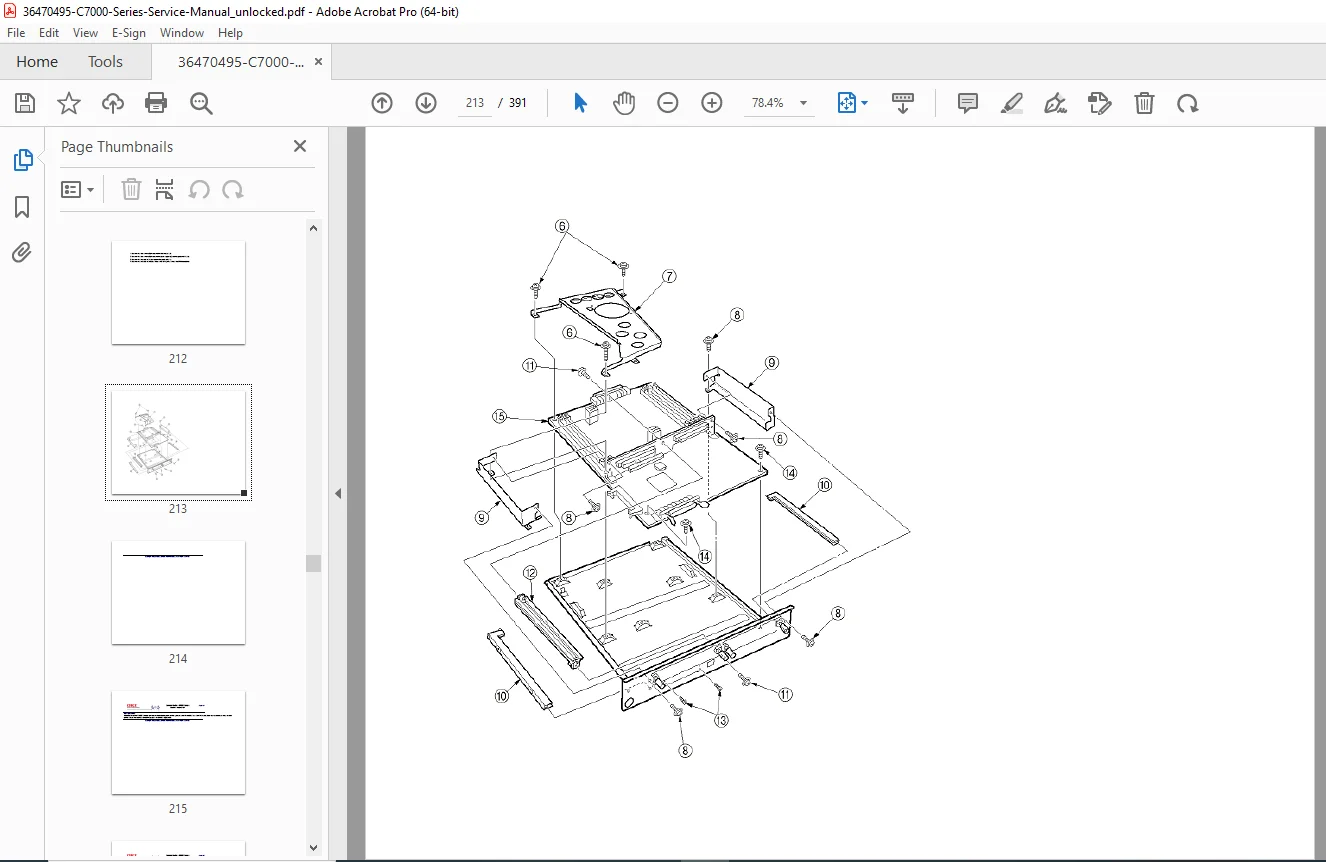
| PDF Quality | High-quality, searchable text with clear diagrams |
| Pages | 391 pages |
Table of Contents
1) Specifications
System configuration
Printer configuration
Optional equipment (additional trays, duplex unit, memory, hard disk, network interface)
Complete technical specifications
2) Operating Principles
Main control board and engine controller board
Power supply units (high and low voltage)
Electrophotographic and mechanical operation
Paper transport and feed mechanisms
Sensor operation and detection logic
Color misalignment detection and correction
Environmental compensation (temperature and humidity)
Jam detection and safety monitoring
Toner level detection and life counters
Power-on sequence and self-diagnostics
3) Disassembly & Parts Replacement
Safety precautions and recommended service tools
Internal layout and component identification
Step-by-step replacement procedures for:
Covers and external panels
LED print head assemblies
Control panel and circuit boards
Feed rollers, fans, sensors
Power supply units
Fuser unit and belt unit
Duplex transport and paper handling assemblies
4) Adjustments & Maintenance Modes
Engine maintenance mode functions
Diagnostic test printing
NVRAM initialization and counter resets
Board-level adjustments
Color balance and alignment adjustments
Required adjustments after parts replacement
5) Periodic Maintenance
Scheduled replacement parts
Cleaning procedures (LED lens array, pickup rollers)
Preventive maintenance guidelines
6) Troubleshooting
Preliminary inspection procedures
LCD error messages and alarm codes
Paper jam troubleshooting (tray, multipurpose tray, duplex, exit path)
Image quality troubleshooting:
Light or faded prints
Dirty background
Blank pages
Vertical lines and banding
White streaks and missing image areas
Poor fusing
Color registration and color quality issues
7) Wiring Information
Wiring diagrams
Resistance and continuity checks
ROM and firmware location details
8) Parts List
Complete exploded diagrams
Main assembly parts tables
Covers, trays, duplex unit, and transport assemblies
Individual part numbers for accurate ordering
Repair and maintain your OKI C7000-series printer with confidence using this official service manual.
Instant download gives you professional-grade troubleshooting, adjustments, and parts information—exactly when you need it.