Oki MC860 Series Service Manual PDF Download
Original price was: $95.00.$15.95Current price is: $15.95.
Download the official Oki MC860 service manual PDF (Revision 7) for MC851, MC860, MC861, ES8451MFP, and ES8461MFP models. This comprehensive Oki MC851 maintenance manual includes system configuration, theory of operation, installation guides, and parts replacement procedures for Color LED MFPs. Perfect as an ES8461MFP repair guide or Oki ES8451MFP workshop manual, with 570 pages of diagrams, specs, and troubleshooting. Instant access for your Oki MC860 series maintenance manual needs.
Description
Oki MC860 Series Service Manual PDF Download
Description
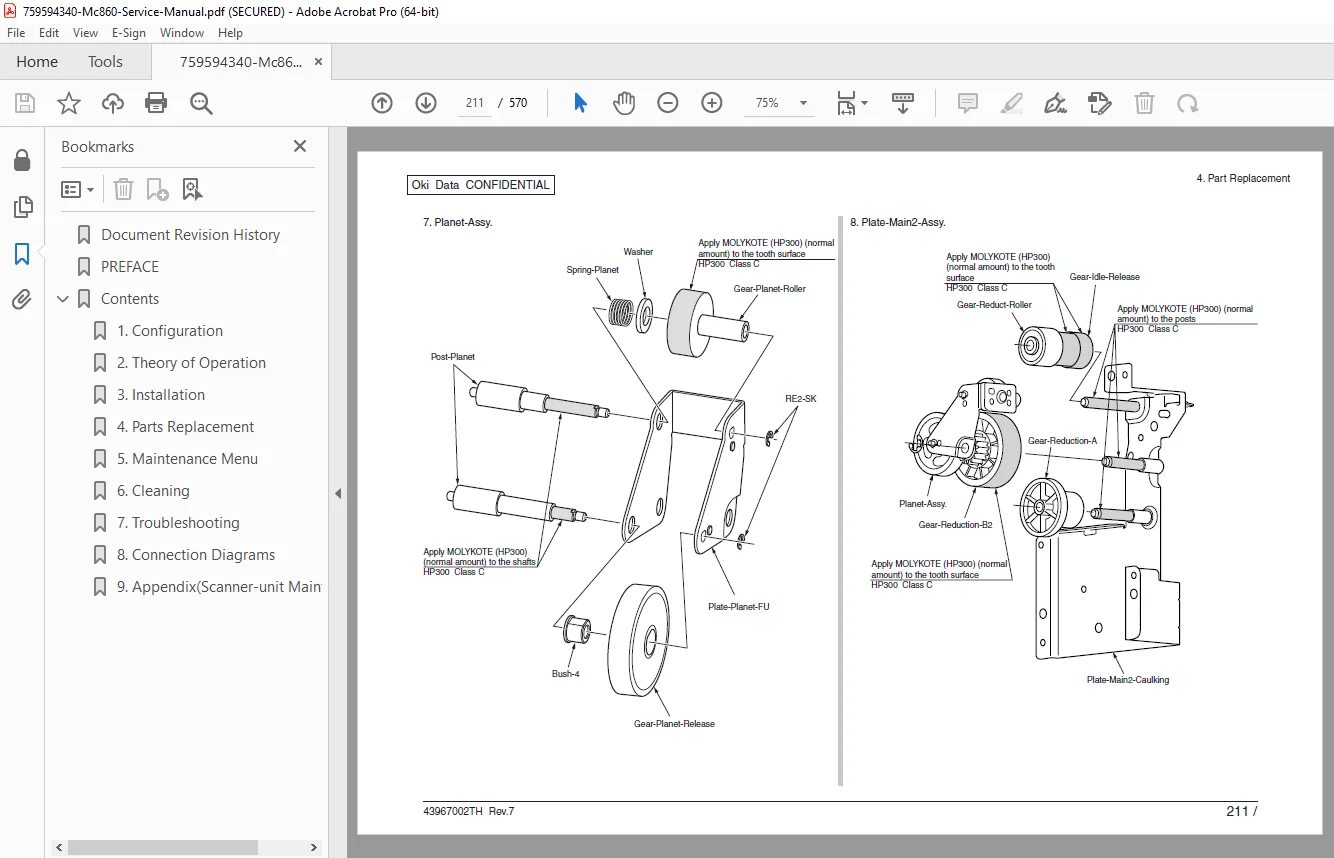
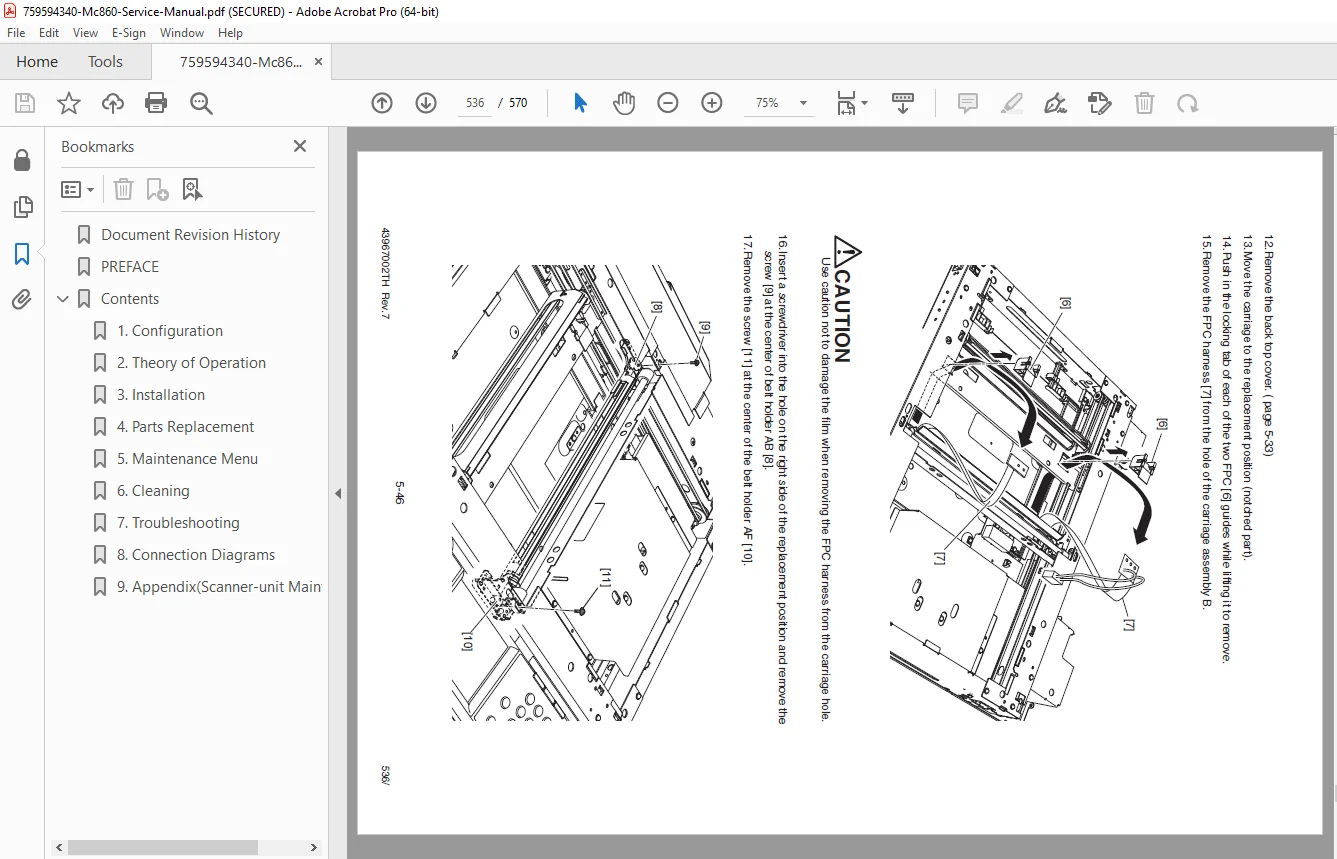
This digital Oki MC860 service manual PDF (Revision 7) is an indispensable tool for technicians maintaining Oki Data Color LED Multifunction Printers (MFPs). Covering models like MC851, MC860, MC861, ES8451MFP, and ES8461MFP, it details electro-photographic processes, scanning operations, installation, and parts replacement. Whether you need an Oki MC851 maintenance manual for routine upkeep or an ES8461MFP repair guide for advanced troubleshooting, this document includes warnings, interface specs, and firmware updates. It’s also a reliable Oki ES8451MFP workshop manual for handling RADF, duplex units, and more.
File Details:
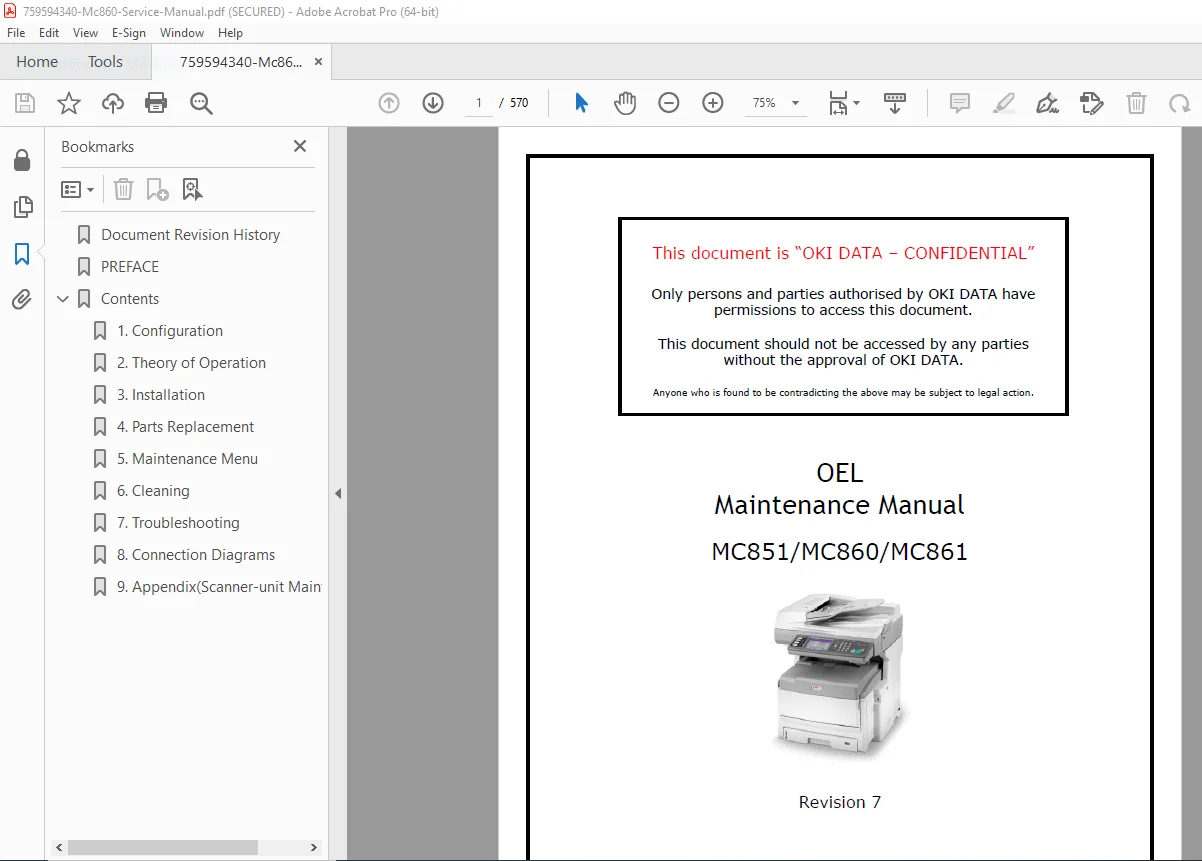
- Manual Name: OEL Maintenance Manual MC851/MC860/MC861 (PN 43967002TH Rev.7)
- Models Covered: MC851, MC860, MC861, ES8451MFP, ES8461MFP (including China models and NBC3 variants)
- Year: 2008-2011 (revisions from 2008 to 2011)
- Manual PDF Quality: High-resolution scanned with clear text, tables, and diagrams
- No. of Pages: 570
The manual emphasizes confidentiality for authorized Oki Data users and includes revision history with updates like firmware versions, drum life improvements, and paper curling measures. It provides step-by-step instructions for safe maintenance, electro-photographic printing, image scanning with RADF, and interface connections (USB, network, parallel).
Extracted and Categorized Table of Contents:
The contents are organized into chapters covering configuration, operation theory, installation, and parts replacement. Here’s a neatly formatted breakdown for easy reference in your Oki MC860 service manual PDF or ES8461MFP repair guide:
- Chapter 1: Configuration
- System Configuration: 1.1
- MFP Configuration: 1.2
- Name and Function of Each Part: 1.2.1
- Options Configuration: 1.3
- Specifications: 1.4
- Interface Specifications: 1.5
- USB Interface Specifications: 1.5.1
- Network Interface Specifications: 1.5.2
- Parallel Interface Specifications: 1.5.3
- Acc Interface: 1.5.4
- USB Memory Interface: 1.5.5
- Chapter 2: Theory of Operation
- Electro-Photographic Process System: 2.1
- Print Process: 2.2
- Image Scanning Process: 2.3
- Structure and Process of RADF: 2.3.1
- Cross-Section View: 2.3.1.1
- Electrical Configuration: 2.3.1.2
- Fundamental Operations: 2.3.1.3
- Document Detection: 2.3.1.4
- Jam Detection: 2.3.1.5
- Power Supply: 2.3.1.6
- Document Table Structure: 2.3.2
- Overview: 2.3.2.1
- Exposure Block: 2.3.2.2
- Mirror Carriage Drive Mechanism: 2.3.2.3
- Document Size Detection: 2.3.2.4
- Structure and Process of RADF: 2.3.1
- Chapter 3: Installation
- Warnings and Prohibited Items: 3.1
- Installation of MFP: 3.2
- Unpacking: 3.2.1
- Main Unit and List of Accessories: 3.2.2
- Installation Method: 3.2.3
- Installation of Add-On Tray Unit: 3.3
- Unpacking: 3.3.1
- Main Unit and List of Accessories: 3.3.2
- Installation Method: 3.3.3
- Preparation Before Use: 3.4
- Preparation of Paper: 3.4.1
- Power Cable Connection: 3.4.2
- Add-On Memory Replacement: 3.4.3
- Internal Hard Disk Replacement: 3.4.4
- Duplex Unit Installation and Removal: 3.4.5
- Report Print: 3.5
- Control Panel: 3.6
- Menu List: 3.7
- MFP Information Print: 3.8
- Network Information Print: 3.9
- Connection Method: 3.10
- Connect the Interface Cable: 3.10.1
- Connect the Network Cable: 3.10.1.1
- Connect the USB Cable: 3.10.1.2
- Connect the Telephone Line Cable: 3.10.1.3
- Turn ON the Power: 3.10.2
- Required Conditions for Power Supply: 3.10.2.1
- Power Switch: 3.10.2.2
- Connect the Interface Cable: 3.10.1
- Checking Papers Used by User: 3.11
- Chapter 4: Parts Replacement
- Precautions When Replacing Part: 4.1
- Part Replacement Method: 4.2
- How to Separate Scanner and Printer: 4.2.1
- Scanner: 4.2.2
- Separation Pad: 4.2.2.1
- Pickup Roller Unit: 4.2.2.2
- Operator Panel Assy: 4.2.2.3
- RADF Assy: 4.2.2.4
- Gas Spring: 4.2.2.5
Revision History Table (Excerpted):
| Rev. No. | Date | Corrected Items (No., Page, Description of Change) | Person in Charge |
|---|---|---|---|
| 1 | 2008-11-20 | Issue | MFP2 Imada |
| 2 | 2009-07-31 | All pages – Drawing Maintenance | MFP2 Ikeda |
| 3 | 2009-12-03 | All pages – Drawing Maintenance; Contents mention for NBC3 | MFP2 Ikeda |
| 4 | 2010-03-24 | 155,160 – Description content addition | PED13 Yabuki |
| 5 | 2010-09-03 | 51,118,137,138,236,278-282 – Drawing maintenance including updating of F/W version | PMD2 Ikeda |
| 6 | 2010-11-15 | All pages – Drawing maintenance; Added the description for China model | PMD2 Ikeda |
| 7 | 2011-09-01 | All pages – Drawing maintenance; Added descriptions for MC851, ES8451MFP, MC861 and ES8461MFP model for OEL; Duplex Last Page menu for Drum Life improvement (section 3.7); Paper Curling measures (section 5.15); Switching of default size (section 5.16); New F/W versions (section 5.14.3) | NPD21 Ikeda |
(Note: The full manual includes additional chapters like troubleshooting, likely in the remaining pages.)
This Oki MC860 series maintenance manual ensures precise repairs with diagrams and safety notes, making it ideal for professional service.
Download this essential Oki MC860 service manual PDF now for immediate access to expert maintenance insights and keep your MFPs performing at peak efficiency!