
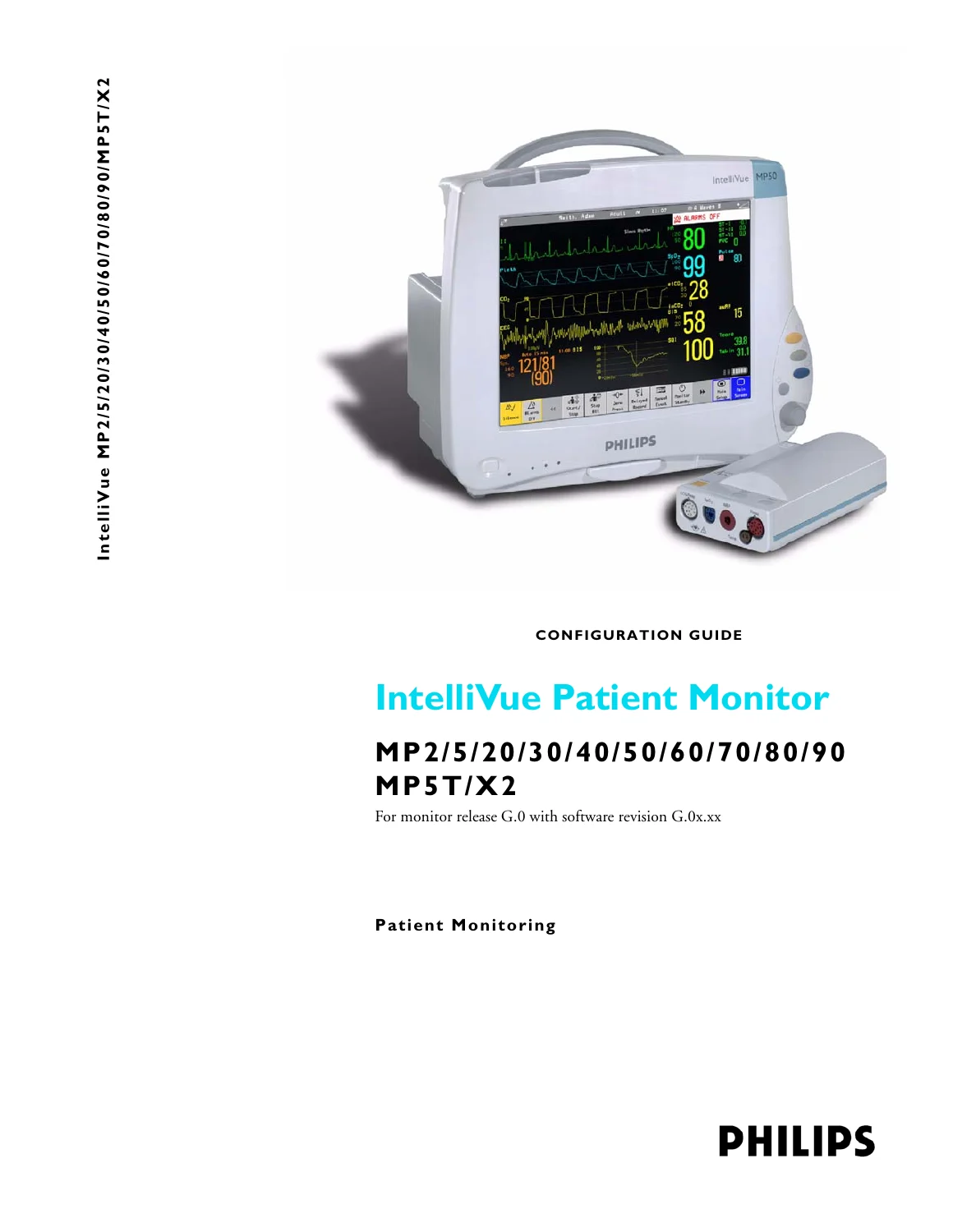
Philips IntelliVue MP2-MP90 MP5T X2 Patient Monitor Configuration Guide – Release G.0 (PDF)
Original price was: $39.95.$24.95Current price is: $24.95.
Official Philips configuration guide for IntelliVue MP2/MP5/MP20/30/40/50/60/70/80/90, MP5T, and X2 patient monitors. Covers Release G.0 software. Essential for biomeds and clinical engineers to customize profiles, screens, alarm limits, and network settings.
Description
Complete Configuration Reference for IntelliVue Patient Monitors
This is the official Philips IntelliVue Patient Monitor Configuration Guide for monitors running software release G.0.xx. It is a comprehensive reference for clinical engineers, biomedical technicians, and IT staff responsible for deploying and maintaining Philips patient monitoring systems. This guide explains how to permanently configure the monitor to meet clinical requirements across hospital departments, from general wards to intensive care, neonatal, and anesthesia environments.
File Details
- Document Type: Official Configuration Guide
- Brand: Philips
- Product Series: IntelliVue Patient Monitors
- Applicable Models: MP2, MP5, MP20, MP30, MP40, MP50, MP60, MP70, MP80, MP90, MP5T, X2
- Software Release: G.0.xx
- Language: English
- Page Count: 254 pages
- File Format: PDF
- Document Number: 80 99 28 58 100 15 12/81 (90)
Chapters Covered
This comprehensive guide is structured to provide both a conceptual understanding of the monitor’s configuration architecture and detailed, step-by-step procedures for modifying settings:
- Understanding Configuration: Who the guide is for, which models it covers, an introduction to Configuration Mode, and the concepts of Profiles and Settings Blocks.
- Configuring Profiles and Settings Blocks: Detailed procedures for creating, modifying, renaming, and deleting Profiles, Measurement Settings blocks, and Monitor Settings blocks. Also covers setting the default Profile and unlocking configurations.
- Configuring Screens: How to modify existing Screens and create new ones. Includes procedures for changing the content of wave, numeric, and trend elements, configuring SmartKeys, and customizing special Screen settings like embedded trends and other bed windows.
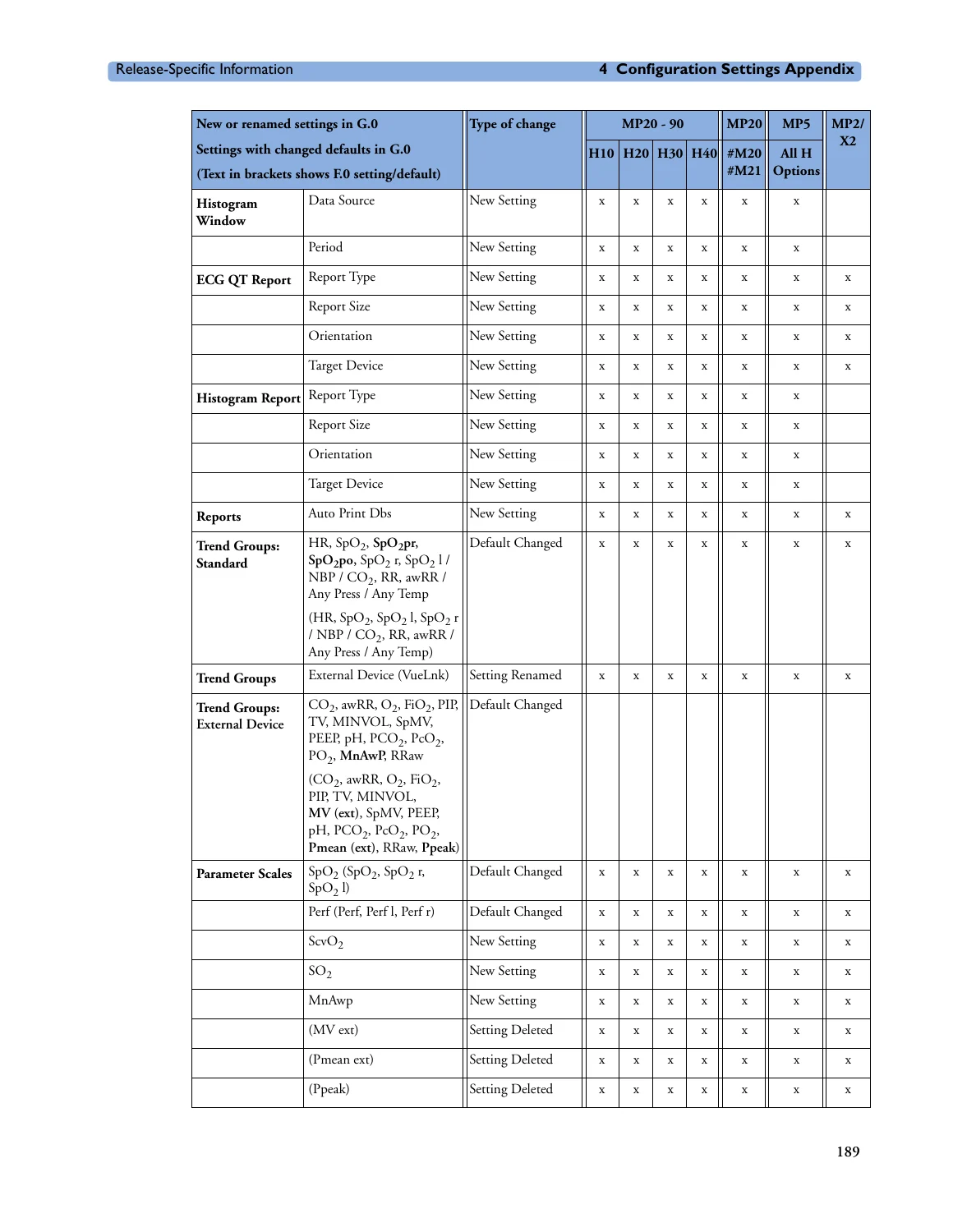
- Configuration Settings Appendix: This extensive section documents the factory default settings for every configurable parameter. It includes tables and configuration implications for:
- Profile Settings: Default profile configurations.
- Measurement Settings: ECG, Arrhythmia, ST and QT Analysis, SpO2, NBP, Invasive Pressure, Cardiac Output, Capnography, Spirometry, EEG, BIS, Temperature, and more.
- Monitor Settings: Alarms, Alarm Recordings, Auto Alarm Limits, Screen/Horizon Trends, Trend Groups, Event Surveillance, ProtocolWatch, Timers, and User Interface settings.
- Global Settings: General, Ask for New Patient, Demographic Fields, Remote Display, and Timer Selection.
- Hardware Settings: Multiple Display, Video, Interfaces, Input Devices, and Wireless LAN settings.
- H Option-Specific Settings: Settings that are unique to the installed clinical application option (e.g., H10 General, H20 Neonatal, H30 Anesthesia).
- Screen & Profile Overview: An appendix documenting the factory-default Screens and Profiles for each monitor model. It includes a library of screen configurations with file names and descriptions.
What This Guide Enables You To Do
The Philips IntelliVue Configuration Guide is the essential tool for tailoring these sophisticated monitors to your specific clinical workflows. With this manual, you can:
- Customize Monitoring Profiles: Create and assign Profiles for different patient categories (Adult, Pediatric, Neonatal) and clinical scenarios (ER, ICU, OR).
- Define Alarm and Measurement Settings: Configure alarm limits, measurement sources, display colors, and calculation methods for parameters like ECG, SpO2, NBP, and Invasive Pressures.
- Design and Assign Screens: Arrange waves, numerics, trends, and SmartKeys to create optimized views for different clinical tasks (e.g., Big Numerics, 12-Lead ECG, Horizon Trend).
- Configure Network and Global Settings: Set up care groups, printer configurations, telemetry pairing, and other system-wide parameters.
- Standardize Configurations: Use the guide alongside the IntelliVue Support Tool to clone configurations to multiple monitors, ensuring a consistent and safe patient monitoring experience across your facility.
Why Accurate Configuration Matters
Proper configuration is critical for patient safety and staff efficiency. Correctly setting patient categories, paced status, alarm limits, and measurement algorithms ensures the monitor provides accurate data and appropriate alerts. This guide provides the necessary warnings and configuration implications to help you avoid unintended behavior. The step-by-step instructions, combined with a complete settings appendix, minimize the risk of error during the setup process.
Instant Digital Delivery
This product is a digital download in PDF format. You will receive immediate access to the complete 254-page manual after purchase. It can be viewed on any device that supports PDFs, including computers, tablets, and smartphones. You can also print specific pages for reference in the clinical engineering workshop.



Reviews
There are no reviews yet.