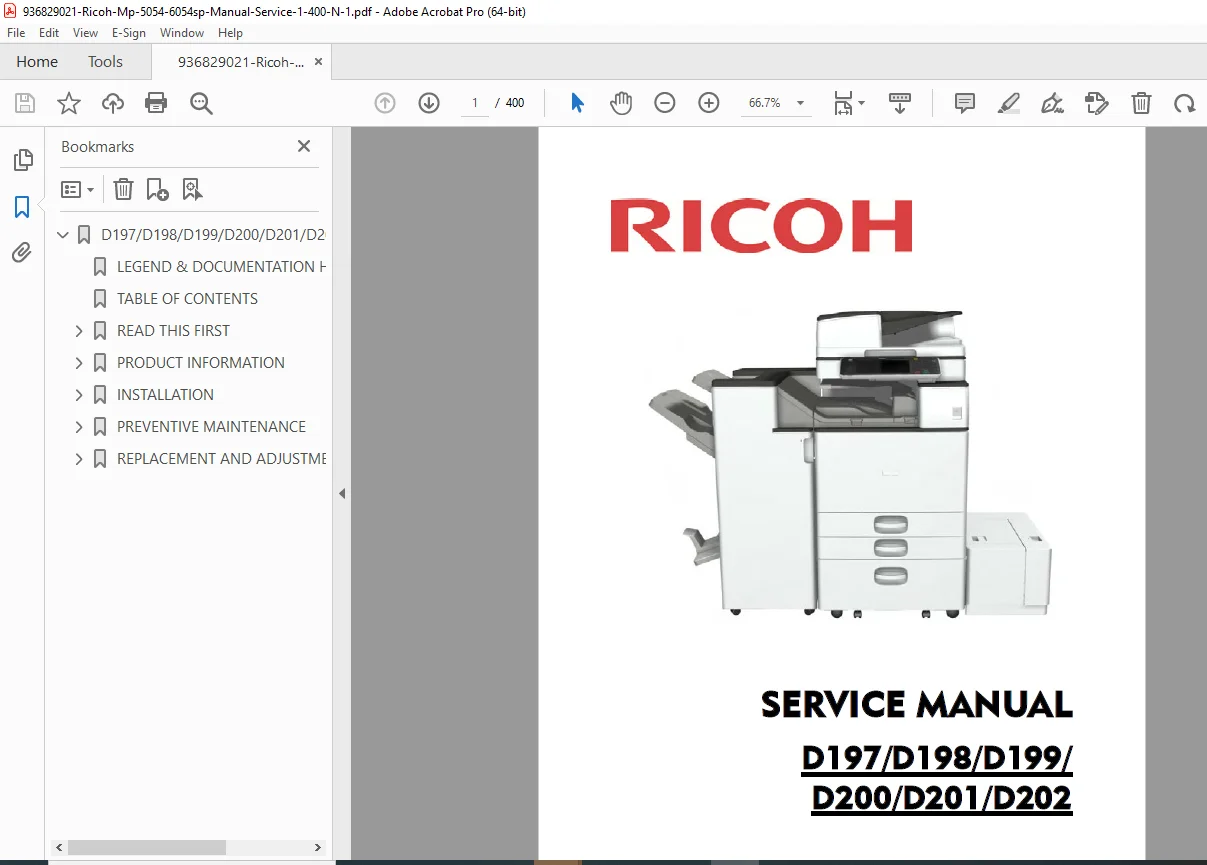
Ricoh MP 5054SP/6054SP Service Manual PDF (D197–D202)
Original price was: $120.00.$18.95Current price is: $18.95.
Download the Ricoh D197–D202 Service Manual PDF covering MP 2554SP / 3054SP / 3554SP / 4054SP / 5054SP / 6054SP (also sold as Lanier / Savin equivalents). Includes product layouts, installation & options, preventive maintenance, replacement/adjustment procedures, SP mode tables, SC error code troubleshooting, jam codes, firmware update procedures, and safety guidance.
Description
Ricoh MP 5054SP/6054SP Service Manual (D197–D202) PDF DOWNLOAD
Description
🖨️ D197/D198/D199/D200/D201/D202 — Complete Service Manual (PDF Download)
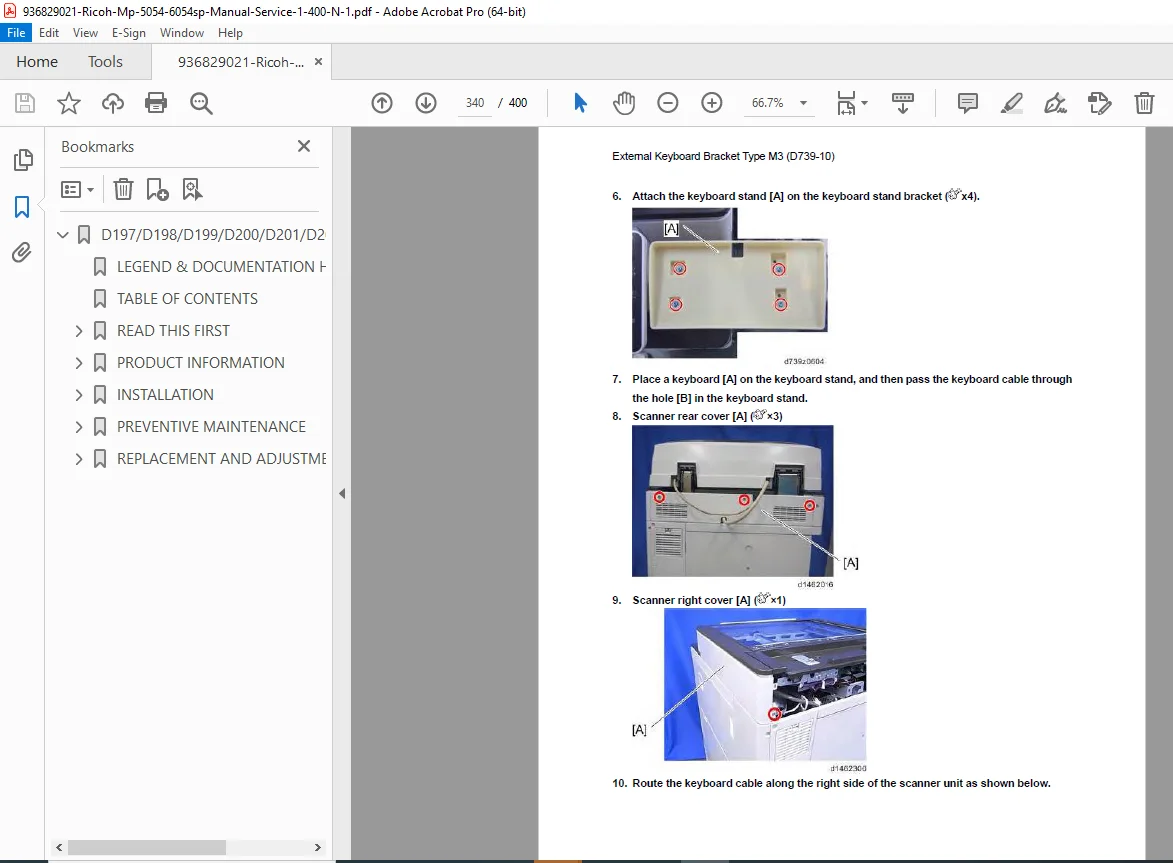
This is a technician-grade factory service manual designed for troubleshooting, maintenance, and repairs on the MP 2554SP–6054SP platform family. You’ll get everything from component layouts and paper path diagrams to SP mode tables, service call (SC) codes, jam code logic, and detailed replacement/adjustment procedures.
✅ Models Covered
D197: MP 2554SP
D198: MP 3054SP
D199: MP 3554SP
D200: MP 4054SP
D201: MP 5054SP
D202: MP 6054SP
📑 Table of Contents (Neatly Organized)
1. Product Information
Product overview
Component layout
Paper path
Drive layout
Parts layout (scanner unit, paper feed unit, laser/PCDU, fusing unit, waste toner, duplex/bypass, paper exit/reverse, air flow, drive unit, electrical components)
Machine codes & peripherals configuration (NA / EU / Asia)
Differences between similar models / predecessor guidance
2. Installation
Installation requirements (environment, level, space, dimensions, power)
Main machine installation (security issues, password setting, flow chart, procedure, image quality checks, SP settings, moving/transport)
Option installations (major examples included in this manual):
Paper feed units / LCIT / caster table
Platen cover, ARDF, SPDF
Bridge unit, trays, finishers, punch units
Smart operation panel, anti-condensation heaters
Card reader brackets, counter interface
Printer/scanner unit, IEEE boards, wireless LAN, Bluetooth
HDD, SD options, OCR unit, browser unit, PostScript/XPS/IPDS, USB device server
Data overwrite security, encryption, @Remote settings, user guidance
3. Preventive Maintenance
PM tables
Image quality standards (resolution, magnification error margin, pitch error, perpendicularity, linearity, etc.)
Paper transfer quality standards (registration, skew)
PM parts settings + replacement procedure and checks
4. Replacement and Adjustment
Cover removal order + exterior covers
Operation panel (key control board, interface board, LCD notes)
Scanner unit (lamp, motor, lens block, sensors, wire adjustments)
Laser unit (replacement notes), PCDU/PCU/dev unit, OPC drum, charge/cleaning components, developer, TD sensor
Transfer unit, drive motors, fusing unit (SC544/SC554 clearing notes), paper exit, paper feed, duplex/bypass
PCBs (BCU, controller board/NVRAM, HDD, HVPS, PSU, sensors)
Fans/filters + post-replacement adjustments (printing/scanning registration, magnification, touch calibration)
5. System Maintenance
Service Program (SP) mode (enter/exit, buttons, test printing)
SP mode tables (SP1000–SP8000 ranges shown)
Input/Output check tables
Test pattern printing
Firmware update + JavaVM/EXJS update procedures
NVRAM upload/download, import/export, debug log capture, SP text mode
6. Troubleshooting
Self-diagnostic mode + service call codes
SC tables (SC1xx–SC9xx categories)
SC549 troubleshooting notes
Jam detection (jam codes/display codes, sensor locations, paper size codes)
Other problem fixes (examples: SC670, vertical streaks, finisher registration, stacking issues, OCR unit re-install notes)
Blown fuse condition + fuse locations
7. Energy Saving
Energy saver functions and timers
Duplex/combine paper-saving effectiveness and counters
✅ Manual File Details
| Item | Details |
|---|---|
| Manual Name | Service Manual — D197/D198/D199/D200/D201/D202 |
| Models Covered | MP 2554SP / 3054SP / 3554SP / 4054SP / 5054SP / 6054SP |
| Year | 2014 (Original printing shown as 11/2014) |
| Manual PDF Quality | Clear text + diagrams/tables (service manual format) |
| No. of Pages | 400 pages |
Stop guessing—use the full factory service manual with SP modes, SC code troubleshooting, adjustments, and replacement procedures. Instant PDF download so you can diagnose and repair with confidence right away.