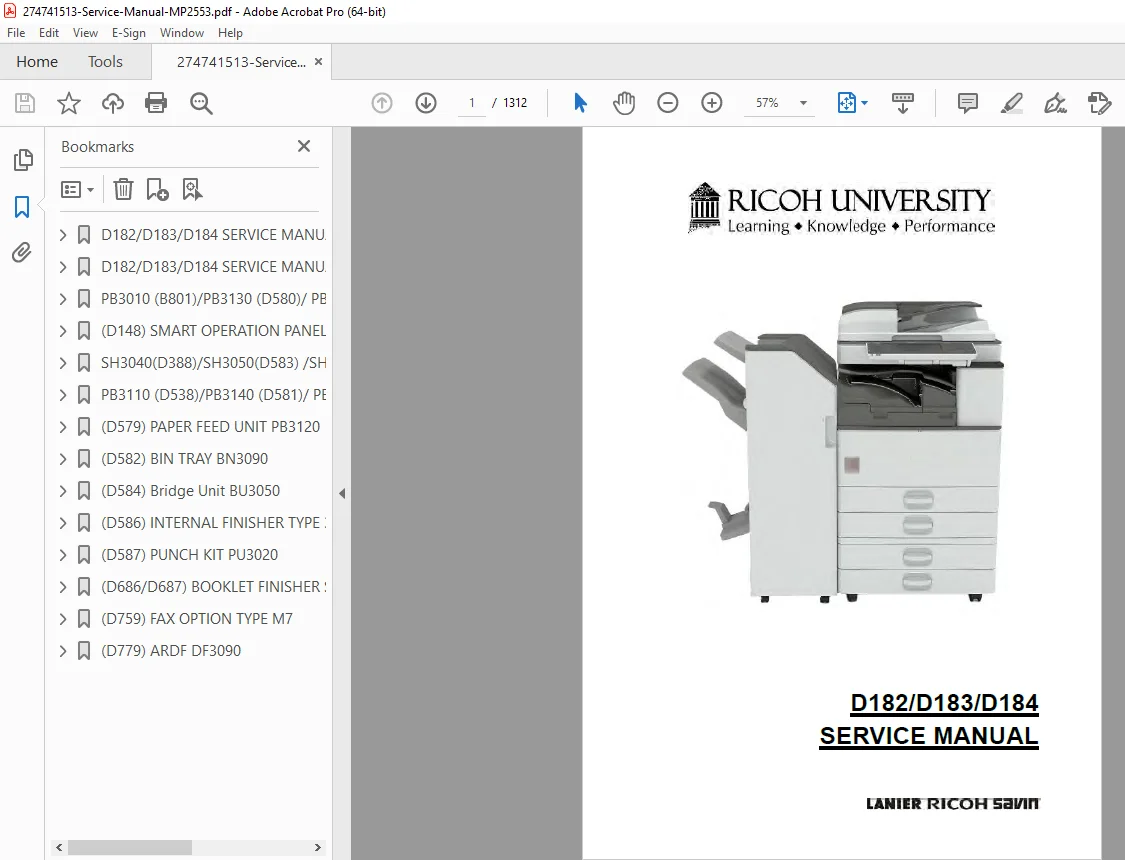
Ricoh MP 2553 / 3053 / 3353 Service Manual – Repair, Maintenance & Codes
Original price was: $120.00.$18.95Current price is: $18.95.
This official Ricoh MP 2553 service manual is the definitive guide for maintaining the MP 2553, MP 3053, and MP 3353 multifunction copiers. It covers deep-level disassembly instructions, critical SC code troubleshooting, and precise developer unit maintenance procedures. Essential for technicians, it includes detailed schematics and factory specifications to keep your office equipment running at peak performance.
Description
Ricoh MP 2553 / 3053 / 3353 Service Manual – Repair, Maintenance & Codes PDF DOWNLOAD
Description
Product Overview Master the repair and maintenance of your workgroup copiers with the complete Ricoh MP 2553 / MP 3053 / MP 3353 Field Service Manual. This extensive technical document is the same resource used by certified Ricoh field engineers. It provides in-depth coverage of the machine’s mechanical, electrical, and image processing systems.
Whether you are diagnosing a complex Ricoh MP 3053 SC code, replacing life-limited parts like the drum or fuser, or performing a firmware update on the Ricoh MP 3353, this manual guides you through every step. It features high-clarity diagrams for parts identification and specific logic trees for resolving paper jams and image quality defects.
Key Features:
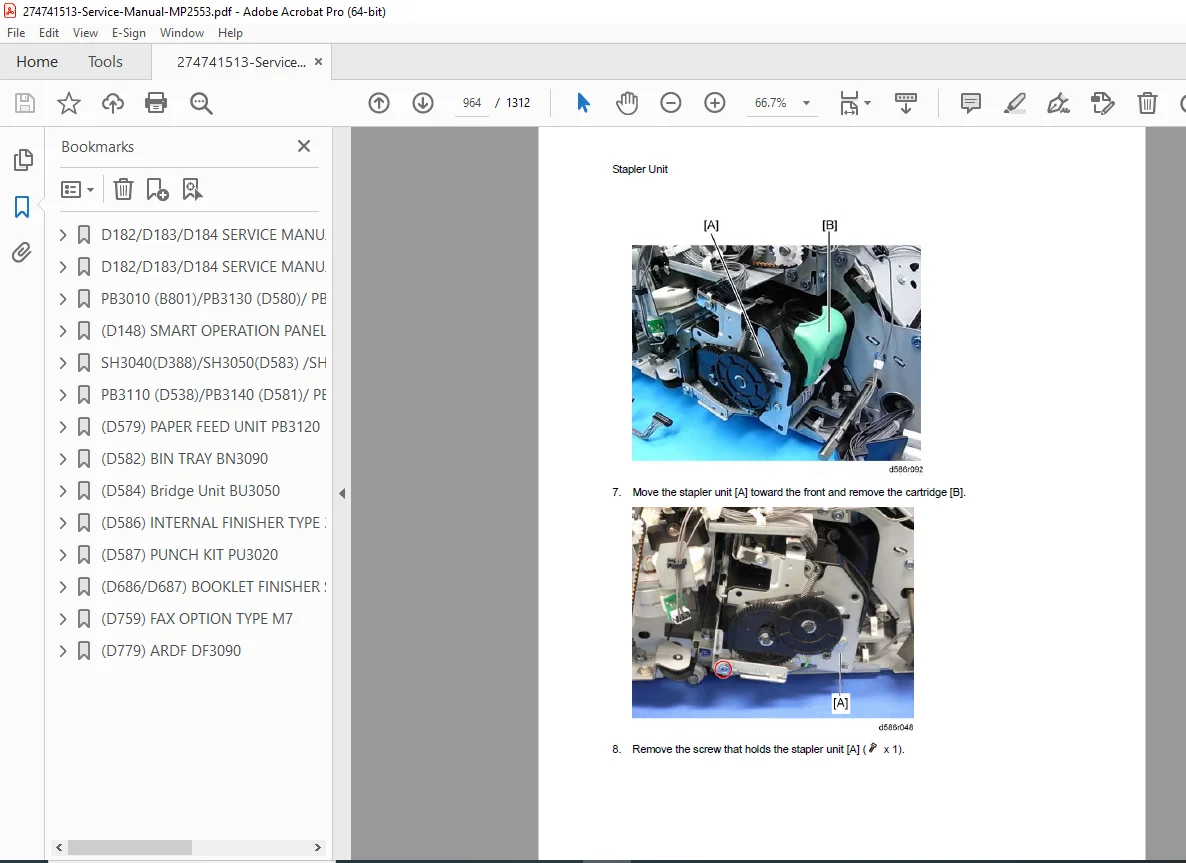
Mechanical Repair: Step-by-step disassembly guides for the Fusing Unit, PCU (Photoconductor Unit), Laser Optics, and Paper Feed stations.
System Diagnostics: Comprehensive lists of SC (Service Call) codes with troubleshooting flowcharts to pinpoint board or sensor failures.
Service Program Mode: Detailed explanation of SP modes for adjusting machine parameters, resetting counters, and testing sensors.
Maintenance: Schedules for preventative maintenance (PM), including lubrication points and consumable replacement intervals.
Table of Contents & Categorized Index:
1. Product Information
Specifications & Machine Configuration
Mechanical Overview & Paper Path
2. Installation
Main Machine Installation
Accessory Installation (Finisher, Paper Banks, Fax Unit)
3. Preventive Maintenance
Maintenance Tables (PM Schedule)
Cleaning Points & Lubrication
4. Replacement and Adjustment
Common Procedures: Covers, Operation Panel, HDD
Image Processing: Scanner Unit, Laser Unit, Lens Block
Image Creation: PCU (Drum) Replacement, Developer Unit Maintenance, Charge Roller
Fusing & Exit: Fuser Unit Replacement, Exit Pawls, Rollers
Paper Feed: Feed Rollers, Friction Pads, Bypass Tray
Electrical: Controller Board, PSU, HDD, NVRAM
5. System Maintenance Screen (SP Mode)
Service Program Mode Tables
Input/Output Check Modes
Service Mode Settings & Adjustments
6. Troubleshooting
SC Code Tables (Service Call Errors)
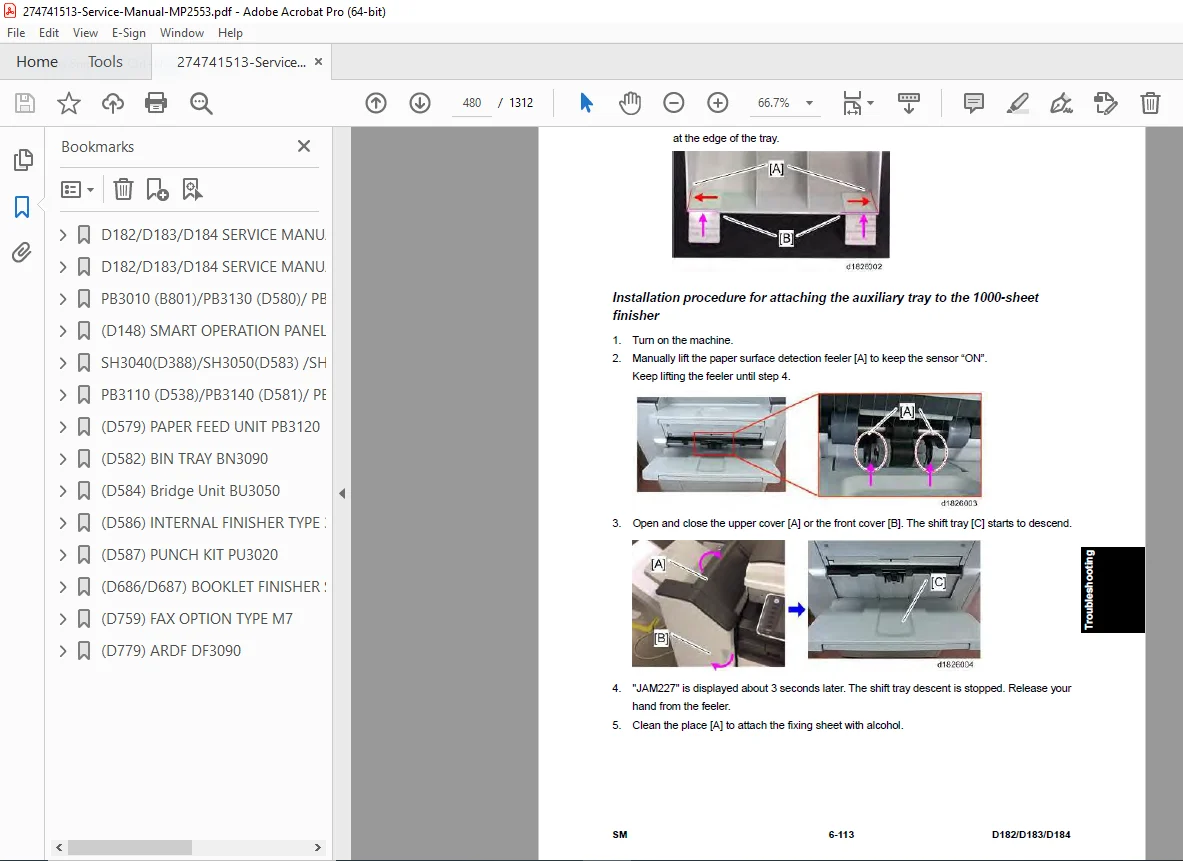
Paper Jam Logic & Locations
Image Quality Troubleshooting (Banding, Spots, Blurring)
Electrical Component Defects (Sensors, Switches, Motors)
7. Energy Saving
Energy Saver Modes & Recovery
File Details
Manual Name: Field Service Manual for Ricoh MP 2553 / MP 3053 / MP 3353
Models Covered:
Ricoh MP 2553 / MP 2553SP
Ricoh MP 3053 / MP 3053SP
Ricoh MP 3353 / MP 3353SP
(Also covers Gestetner, Lanier, and Savin equivalents)
Year: 2013 (First Edition)
File Quality: High-Quality PDF (Text Searchable, Vector Illustrations, Hyperlinked)
No. of Pages: ~1312