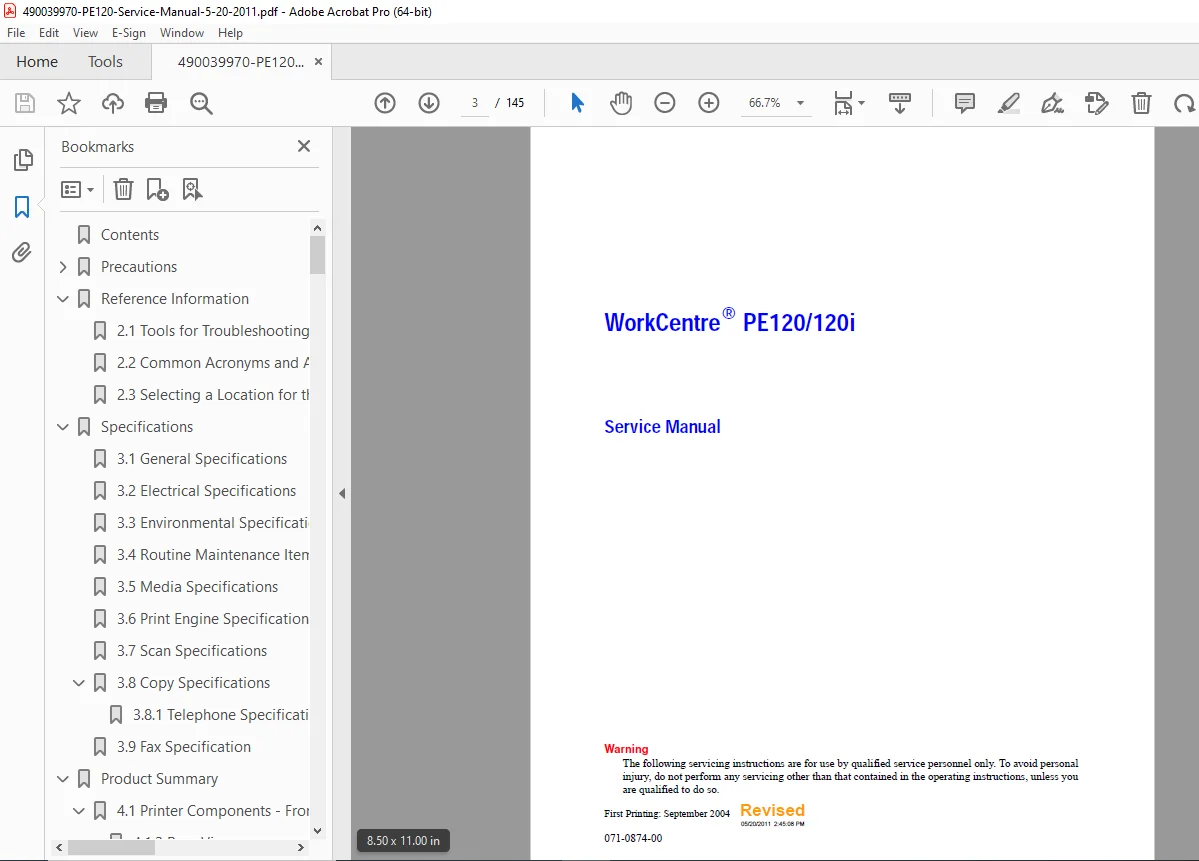
Xerox WorkCentre PE120 / PE120i Service Manual PDF – Repair & Diagnostics
Original price was: $75.00.$17.95Current price is: $17.95.
his is the complete Xerox WorkCentre PE120/PE120i Service Manual, covering repair, diagnostics, troubleshooting, disassembly, parts lists, block diagrams, error codes, paper path jams, fuser unit servicing, scanner repair, SMPS/HVPS testing, and Tech Mode procedures. Includes wiring diagrams, specifications, image quality troubleshooting, fax issues, copy problems, and full parts breakdown.
Description
Xerox WorkCentre PE120 / PE120i Service Manual PDF – Repair & Diagnostics
DESCRIPTION
The Xerox WorkCentre PE120 / PE120i Service Manual is a complete factory-level technical guide designed for qualified service engineers responsible for maintaining, repairing, and troubleshooting these multifunction devices.
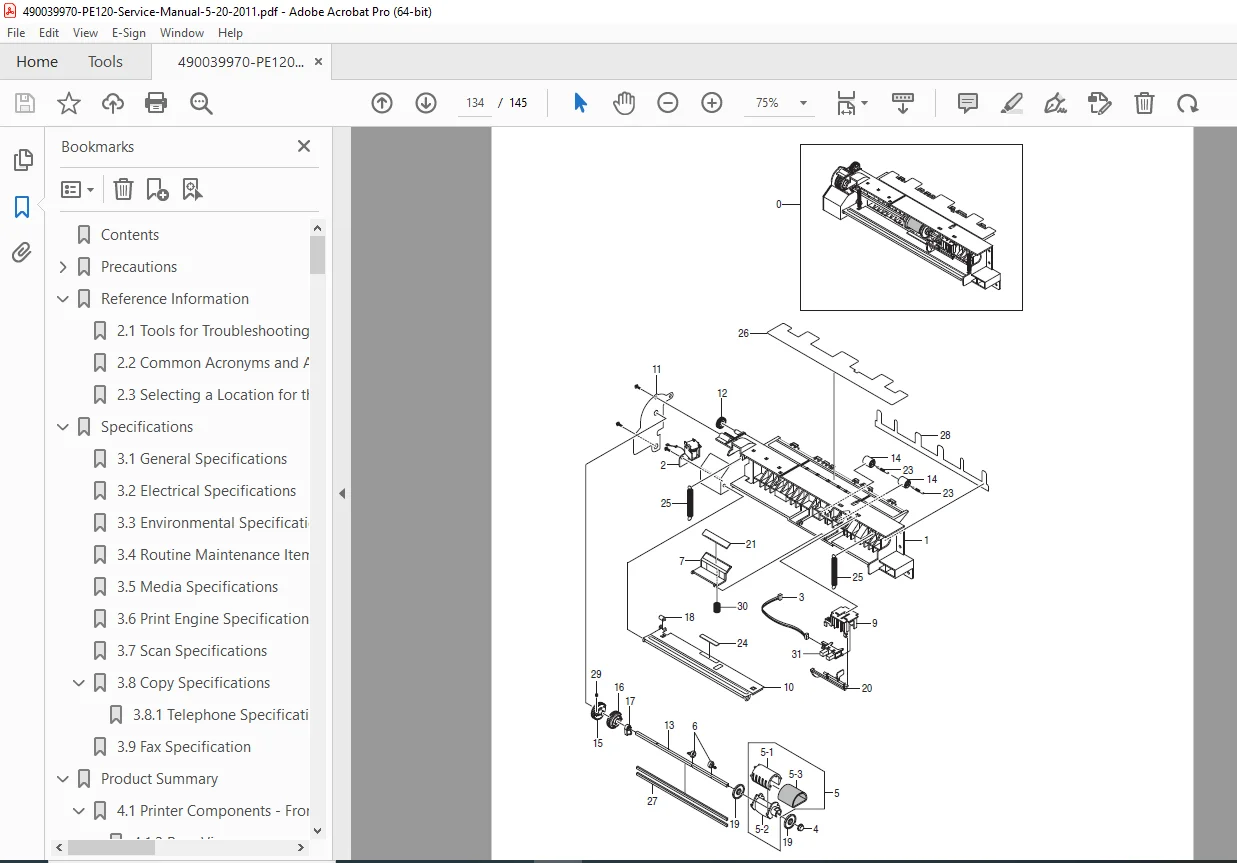
This manual includes comprehensive diagnostics, error messages, paper feed troubleshooting, copy/scan faults, fax failures, software/networking issues, and image quality correction. It also provides complete system disassembly procedures, exploded parts diagrams, component descriptions, and printed circuit board details.
The manual begins with critical safety warnings, ESD precautions, and handling instructions, ensuring technicians can service the device safely.
It covers every subsystem of the printer, including:
Print engine
Scanner assembly
ADF
Control panel (OPE)
High voltage power supply (HVPS)
Switching mode power supply (SMPS)
Laser scanner unit (LSU)
Fuser unit
Drive assembly
Paper pickup/feed system
Fax and modem circuits
Tray mechanisms
Error code diagnosis
Tech Mode & Engine Test Mode
It also contains complete specifications, including print, copy, scan, electrical, environmental, media, and consumables specifications.
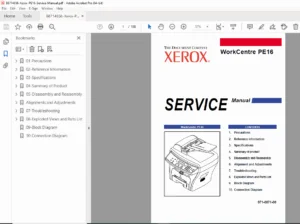
TABLE OF CONTENTS
1. Precautions
Safety Warnings
Safety Cautions
Toxic Material
Electric Shock & Fire Safety
Handling Precautions
Assembly/Disassembly Precautions
OPC Drum Handling
Bodily Injury Warnings
ESD Precautions
2. Reference Information
Tools for Troubleshooting
Common Acronyms & Abbreviations
System Location Requirements
3. Specifications
General Specs
Electrical Specs
Environmental Specs
Maintenance Items & Consumables
Media Specs
Print Engine Specs
Scan Specs
Copy Specs
Fax Specs
4. Product Summary
Printer Components (Front/Rear)
Control Panel Layout
System Layout
Paper Path (Scanner & Engine)
Transfer, Drive, Fuser Assemblies
Laser Scanner Unit
Toner Cartridge
Main Controller Board (PBA)
ASIC, SDRAM, Memory, Flash
SMPS + HVPS
Fax Section, Modem, Tel-Line Circuits
5. Disassembly
Disassembly Precautions
Covers (Rear, Side, Front)
Scanner Assembly
ADF Motor
Control Panel
Engine Shields
SMPS & LIU
Fuser Assembly
LSU
CRUM Board
Drive Assembly
Transfer Assembly
Feed & Pickup Assemblies
6. Alignment & Adjustments
Paper Path Alignment
Clearing Paper Jams (ADF, Feed, Fuser, Exit, MP Tray)
Control Panel Menu
Tech Mode
Engine Test Mode
Image Defects
Error Messages
7. Troubleshooting
Paper Feed Problems
System Malfunction
Print Quality Problems
Fax & Phone Problems
Copy Problems
Scanning Problems
Toner Cartridge Servicing
Software Problems
Networking Problems
8. Parts List
Main Assembly
Main Drive
ADF Assembly
Control Panel Assembly
Scanner Assembly
Frame Assembly
Fuser Unit
MP Assembly
Tray 1 / Tray 2
Optional Accessories
9. Block Diagram
10. Connection Diagram
📂 FILE DETAILS
| Field | Details |
|---|---|
| Manual Name | Xerox WorkCentre PE120 / PE120i Service Manual |
| Models Covered | WorkCentre PE120, WorkCentre PE120i |
| Publication Date | First Printing 2004, Revised (per file header) |
| PDF Quality | High-quality, text-searchable factory manual |
| Pages | Approx. 850–900 pages (full technical edition) |
| Manufacturer | Xerox Corporation |