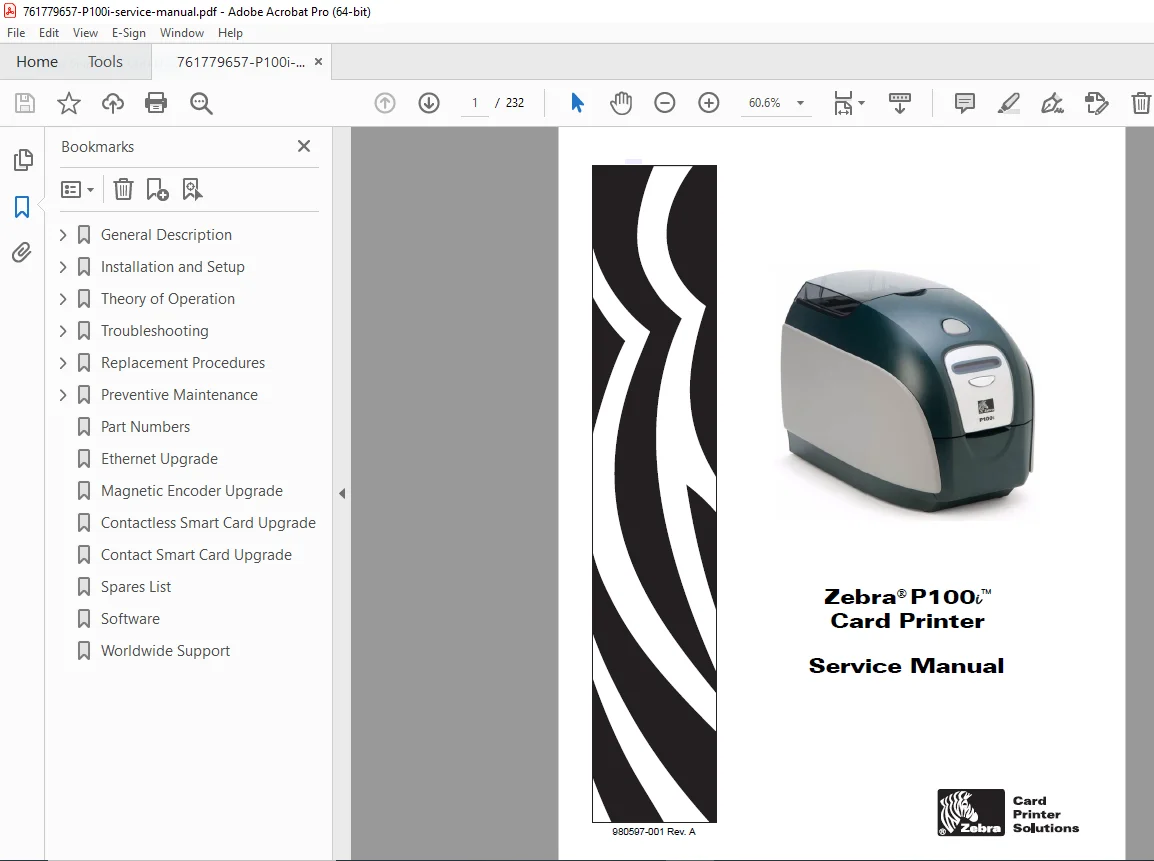
Zebra P100i Card Printer Service & Repair Manual PDF
Original price was: $85.00.$18.95Current price is: $18.95.
Official Zebra P100i Service Manual for professional ID card printer maintenance. This comprehensive guide covers P100i printhead replacement, magnetic encoder upgrade procedures, and detailed Zebra printer maintenance troubleshooting. Essential for technicians fixing mechanical errors, print quality issues, and performing full component repairs
Description
Zebra P100i Card Printer Service & Repair Manual PDF DOWNLOAD
Description
Maximize the uptime of your card issuance operations with this complete Zebra P100i service manual. Designed for service technicians and IT professionals, this 226-page document is the definitive ID card printer maintenance resource for the P100i model.
Whether you are diagnosing “Out of Ribbon” errors, resolving patchy print quality, or performing a complex P100i printhead replacement, this manual provides factory-approved procedures. It includes high-level details on Zebra card printer troubleshooting, covering everything from simple cleaning cycles to advanced board-level repairs.
Manual Contents & Categorization:
General & Installation
Specifications & Features (P100i)
Printer Setup & Driver Installation (USB & Ethernet)
Loading Ribbon & Cleaning Cartridges
Changing Printer Driver Options (Color Management, Encoding Settings)
Theory of Operation
Card Printing Basics (Dye Sublimation vs. Thermal Transfer)
Card Path Elements & Sensors
Block Diagrams & CPU PCBA Connections
Troubleshooting Guide
Error Messages: Operational warnings (Clean Printer, Check Ribbon) and Critical Errors (Mechanical Error, Cover Open)
Print Quality Issues: Resolving white lines, blurry images, and pale printing
Ethernet Connection: LED status indicators and network resets
Replacement Procedures
Printhead Assembly & Fan Replacement
Main PCBA Removal & Firmware Updates
Sensor Replacement: Lid, Ribbon Flag, Card Entry, and Card Sync Sensors
Motor & Roller Repair: Stepper Motor, Ribbon Take-Up Motor, Pressure Roller, and Exit Roller
Preventive Maintenance
Cleaning System (Rollers, Printhead, Magnetic Encoder)
Zebra P100i parts list (Spares List in Appendix F)
Upgrades & Options
Magnetic encoder upgrade installation instructions
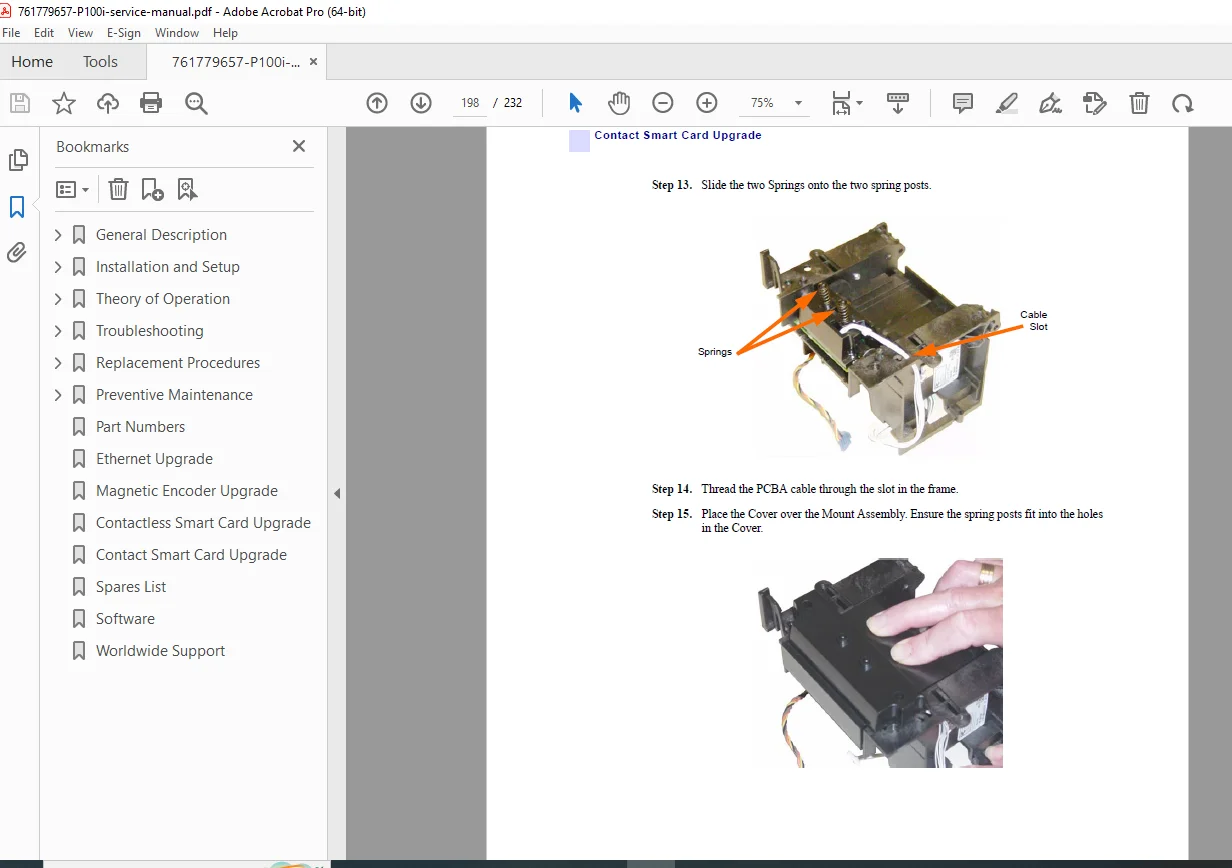
Ethernet Interface & Smart Card (Contact/Contactless) upgrades
File Details
Manual Name: Zebra P100i Card Printer Service Manual
Models Covered: Zebra P100i (P100 Series)
Year/Revision: 2007 (Rev. A)
File Type: PDF (High-Quality Digital, Searchable)
No. of Pages: 232 Pages