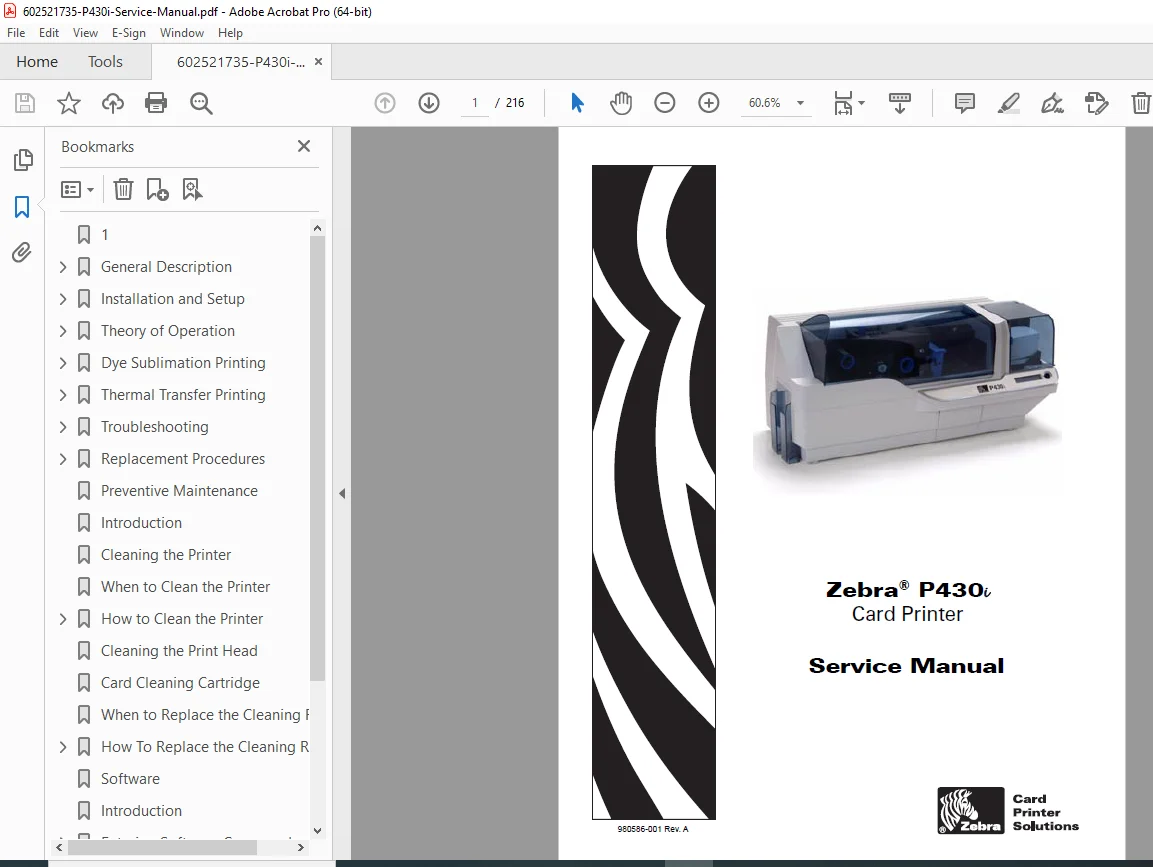
Zebra P430i Card Printer Service Manual – Repair & Troubleshooting PDF
Original price was: $85.00.$18.95Current price is: $18.95.
Official Zebra P430i Card Printer Service Manual covering installation, operation, troubleshooting, and complete disassembly/replacement procedures. This factory manual includes theory of operation, error messages, test cards, printhead servicing, ribbon systems, Ethernet troubleshooting, preventive maintenance, and smart card/magnetic encoder options. Essential for service technicians and repair centers.
Description
Zebra P430i Card Printer Service Manual – Repair & Troubleshooting PDF DOWNLOAD
Description
This Zebra P430i Card Printer Service Manual (Document No. 980586-001 Rev. A) is the official factory service and repair guide for maintaining and repairing Zebra P430i dual-sided color card printers.
Designed for authorized technicians, service engineers, and professional repair shops, this manual provides step-by-step diagnostic procedures, internal component replacement instructions, wiring logic, and theory of operation required to service the printer at board and mechanical levels.
🖨️ Printer Model Covered
Zebra P430i Card Printer
Dual-sided color printing
300 dpi resolution
USB interface (standard)
Optional 10/100 Ethernet
Optional Magnetic Stripe Encoder
Optional Smart Card / RFID encoding
📘 Extracted & Organized Table of Contents
1. General Description
Printer overview & specifications
Controls, connectors & indicators
LCD panel messages & error states
Panel button functions
Ethernet adapter indicators & reset procedures
2. Installation & Setup
Unpacking & safety precautions
Driver installation (Windows)
Ribbon loading (YMCKO, YMCKOK, mono)
Card cleaning cartridge installation
Card thickness control adjustment
Card loading & output hopper operation
USB / Ethernet connection
Printing test cards
Packing the printer for shipment
3. Theory of Operation
Card printing fundamentals
Dye-sublimation vs thermal transfer
Printhead structure & heating elements
Ribbon synchronization logic
Card transport & flipper operation
Block diagrams
CPU PCBA connections
4. Troubleshooting
Power-up failures
LCD error & warning messages
Card feed & transport errors
Print quality defects
Ethernet communication issues
Diagnostic test cards
5. Replacement Procedures
Required tools
Full disassembly sequence
Print engine removal
Card feeder & flipper assemblies
Power supply removal
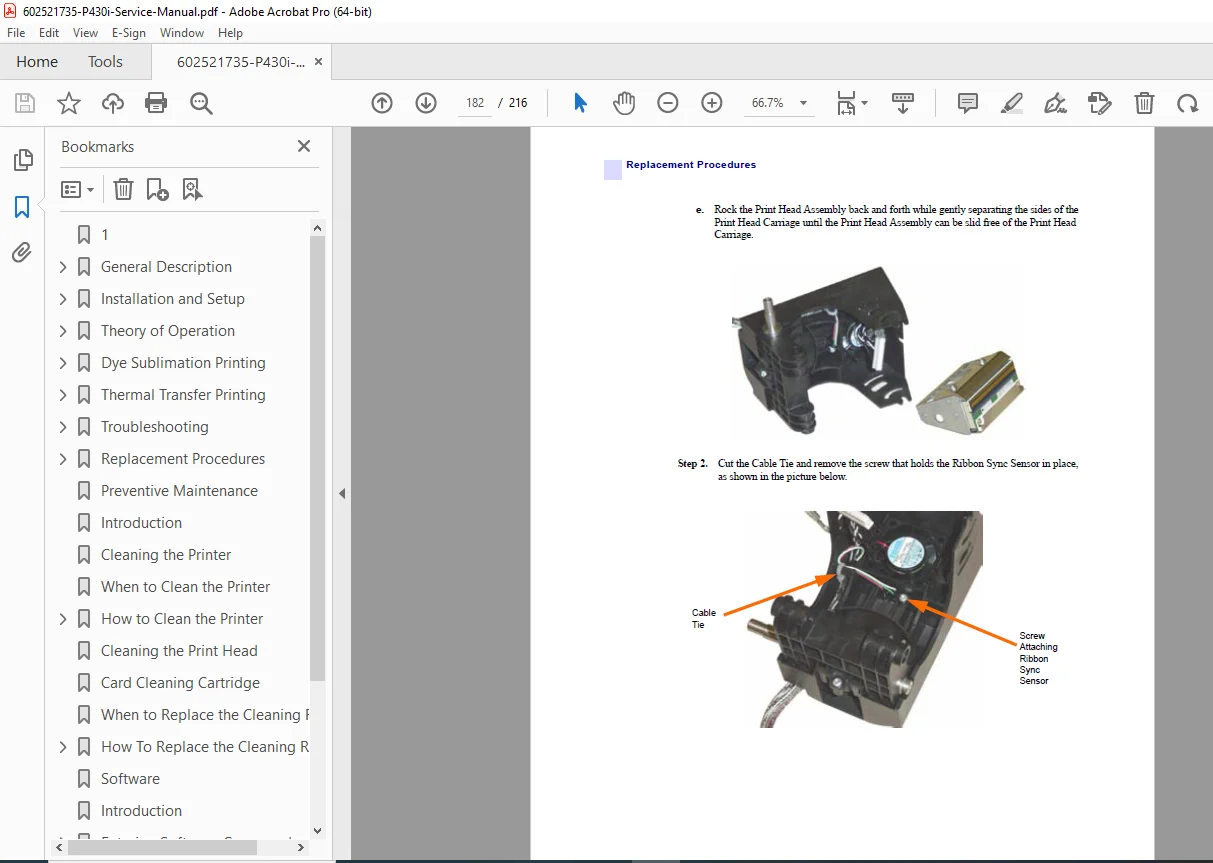
Printhead replacement
Motors, belts & sensors
CPU PCBA & I/O boards
RFID, smart card & magnetic encoder options
6. Preventive Maintenance
Cleaning schedules
Wear component inspection
Long-term reliability practices
Appendices
Software & firmware tools
Model numbers
Worldwide service & support
🛠️ Technical Highlights
300 dpi printhead architecture (672 heating elements)
Detailed ribbon movement & synchronization diagrams
Complete LCD error message tables
Board-level service instructions
Electrostatic discharge (ESD) handling procedures
Preventive maintenance schedules
📁 File Details
| Specification | Details |
|---|---|
| Manual Name | Zebra P430i Card Printer Service Manual |
| Model Covered | Zebra P430i |
| Document No. | 980586-001 |
| Revision | Rev. A |
| Copyright | © 2006 Zebra Technologies |
| Total Pages | 216 |
| File Format | |
| Quality | High-resolution factory manual |