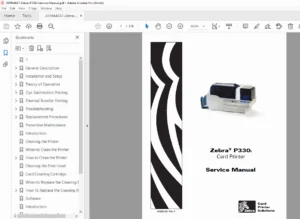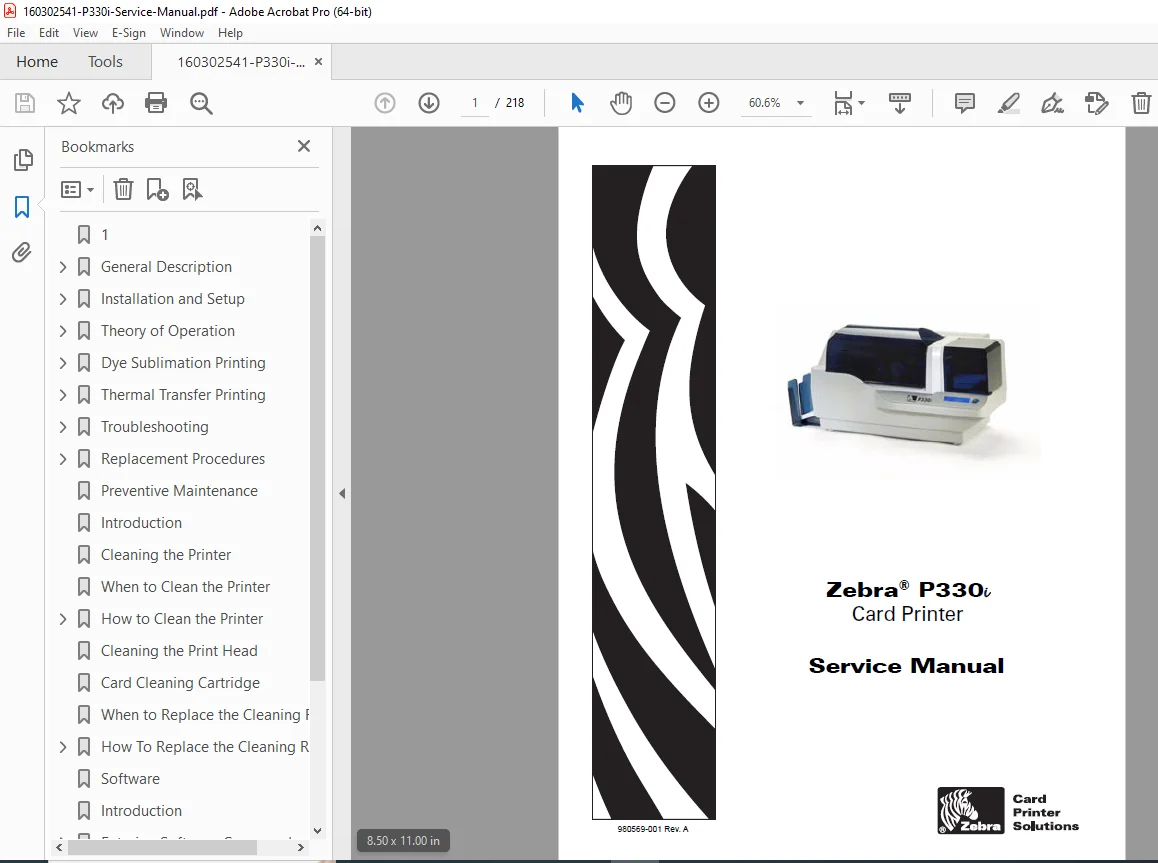
Zebra P330i Card Printer Service Manual – PDF DOWNLOAD
Original price was: $85.00.$20.95Current price is: $20.95.
Official Zebra P330i service manual 980569-001 Rev. A – 218-page factory repair guide with detailed disassembly/replacement procedures, troubleshooting, print anomalies, theory of operation, tools list & Ethernet diagnostics.
Description
Zebra P330i Card Printer Service Manual (980569-001 Rev. A) PDF DOWNLOAD
Description:
Instant download – Genuine Zebra P330i Card Printer Service Manual (P/N 980569-001 Rev. A). This is the complete 218-page factory service manual used by Zebra technicians for the popular P330i dye-sublimation color ID card printer.
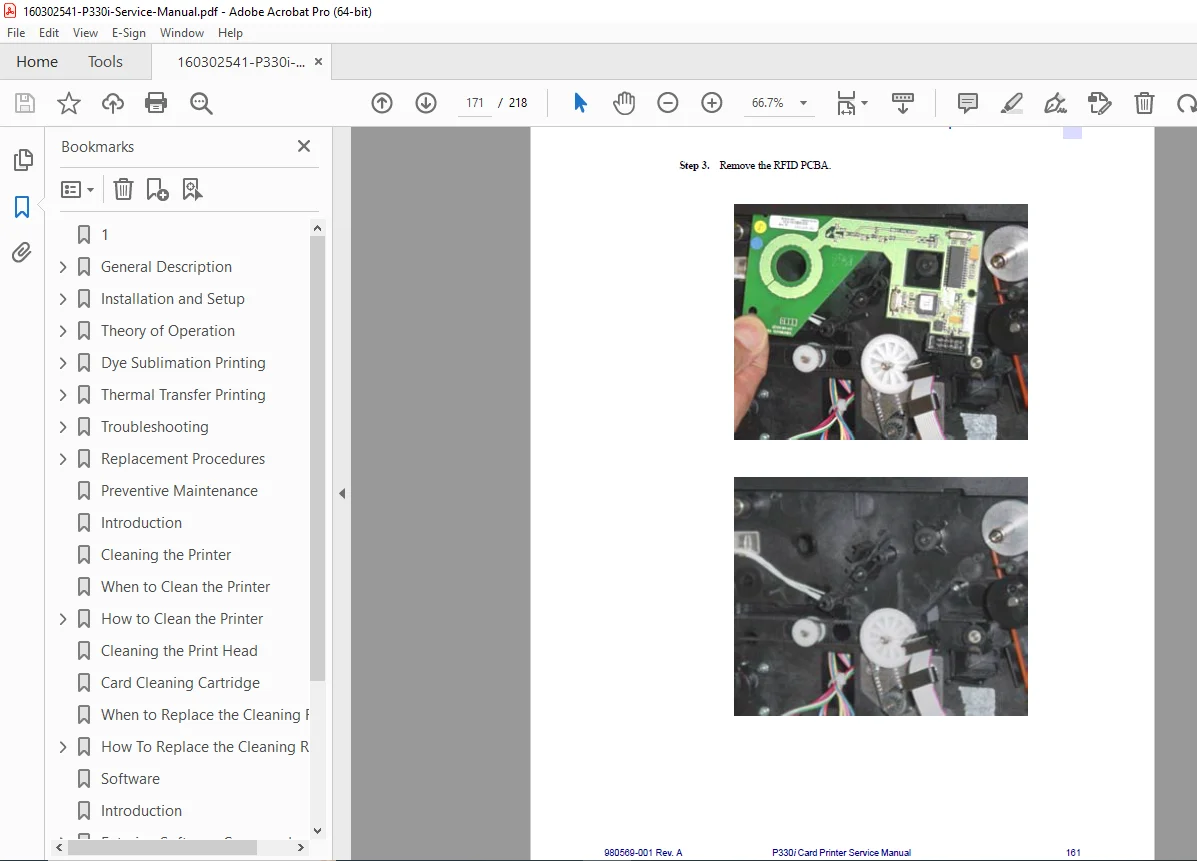
Includes full theory of operation with block diagrams and card path details, comprehensive troubleshooting (power-up failures, LCD error messages, card jams, print anomalies), step-by-step replacement procedures with exploded views and required tools for every component (print head, motors, belts, sensors, PCBA, ribbon drive, platen, cam assemblies, etc.), preventive maintenance, packing/shipping instructions, software appendix, and Ethernet adapter troubleshooting.
Essential for technicians, service centers, and owners searching for the authentic zebra p330i service manual pdf, zebra p330i card printer repair manual, or p330i disassembly replacement procedures – this is the official Zebra document with everything needed for professional-level servicing.
Detailed Table of Contents (cleanly formatted from manual):
1 • GENERAL DESCRIPTION
- 1.1 Printer Description
- 1.2 Controls, Connectors, and Indicators
2 • INSTALLATION AND SETUP
- 2.1 General Information
- 2.2 Unpacking the Printer
- 2.3 Installing the Print Driver Software and Setting Driver Options
- 2.4 Loading a Ribbon
- 2.5 Installing the Card Cleaning Cartridge
- 2.6 Setting the Card Thickness Control
- 2.7 Loading Cards
- 2.8 Card Output Hopper
- 2.9 Connecting the Printer to your Computer
- 2.10 Connecting Power
- 2.11 Printing a Test Card
- 2.12 Packing the P330i Printer for Shipment
- 2.13 Operation
3 • THEORY OF OPERATION
- 3.1 Card Printing Basics
- 3.2 Card Path Elements
- 3.3 Card Movement During Printing
- 3.4 Block Diagram
- 3.5 CPU PCBA Connections
4 • TROUBLESHOOTING
- 4.1 Power-Up Failures
- 4.2 LCD Panel Messages
- 4.3 Printing a Test Card
- 4.4 Card Feed or Transport Failures
- 4.5 Print Anomalies
- 4.6 Troubleshooting the Ethernet Connection and Adapter
5 • REPLACEMENT PROCEDURES
- 5.1 Introduction & Required Tools
- 5.2 Removal Sequence
- 5.3–5.37 Detailed component removals/replacements (Top Cover, Print Engine, Power Supply, Print Head/Carriage, Motors, Belts, Sensors, PCBA, RFID, Magnetic Encoder, Smart Card, Solenoid, etc.)
6 • PREVENTIVE MAINTENANCE
APPENDIX A • SOFTWARE
APPENDIX B • P330i MODEL NUMBERS
APPENDIX C • WORLDWIDE SERVICE & SUPPORT
File Details:
- Manual Name: Zebra P330i Card Printer Service Manual
- Models Covered: Zebra P330i (all configurations including optional Ethernet, Mag Encoder, Smart Card)
- Publication No.: 980569-001 Rev. A
- Date: Circa 2006–2008 (Rev. A
- Pages: 218
- Quality: Original Zebra factory manual, clear scans, detailed illustrations/photos/diagrams, searchable text