Canon iPF760 Service Manual (iPF780/770/760/750) Repair & Error Codes PDF
Original price was: $95.00.$16.95Current price is: $16.95.
Official-style Canon imagePROGRAF iPF760 Service Manual (PDF) covering product specs, technical reference (ink/paper path, firmware, sensors), installation, disassembly/reassembly, adjustments, maintenance, troubleshooting, service mode, and full error code tables. Perfect for technicians repairing print quality issues, paper feed/cutter faults, ink system problems, and service-call errors.
Description
Canon iPF760 Service Manual (iPF780/770/760/750) Repair & Error Codes PDF DOWNLOAD
Description
🖨️ Canon iPF760 Service Manual (PDF) – Full Repair & Service Guide
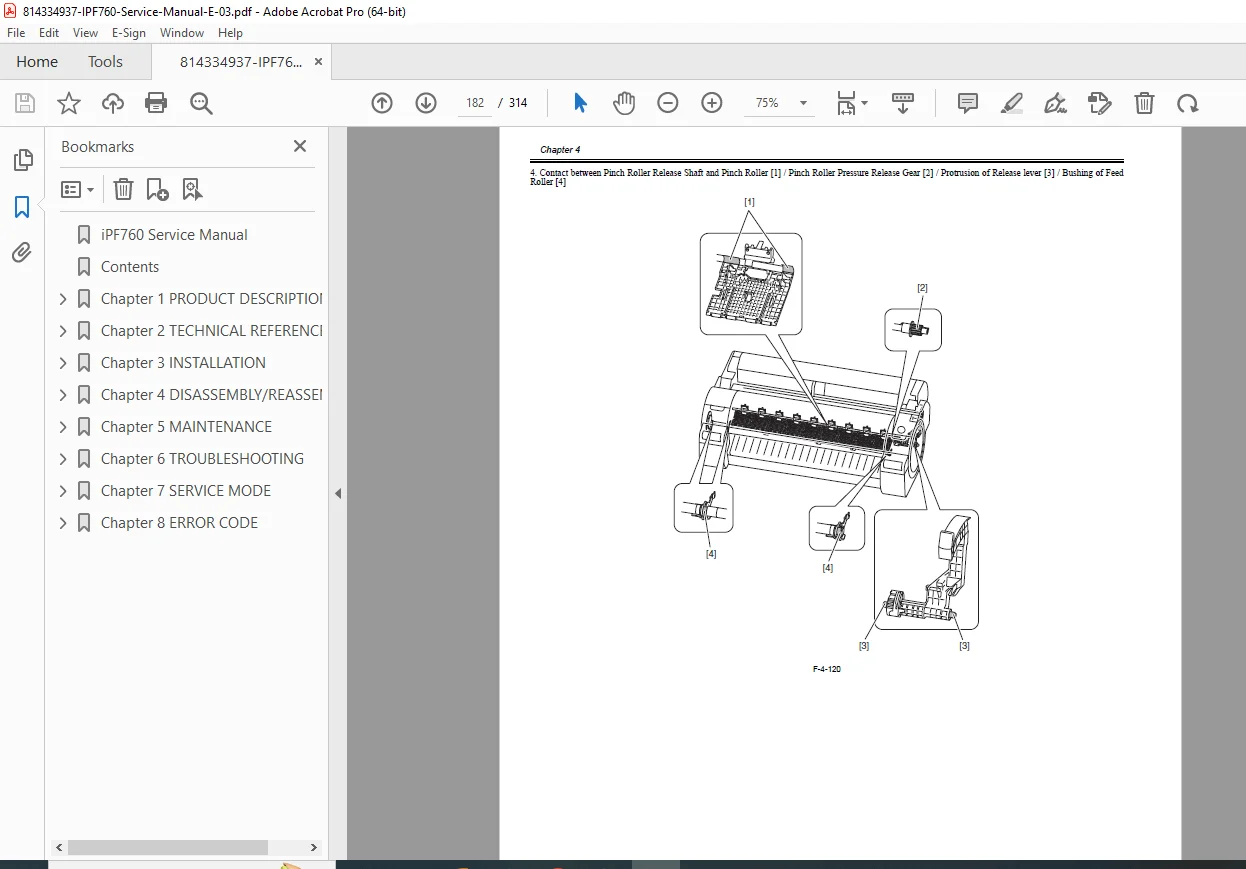
This service manual for the Canon imagePROGRAF iPF760 / iPF780 / iPF770 / iPF750 series is a complete workshop reference for installation, diagnostics, repair, adjustment, and preventive maintenance. It includes system theory (mechanical + electrical), service procedures, connector pinouts, service mode maps, and comprehensive error code guidance.
🗂️ What’s Inside (Neatly Categorized Table of Contents)
✅ Chapter 1 — Product Description
Product overview & features (printhead, ink tanks, cutter, roll holder, stand)
Full specifications & detailed interface specs (USB/Ethernet)
Names/functions of components (front/side/top cover/roll unit/carriage/ink tank area)
Basic operation (operation panel, display, menu structure)
Safety & service precautions
✅ Chapter 2 — Technical Reference
Basic operation outline (printer diagram, print signal sequence, print driving)
Firmware operation sequences (power-on/off, print control, sleep/shutdown)
Mechanical system: ink passage, purge/maintenance cartridge, air flow
Paper path system & cutter unit
Electrical system overview (main controller PCB and related boards)
Sensor detection functions (covers, ink system, carriage, paper path, others)
✅ Chapter 3 — Installation
Transporting and reinstalling the printer
✅ Chapter 4 — Disassembly / Reassembly
Service parts list
Disassembly/reassembly procedures
Important notes (items not to disassemble, moving carriage manually, ink draining)
Covers, drive unit, cutter, carriage, purge unit, ink tank/tube units, waste ink unit
Sensors (multi sensor, linear encoder, head management sensor), PCB handling
Grease application
Adjustment & setup items after parts replacement
✅ Chapter 5 — Maintenance
Periodic replacement parts
Consumables
Periodic maintenance procedures
✅ Chapter 6 — Troubleshooting
Troubleshooting flow/outline
Connector locations & pin arrangements (main controller, carriage PCB, power supply)
Firmware version-up information
Service tools list
✅ Chapter 7 — Service Mode
Service mode operation + menu map
Service mode details
e-Maintenance / imageWARE Remote references
Viewing PRINT INF
Special modes for servicing
✅ Chapter 8 — Error Code
Warning / error / service-call error code tables and outlines
📌 File Details
| Item | Details |
|---|---|
| Manual Name | Service Manual – iPF780/770/760/750 series (iPF760) |
| Models Covered | Canon imagePROGRAF iPF760 + iPF780/iPF770/iPF750 series |
| Year | 2017 (manual date shown: Feb 27, 2017) |
| Manual PDF Quality | Digital service manual (text + diagrams + tables) |
| No. of Pages | 314 pages |
Fix iPF760 issues faster with the same type of service documentation technicians use—complete with service mode, troubleshooting flows, and error codes. Download instantly and start diagnosing with confidence today.
(If you want, I can also generate a shorter “high-converting” version of this long description for mobile shoppers while keeping the full TOC below it.)