
GE Xeleris 3 Functional Imaging Processing & Review System Service Manual PDF Download
Original price was: $49.95.$29.95Current price is: $29.95.
Comprehensive 497-page GE Healthcare Xeleris 3 Functional Imaging Processing & Review System service manual covering supported hardware platforms, installation, configuration, DICOM, networking, functional checks, service tools, troubleshooting and system recovery. Instant PDF download.
Description
GE Xeleris 3 Service Manual
This 497-page service manual covers the GE Healthcare Xeleris 3 Functional Imaging Processing & Review System, Direction 5351778-1EN, Revision 4. It provides detailed service information for Xeleris hardware and software, from system architecture and installation through configuration, functional checks, diagnostic tools, troubleshooting and recovery procedures.
Supported Xeleris Hardware Platforms
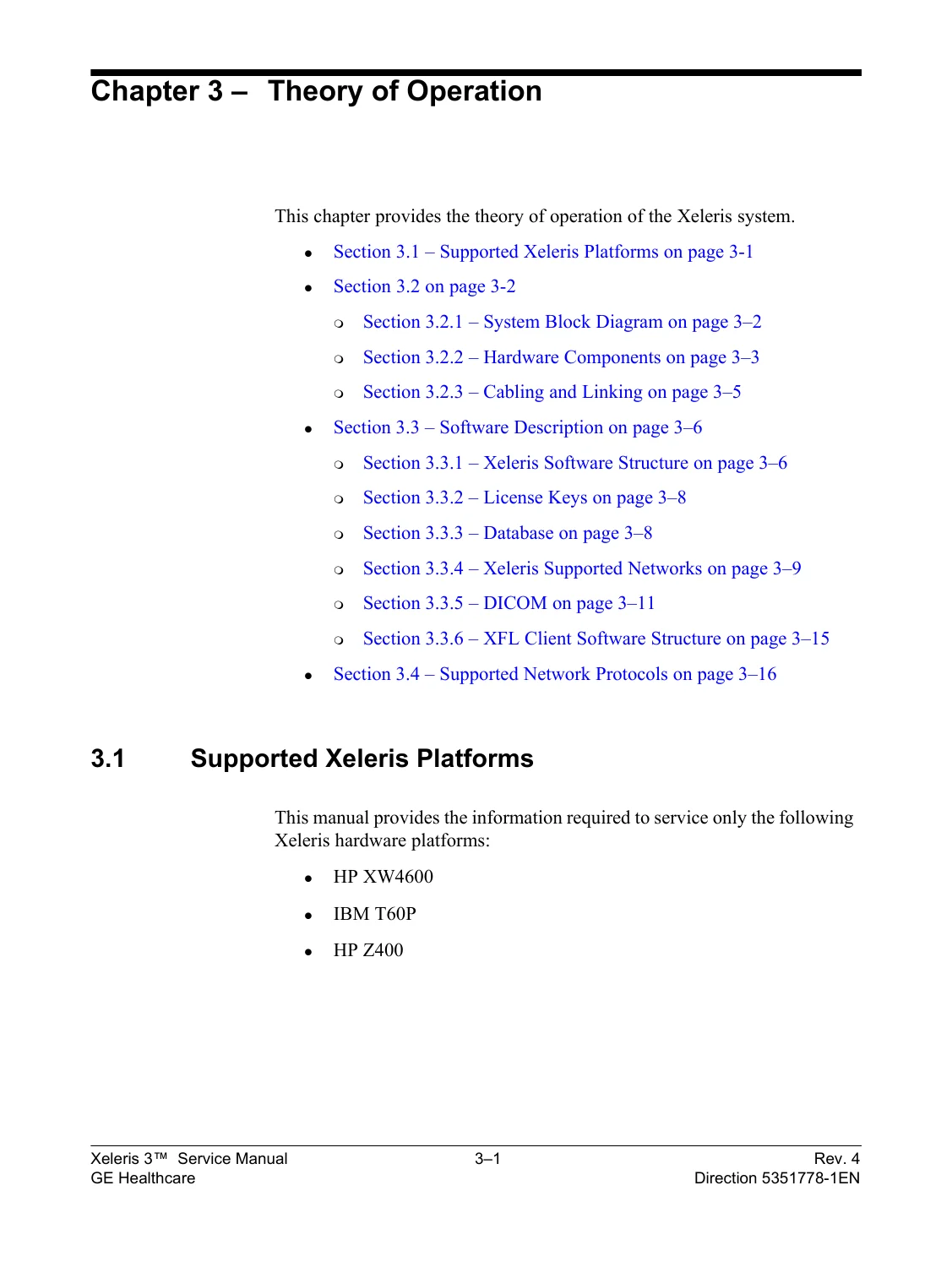
The manual specifically states that its service information applies to the following Xeleris hardware platforms:
- HP XW4600
- IBM T60P
- HP Z400
Main Systems & Subjects Covered
- Xeleris system components and system accounts
- Safety guidelines, electrical precautions and regulatory information
- Supported Xeleris platforms and theory of operation
- Hardware description, system block diagram, components, cabling and linking
- Xeleris software structure, license keys and database structure
- Supported networks, DICOM operation and network protocols
- Hardware-option installation including SCSI and IDE controllers
- MOD archive devices, SCSI archive tower and DVD-RAM configuration
- Second network card installation and configuration
- Memory upgrades for XW4600 and T60P systems
- Dual-monitor installation
- New Xeleris 3 system and software installation
- Windows XP OS updates, antivirus software and software options
- Xeleris configuration, archives, printers, databases and DICOM
- Remote database, Extended Database, Vision, Foreign DB and Foreign Link configuration
- Backup and restore configuration
- Functional checks and system verification
- Service tools and diagnostic utilities
- Operating-system, installation, network, database, printing and connectivity troubleshooting
- Database recovery, Load From Cold and operating-system recovery
- Archive history rebuilding and backup/restore problem handling
- Upgrade procedures from Xeleris 2 and XFL Client installation/configuration
Installation, Configuration & Service Coverage
The manual contains step-by-step procedures for installing a new Xeleris 3 system, adding hardware options, configuring network connections, setting up archives and printers, defining databases, configuring DICOM communication and completing functional checks. It also covers optional software and connectivity components, including ARG, NRP, Exceed, Discovery 530c/570c-related installation material, Vision, StarLink/ApexNet and XFL Client configuration where applicable.
Troubleshooting & Recovery
A substantial troubleshooting section addresses installation failures, communication and remote-connectivity problems, archive and retrieve/import errors, printing issues, license problems, disk-space conditions, dual-monitor and performance problems. Recovery procedures include restoring previous configuration, database recovery, Load From Cold, Windows operating-system recovery, local database and archive-log recovery, and rebuilding archive history.
Why This Manual Is Useful
This document brings hardware, software, networking and Xeleris-specific service procedures together in one detailed reference. For technicians working with supported Xeleris 3 installations, it provides the system diagrams, configuration procedures, functional tests, diagnostic tools and recovery instructions needed to identify faults and carry out structured service work.
GE Healthcare Xeleris 3 Service Manual — 497-Page Functional Imaging Workstation Technical Reference
This comprehensive 497-page GE Healthcare Xeleris 3 Service Manual covers the Xeleris Functional Imaging Processing & Review System, Version 3. The publication is identified as GE Healthcare Direction 5351778-1EN, Revision 4, with Revision 4 dated April 2011.
Xeleris is a medical imaging processing and review workstation environment. This manual is specifically concerned with servicing the Xeleris workstation platform, software environment, databases, network connections, DICOM communications, archives, printers, service utilities and associated computer hardware.
It provides the technical information required to install, configure, validate, maintain, recover and troubleshoot supported Xeleris 3 platforms.
This is a genuine service-oriented technical manual rather than an operator guide. It includes a theory-of-operation chapter, system block diagram, hardware specifications, installation procedures, software setup, extensive configuration instructions, functional checks, dedicated service tools, a large troubleshooting chapter and preventive-maintenance procedures.
Equipment Scope — What Xeleris Is
This document is a service manual for the GE Healthcare Xeleris 3 Functional Imaging Processing & Review System.
Supported workstation hardware platforms explicitly identified in the manual include:
- HP XW4600
- IBM T60P
- HP Z400
The Xeleris platform is based around a PC workstation with monitor, keyboard, mouse, networking and optional archive/peripheral devices. Depending on configuration, the workstation can communicate with imaging systems, databases, archives, printers and other medical imaging network equipment.
Important D670 / SPECT-CT Applicability Note
The PDF filename contains the wording GE-SPECT-CT-D670, but the actual 497-page document identifies itself as the Xeleris 3 Service Manual.
The document does not identify Discovery NM/CT 670 or D670 as the scanner being serviced.
Accordingly, this manual should not be represented as a mechanical, detector, gantry or acquisition-hardware service manual for the Discovery NM/CT 670. It is the service manual for the Xeleris 3 processing and review workstation/system.
Document Identification
- Title: Xeleris Functional Imaging Processing & Review System Version 3 Service Manual
- Brand: GE Healthcare
- Direction: 5351778-1EN
- Revision: 4
- Revision 4 date: April 2011
- Language: English
- PDF page count: 497
- Primary document type: Service / Installation / Configuration / Troubleshooting Manual
Complete Manual Coverage
The manual is organized into major chapters covering:
- Chapter 1 — Introduction
- Chapter 2 — Safety Guidelines and Regulations
- Chapter 3 — Theory of Operation
- Chapter 4 — Installing Hardware Options
- Chapter 5 — Software Installations and Upgrades
- Chapter 6 — Xeleris Configuration
- Chapter 7 — Functional Checks
- Chapter 8 — Service Tools
- Chapter 9 — Troubleshooting
- Chapter 10 — Component Return Kit Procedure
- Supporting appendices including Preventive Maintenance
Theory of Operation
Chapter 3 provides the technical architecture of the Xeleris system, including:
- Supported Xeleris platforms
- System Block Diagram
- Hardware components
- Cabling and linking
- SCSI address assignment
- Xeleris software structure
- License keys
- Database structure
- Supported networks
- DICOM
- XFL Client software structure
- Supported network protocols
The system block diagram shows the relationship between the PC workstation, monitor, keyboard, mouse, network interfaces, LAN connection, optional SCSI controller, archive tower, optical/DVD-RAM media, isolation transformer and other supported peripherals.
Workstation Hardware Specifications
The manual contains detailed hardware tables for supported Xeleris workstations.
Examples include:
- HP XW4600: Intel Core 2 Quad Q9300 2.5 GHz processor
- HP Z400: Intel Xeon W3520 Quad Core 2.67 GHz processor
- Memory specifications
- PCI and PCI-E expansion slots
- Graphics adapters
- Network controllers
- SATA hard-drive configurations
- DVD multi-recorders
- Optional SCSI controllers
- Optional DVD-RAM drives
- Optional Sony optical disk support
- Optional StorCase Data Silo DS100 archive tower
- LCD monitor specifications
Installing Hardware Options
Chapter 4 provides procedures for installing and configuring workstation hardware and storage/network options.
Coverage includes:
- Safety precautions before opening or moving the workstation
- Removing and replacing workstation covers
- Electrostatic-discharge precautions
- Installing a SCSI controller on XW4600 / Z400
- Installing an IDE controller on XW4600 / Z400
- Installing MOD archive devices
- Installing and configuring Sony EOD
- Adding the SCSI Archive Tower
- Installing drives in the DS100 archive tower
- Selecting SCSI ID numbers
- Connecting DS100 to the computer system
- Fuse removal
- Adding a DVD-RAM drive
- DVD-RAM configuration
- Installing and configuring a second network card
- Intel PRO1000 MT network card installation
- Network connection configuration
- Memory upgrades on HP XW4600
- Memory replacement on IBM T60 laptop
- Dual-monitor installation
New Xeleris 3 System Installation
Chapter 5 provides a full installation workflow for a new Xeleris 3 system.
The installation sequence includes:
- Installation planning and workflow
- Unpacking
- Packing-list verification
- Transportation-damage inspection
- Product locator cards
- Isolation-transformer installation
- Network connection
- Peripheral tower connection
- Activator installation
- Hardware-option installation
- System login
- Windows XP operating-system update installation
- Xeleris 3 software installation
- Xeleris online-help installation
- Microphone verification
- Antivirus software installation
- Rating-plate and cabling checks
- HIPAA user creation
- Software-option installation
- Xeleris configuration
- Functional checks after installation
Software Options and Application Support
The software-installation chapter includes procedures for supported optional packages and functions, including:
- ARG installation and configuration
- NRP installation and configuration
- Site preferences
- Physician configuration
- Protocol defaults
- Exceed installation and functional verification
- Discovery 530c Patch installation as an optional software procedure
The presence of an optional Discovery 530c software patch does not make this the hardware service manual for a Discovery scanner. The manual remains centered on the Xeleris workstation environment.
Xeleris System Configuration
Chapter 6 is one of the largest sections of the manual.
Configuration subjects include:
- General system configuration
- Archive configuration
- DVD archiving
- Printer configuration
- Hardcopy options
- Codonics NP1600M printer
- PostScript-compatible printers
- DICOM printers
- Sony DICOM printers
- Database configuration
- Remote database access over LAN
- Extended Database option
- DICOM configuration
- Configuration imported from a Vision Station
- StarLink and ApexNet configuration
- DST / SMV system configuration
- Vision database and archive configuration
- Foreign Database configuration
- Foreign Link configuration
- Pegasys ADAC connectivity
- ICON Siemens connectivity
- Backup configuration
- Favorite repositories
- Favorite applications
- Task In-box configuration
- Hosts configuration
- Keyboard language support
- Worklist configuration
- Xeleris Suite parameters
DICOM and Medical Imaging Network Configuration
The manual contains substantial material for engineers responsible for connecting Xeleris to hospital and imaging systems.
DICOM-related content includes:
- DICOM architecture and communications
- DICOM configuration
- DICOM printer setup
- Remote database communication
- Study transfers
- Storage commitment
- DICOM transfer checks
- Worklist connectivity
- Foreign database connections
- Foreign links
- DICOM troubleshooting tools
Archive and Backup Configuration
Backup methods include:
- Backup to hard disk
- Backup over the network
- Backup to CD-R / CD-RW
- Xeleris license backup
- Xeleris IIP backup
- Vision configuration import
Archive-related procedures cover DVD, CD and removable media, archive-history logs, archive repositories and recovery of archive information.
Remote Connectivity
The manual includes:
- InSite Entitlement
- InSite prerequisites
- Interactive InSite Package configuration
- Remote-connection availability checks
- Connectivity verification
- Remote-connectivity troubleshooting
Functional Checks
Chapter 7 provides structured tests used after installation, configuration or service work.
Functional checks include:
- Processing validation
- Checking licensed options
- Running clinical applications
- Printing tests
- Default hardcopy-device verification
- Other hardcopy-device checks
- DVD-RAM archiving
- DVD +/-R/RW archiving
- CD-R/RW archiving
- Storage Commitment checks
- Archive-history verification
- Retrieving and reviewing an archived study
- Task In-box functionality
- Color-map checks
- Review-template tests
- DICOM transfer verification
- OSI connectivity
- DST scanner connectivity
- Vision connectivity
- ADAC connectivity
- ICON connectivity
- Worklist connectivity
- XFL functionality
- P10 repository checks
- CD Viewer checks
SPECT Processing Functional Verification
The functional-check material includes actual medical imaging workflow examples rather than only generic PC checks.
Archived and retrieved studies can be opened through supported applications, and the manual includes functional verification involving Cardiac SPECT processing and review workflows.
Service Tools
Chapter 8 is devoted to Xeleris service utilities.
Tools covered include:
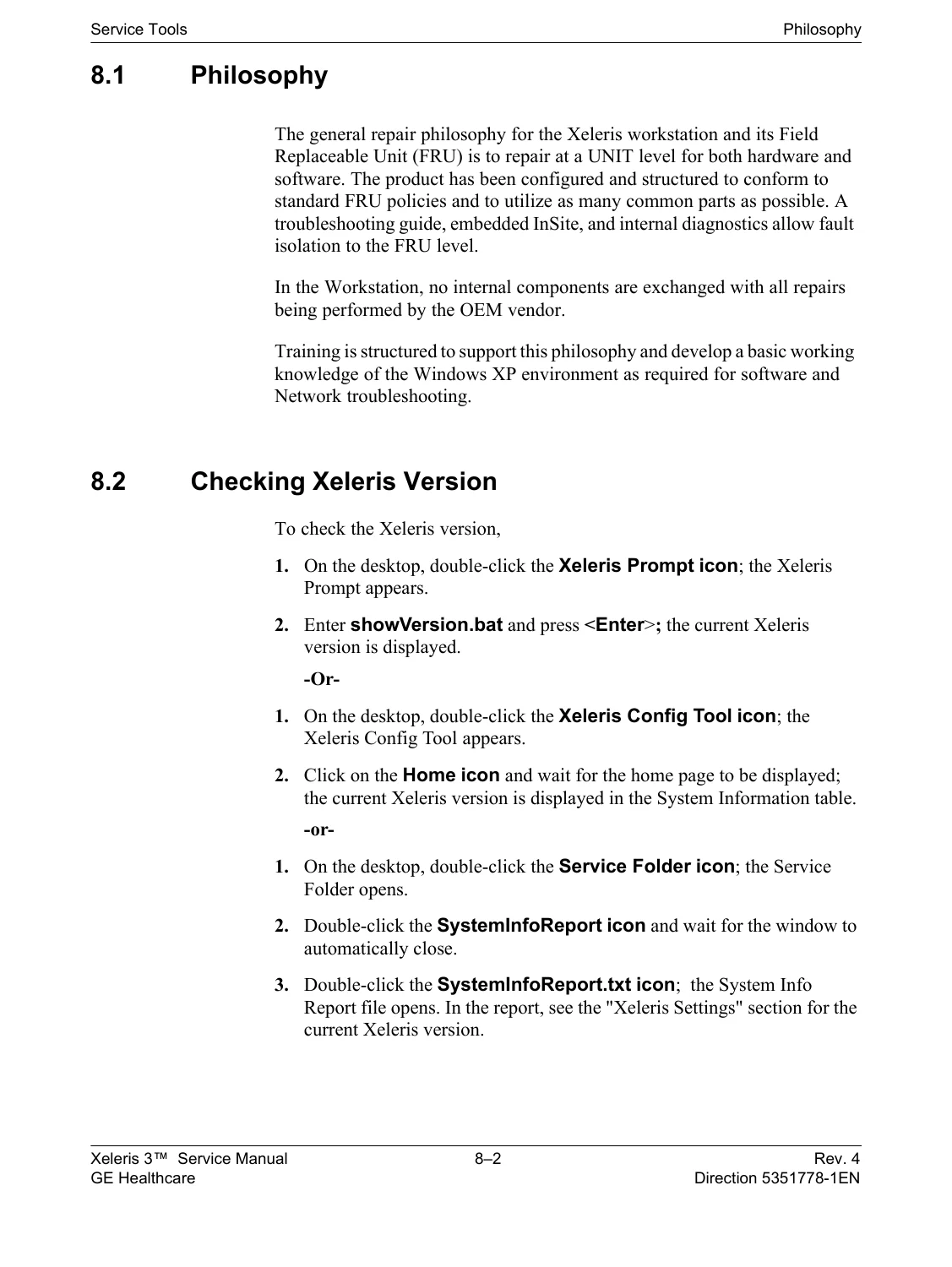
- Checking the Xeleris software version
- Checking Xeleris licenses
- DICOM Ping
- Service Folder tools
- Archive Doctor
- Create Infinia User
- System Information
- R.C.C.D. — Remote Connection Connectivity Diagnostics
- iLinq Operation Check
- User Administrator
- User-account export and import
- Validate Installation
- Video Monitor Test
- Worklist Tool
- ISOBurner
- Windump
- Benchmark Tool
- DICOM Doctor
- Xeleris web-license tools
- Network transfer-job checks
- Archiving-job checks
- Acquired License Usage
- Application Switchers
- Hawkeye Registration
- System date/time functions
- Scan Ports Tool
DICOM Doctor — Connectivity Troubleshooting
DICOM Doctor is specifically included to troubleshoot site DICOM connections and is intended mainly for field engineers with DICOM connectivity knowledge.
It can be used to:
- Capture network communication data
- Reproduce communication problems
- Investigate DICOM connection behavior
- Assist in diagnosing interoperability problems between Xeleris and other DICOM devices
This is especially useful when the workstation itself is operating but image transfer, query/retrieve, printing or other network services are failing.
Benchmark Tool
The Benchmark Tool provides tests for:
- Disk speed
- CPU performance
- Network speed
- Ping testing
- Network read performance
- Network write performance
It can also help verify minimum requirements for supported XFL client computers.
Extensive Troubleshooting Coverage
Chapter 9 provides a large dedicated troubleshooting section.
Subjects include:
- Operating-system installation problems
- Xeleris installation problems
- Post-installation problems
- ARG option troubleshooting
- Database Connection Failed errors
- QGS starting errors
- ARG database recovery
- Network-adapter configuration
- Display problems after recovery installation
- Dual-network-card problems
- Archive repositories not attaching
- Retrieve and import errors
- Large local print-job problems
- Display-property adjustment
- Communication problems
- Remote-connectivity problems
- Remote problem reports
- Releasing a system that has become stuck
- Printing problems
- Restoring a previous configuration
- License problems
- Creating problem reports
- DICOM problem analysis
- Database recovery
- Load From Cold
- Second network-card removal and reinstallation
- Optical-drive and DVD reconnection
- Codonics status checks
- Disk-space problems
- Verifying CD data storage
- Reinstalling OSI
- Recovering the local database and archive log
- Operating-system recovery
- Rebuilding archive history
- Backup/restore problems
- Dual-monitor problems
- Performance problems
- DVD +/-R/RW problems
Database Recovery
The troubleshooting material includes dedicated procedures for recovering a damaged or unavailable database and restoring archive information.
This can be particularly useful when the problem affects patient-study indexing or archive history rather than the underlying workstation hardware.
Load From Cold and Operating System Recovery
The manual contains recovery workflows designed to rebuild a workstation after serious software or operating-system problems.
Procedures include:
- Backing up the Xeleris configuration
- Creating license backup media
- Disconnecting the workstation from the network
- Installing the Windows operating system
- Installing operating-system updates
- Reconnecting the workstation to the network
- Continuing Xeleris software installation
- Retrieving and copying backup files
- Restoring configuration
- Recovering database and archive information
Preventive Maintenance
The final appendix contains a structured Preventive Maintenance program.
Maintenance subjects include:
- System maintenance
- Color monitor maintenance
- DICOM printer maintenance
- Archive maintenance
- Network maintenance
- Physical maintenance
- Recording preventive-maintenance completion
A printable Preventive Maintenance Checklist is included for onsite maintenance records.
Safety and Regulatory Information
The manual includes dedicated medical-equipment service safety and regulatory material covering:
- Electrical hazards
- Removal of equipment covers
- Electrostatic-discharge precautions
- Installation safety
- Seismic anchoring
- IEC symbols
- Standard compliance
- CE conformity
- RF-interference considerations
- HIPAA-related configuration and user-account considerations
The manual states that installation, maintenance and servicing should be performed only by appropriately qualified personnel.
HIPAA and User Administration
Xeleris includes provisions intended to assist sites with privacy and access-control requirements.
The manual discusses:
- User-account creation
- Administrator functions
- Emergency access
- Password controls
- Automatic screen locking
- System auditing
- Windows Event Viewer
- Patient-view audit events
- Patient-attribute modifications
- Study deletion events
- DICOM transfer failures
- Patient archiving and retrieval events
- Printing events
- Site responsibility for backup and audit-log management
What This Manual Is
This manual is:
- A complete GE Healthcare Xeleris 3 Service Manual
- A theory-of-operation manual
- A workstation hardware reference
- A system block-diagram reference
- A hardware-option installation guide
- A software installation and upgrade guide
- A system configuration manual
- A DICOM and network configuration reference
- A database and archive configuration guide
- A functional-test manual
- A service-tools reference
- A DICOM troubleshooting reference
- A comprehensive troubleshooting manual
- A database and operating-system recovery guide
- A backup and restore reference
- A preventive-maintenance guide
What This Manual Does Not Cover
This manual is not:
- A GE Discovery NM/CT 670 gantry service manual
- A SPECT detector-head repair manual
- A CT subsystem service manual
- A detector calibration or gantry mechanical manual for a D670 scanner
- A nuclear-camera acquisition-hardware schematic package
- A complete circuit-board schematic collection for GE SPECT/CT equipment
- Primarily an operator or clinical-protocol manual
The manual itself directs users to separate workstation component documentation and the Xeleris Operator Manual for information outside its service scope.
Why This Manual Is Useful
Xeleris problems can originate at many different layers: workstation hardware, Windows, Xeleris software, database configuration, DICOM, network communication, archives, printers, licenses or third-party connectivity.
This 497-page manual brings those service areas together into one technical reference.
For a biomedical or nuclear-medicine service engineer, the combination of system architecture, installation procedures, configuration guidance, functional tests, DICOM tools, database recovery, operating-system recovery and preventive maintenance provides a practical path from initial installation through ongoing support and troubleshooting.
The dedicated DICOM Doctor, Benchmark Tool, connectivity checks and extensive troubleshooting chapter are particularly useful for diagnosing systems that are running but cannot reliably communicate, archive, retrieve, print or process studies.
Instant PDF Download
This product is supplied as a 497-page English digital PDF. After payment is completed, the manual is available for immediate download and can be retained as a searchable technical service reference on a compatible computer, tablet or mobile device.
No printed book is shipped. You receive the downloadable PDF manual described on this page.


Reviews
There are no reviews yet.